
Docs Trainer portal
Messages, forums, support & settings
For TrainersChat with clients, talk to other trainers, get help, and control your account, payouts and notifications.
Messages (direct chat)
WhereMessages › Direct messages
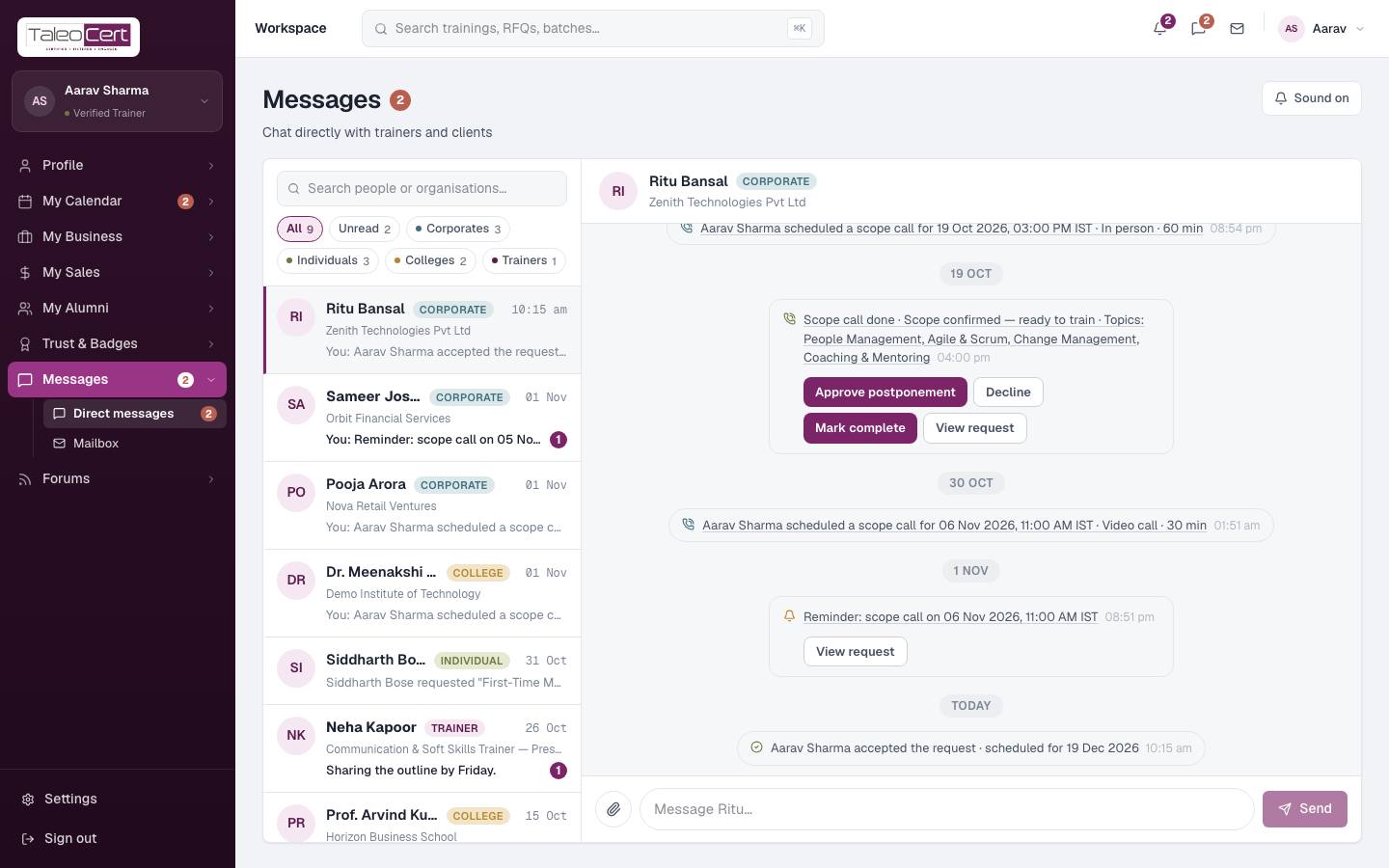
- Conversations are listed newest first with unread counts. Each one carries a coloured label for who it's with (Corporate, Individual, College, Trainer or TaleoCert) and their organisation, e.g. *Corporate · Zenith Technologies*.
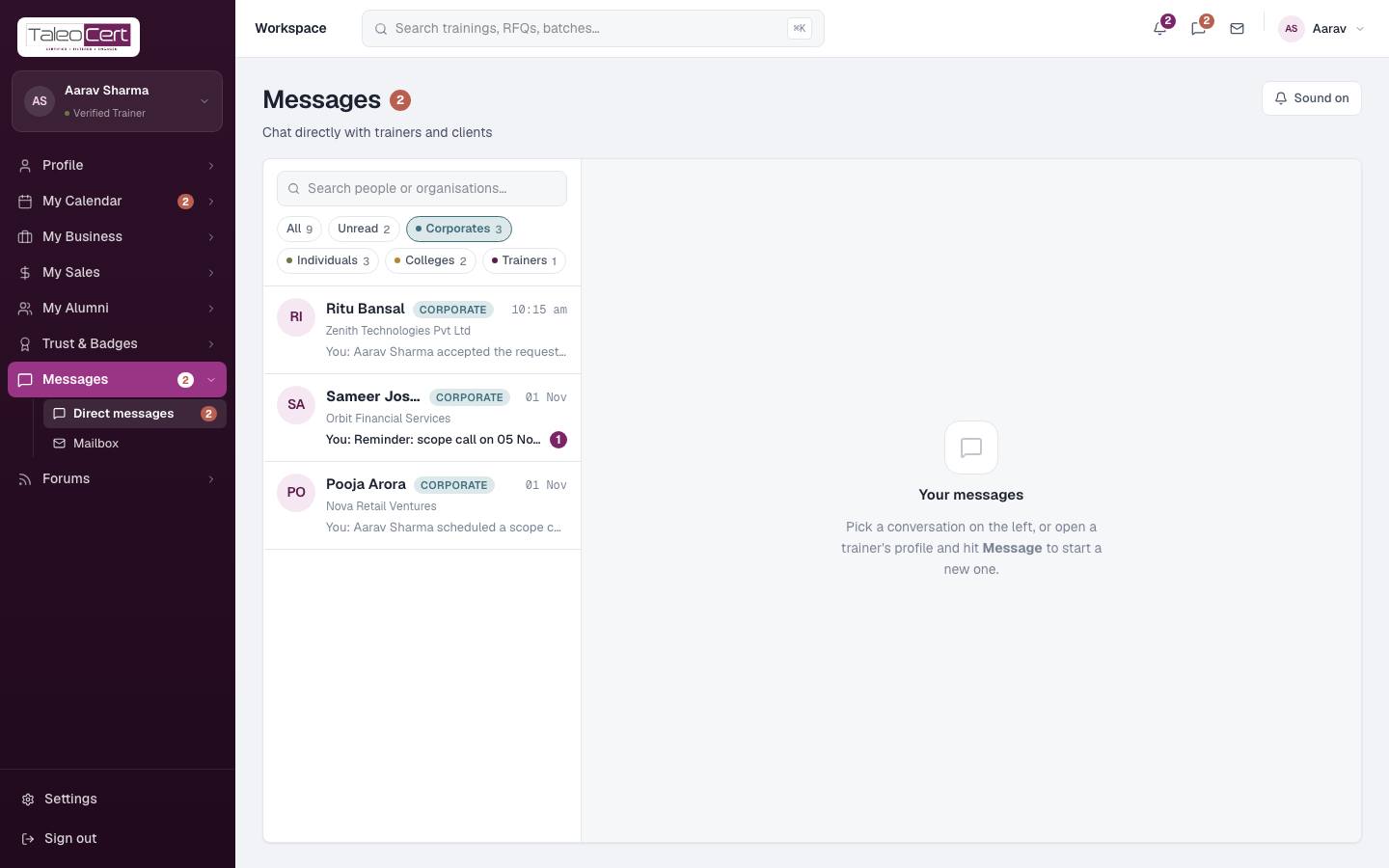
- Filter with the chips under the search box: All, Unread, Corporates, Individuals, Colleges, Trainers. Each chip shows how many conversations it holds. Search matches names and organisations.
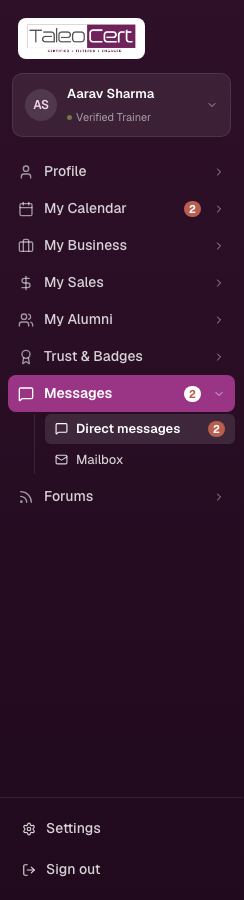
- The sidebar shows unread counts in red on Messages, Direct messages and Mailbox, updated every 30 seconds.
- Type and press Send. Attach files with the paperclip; hover a message to reply to it or react.
- Booking events appear as system lines, and the latest one offers the next action (Approve postponement, Mark complete, View request…).
- Start a conversation from a client's name anywhere in the portal, or a client starts one from your profile with Message.
- Sound on/off controls the new-message chime.
Forums
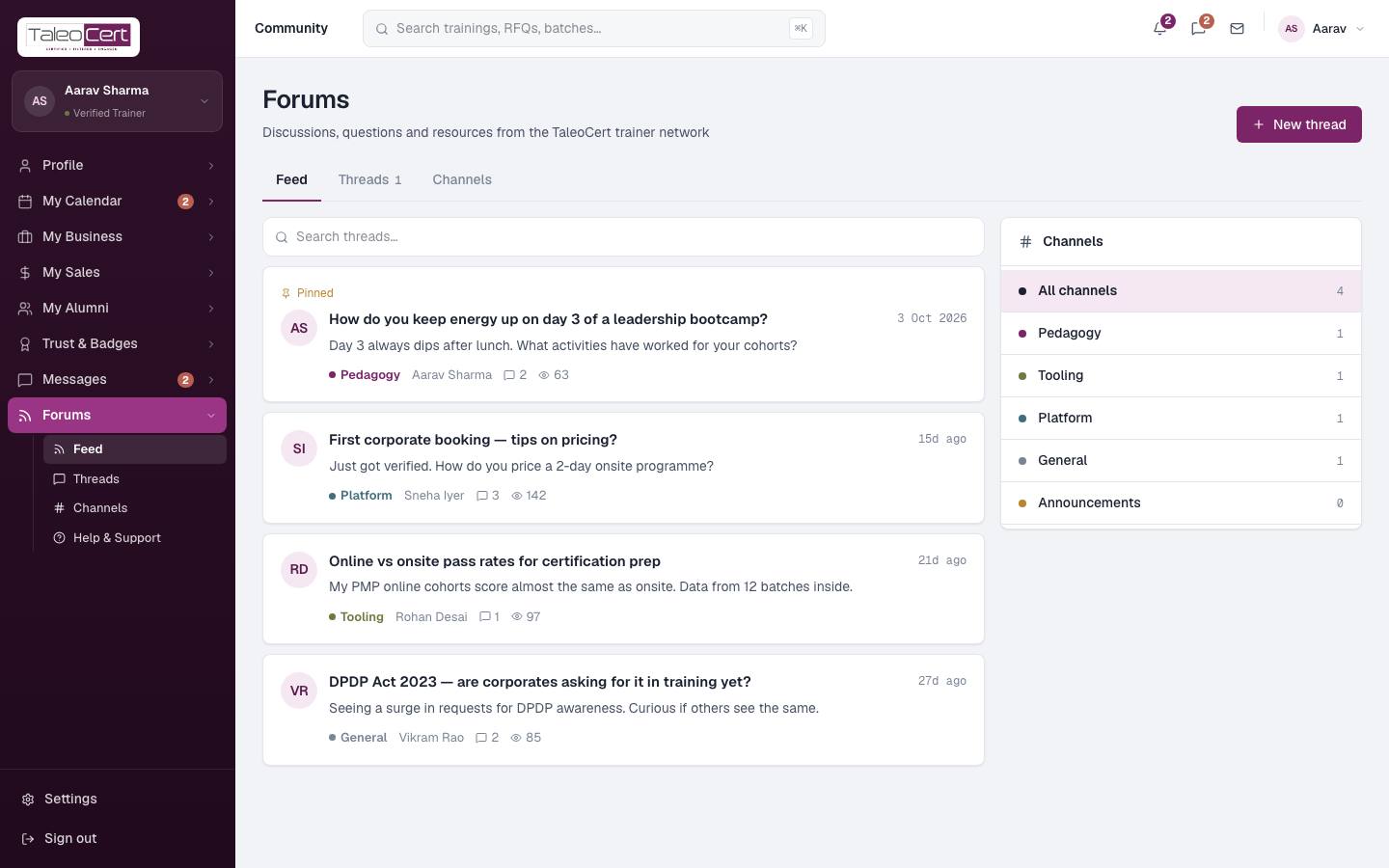
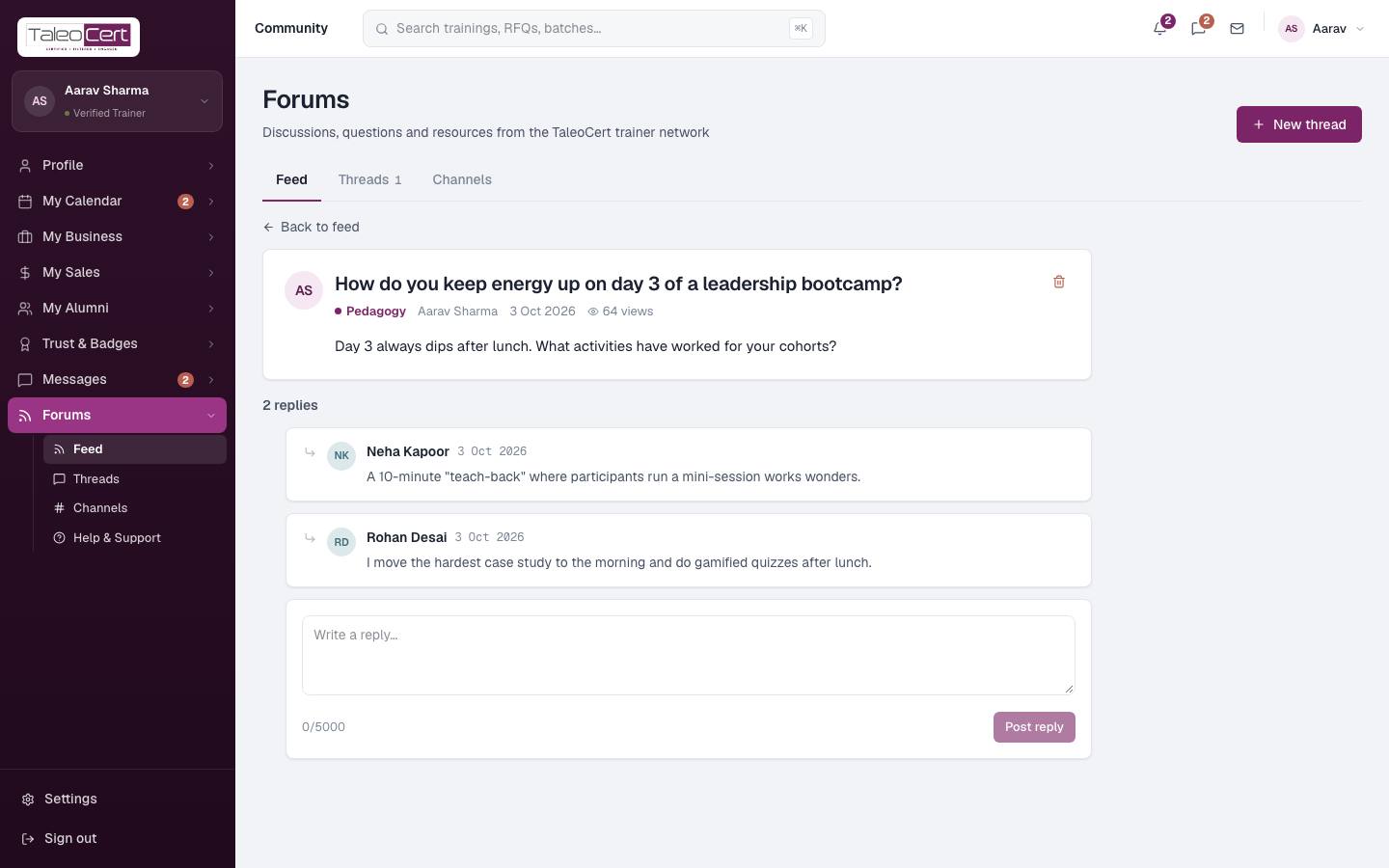
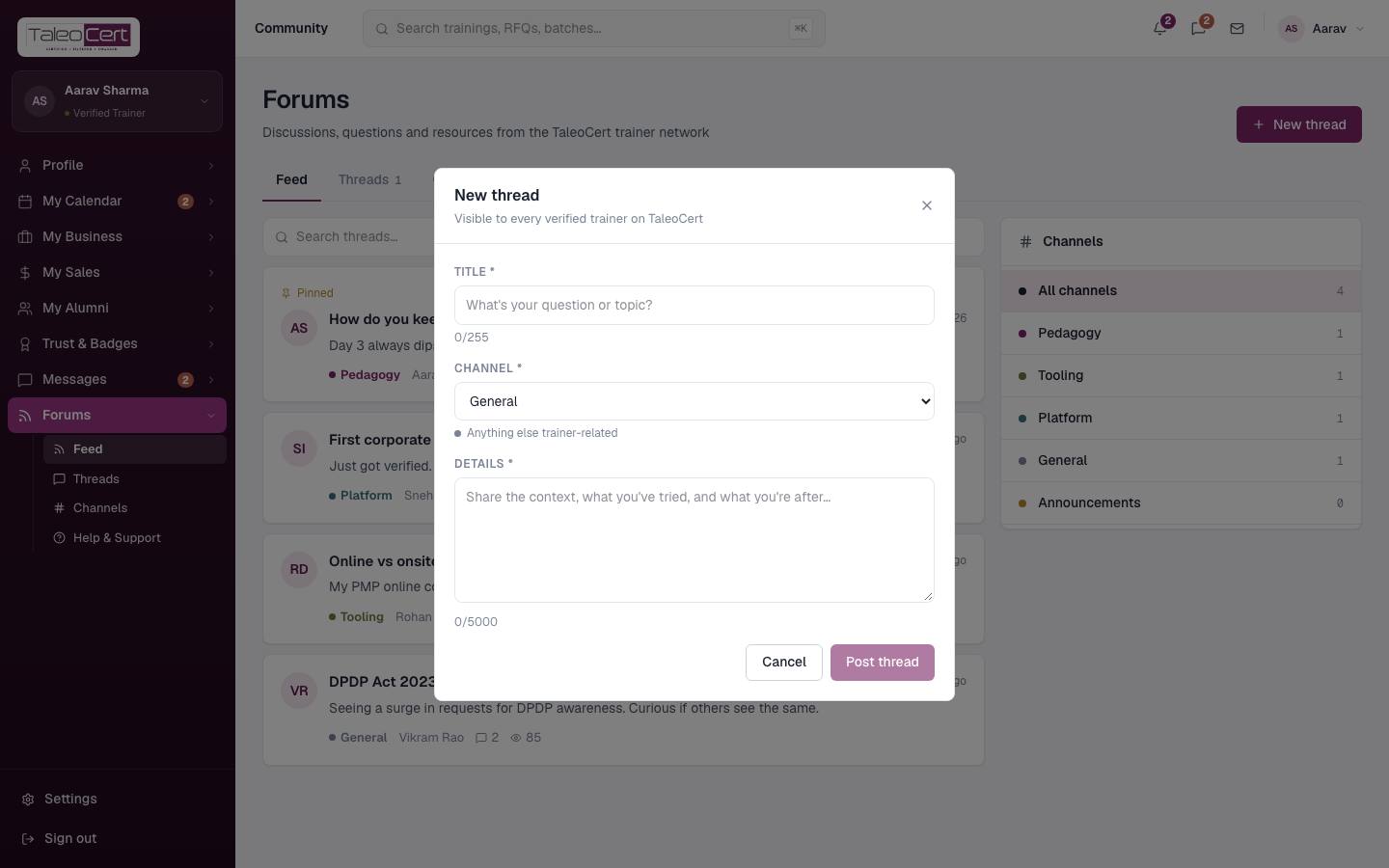
A private community for verified trainers. Browse the Feed, see your Threads, or filter by Channel: Pedagogy, Tooling, Platform, General and Announcements. Click New thread to ask a question (title, channel, details). Open a thread to read and post replies.
Help & support
WhereForums › Help & Support
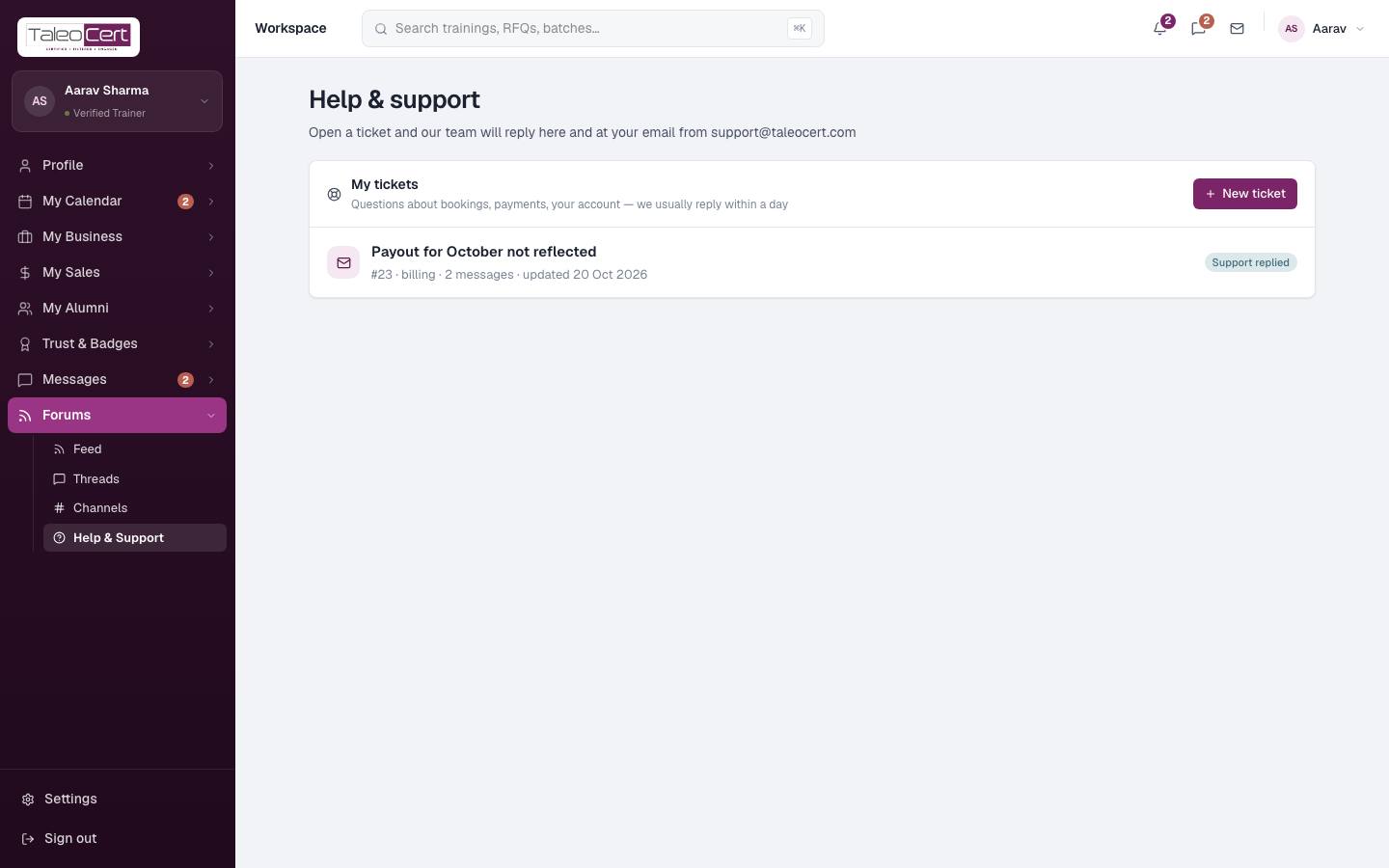
- 1Open Help & supportYour tickets are listed with their status and last update. Click one to open it.
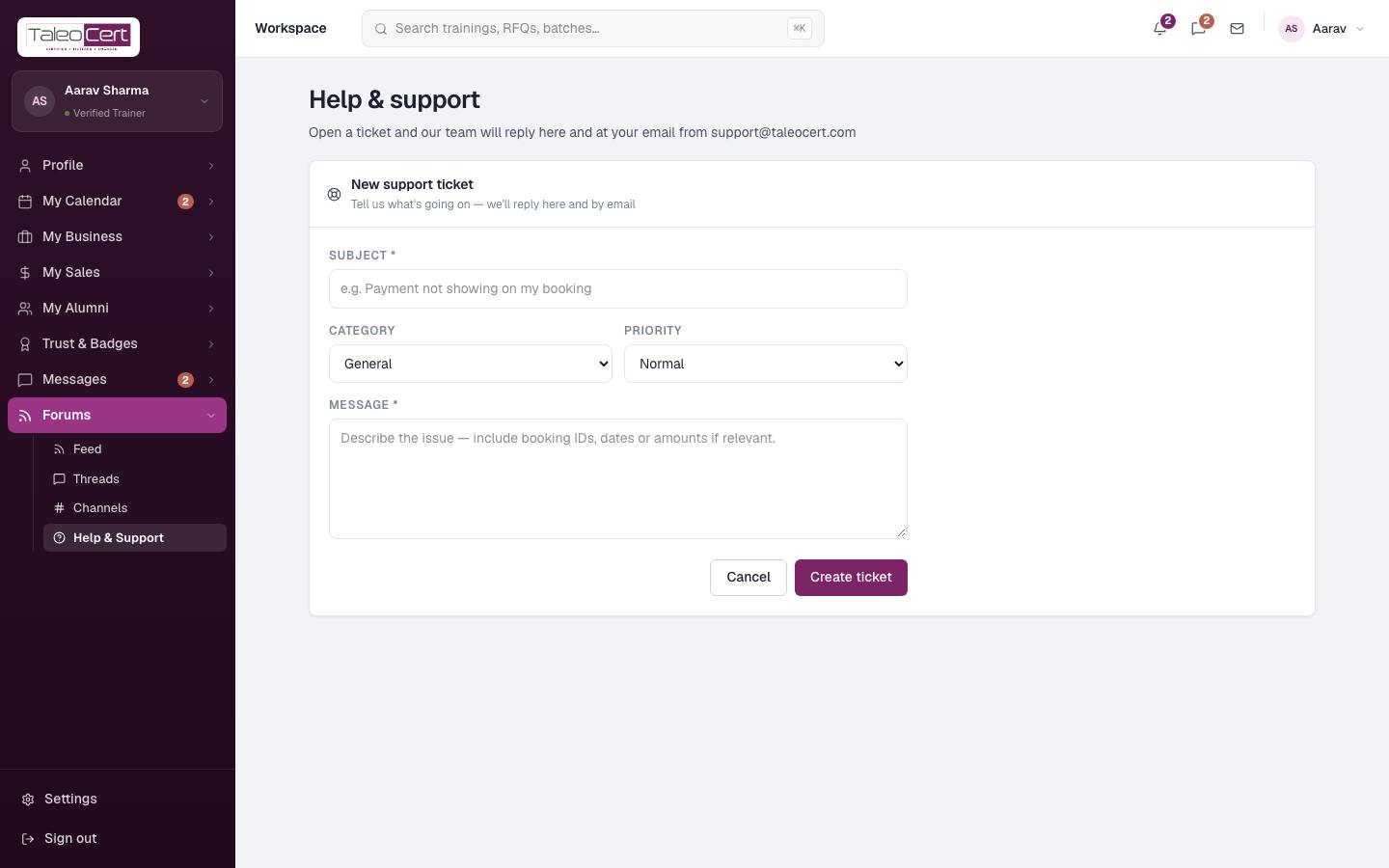
My tickets. - 2New ticketSubject, category (General, Technical, Billing, Booking, Account, Other), priority (Low, Normal, High) and a description. Include booking IDs, dates or amounts.
Opening a support ticket. - 3Get a replyThe team replies here and by email. Statuses: Open, Support replied and Resolved.
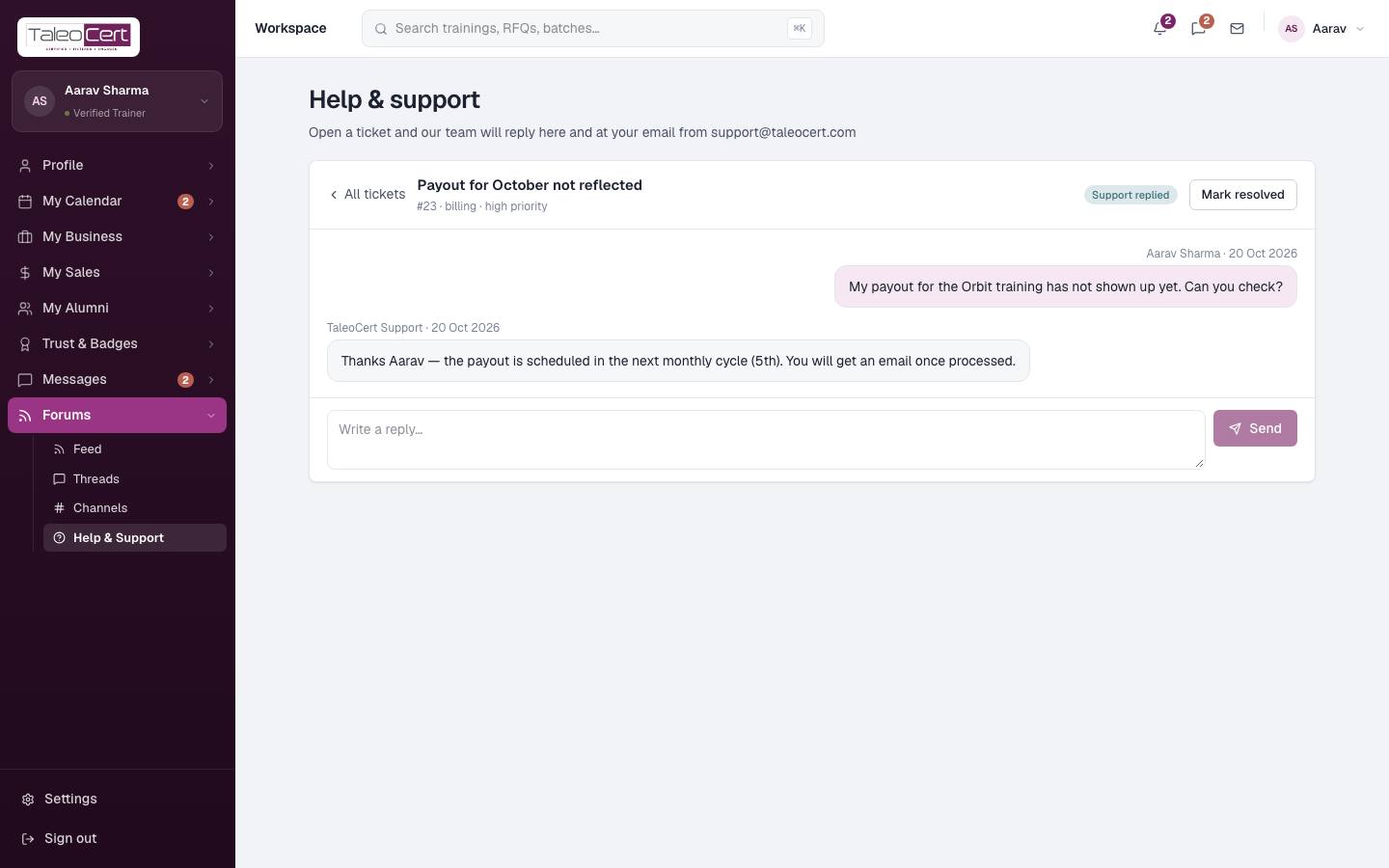
- 4Continue or closeReply in the thread, and click Mark resolved when you're done.
A ticket with the support team's answer.
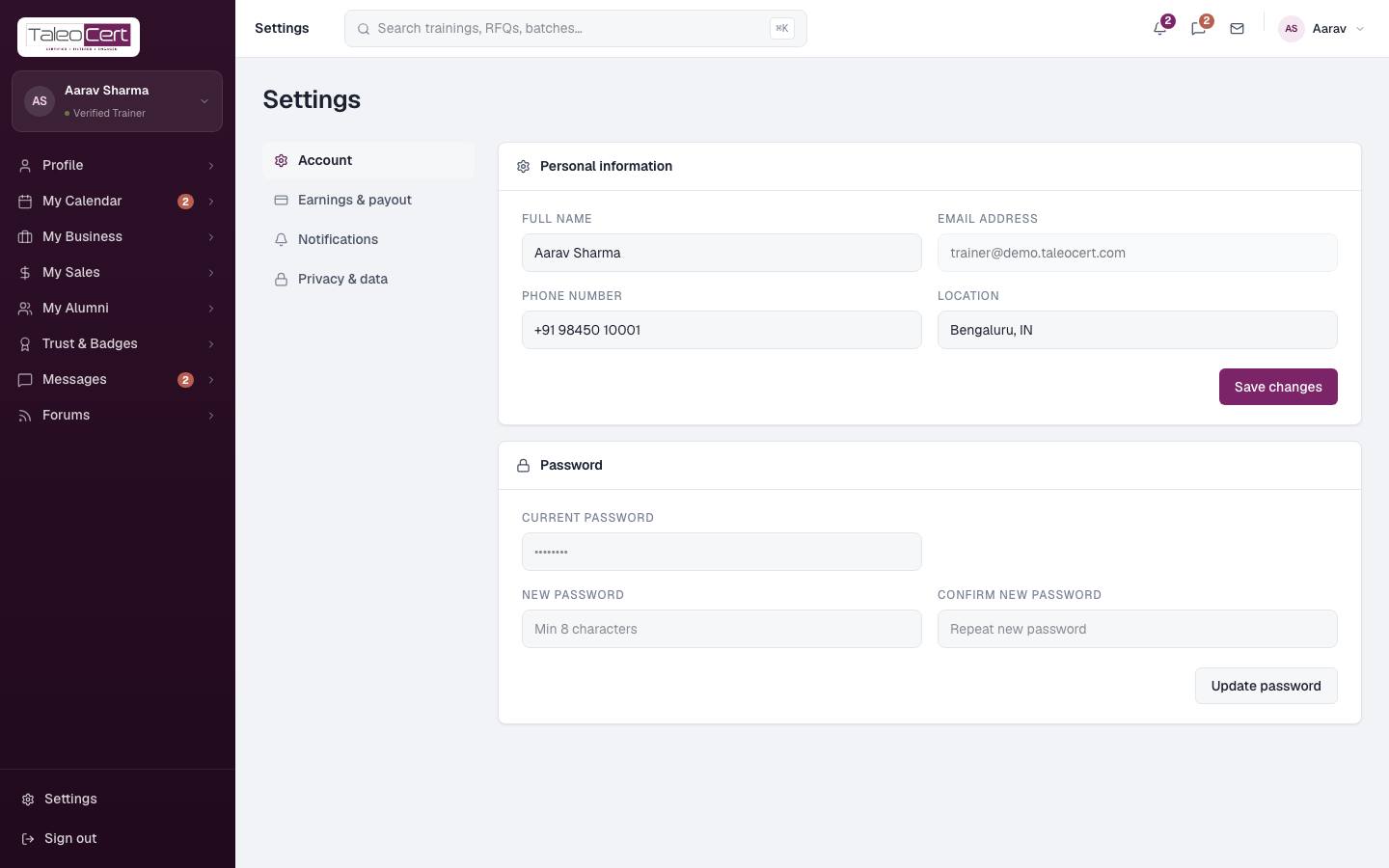
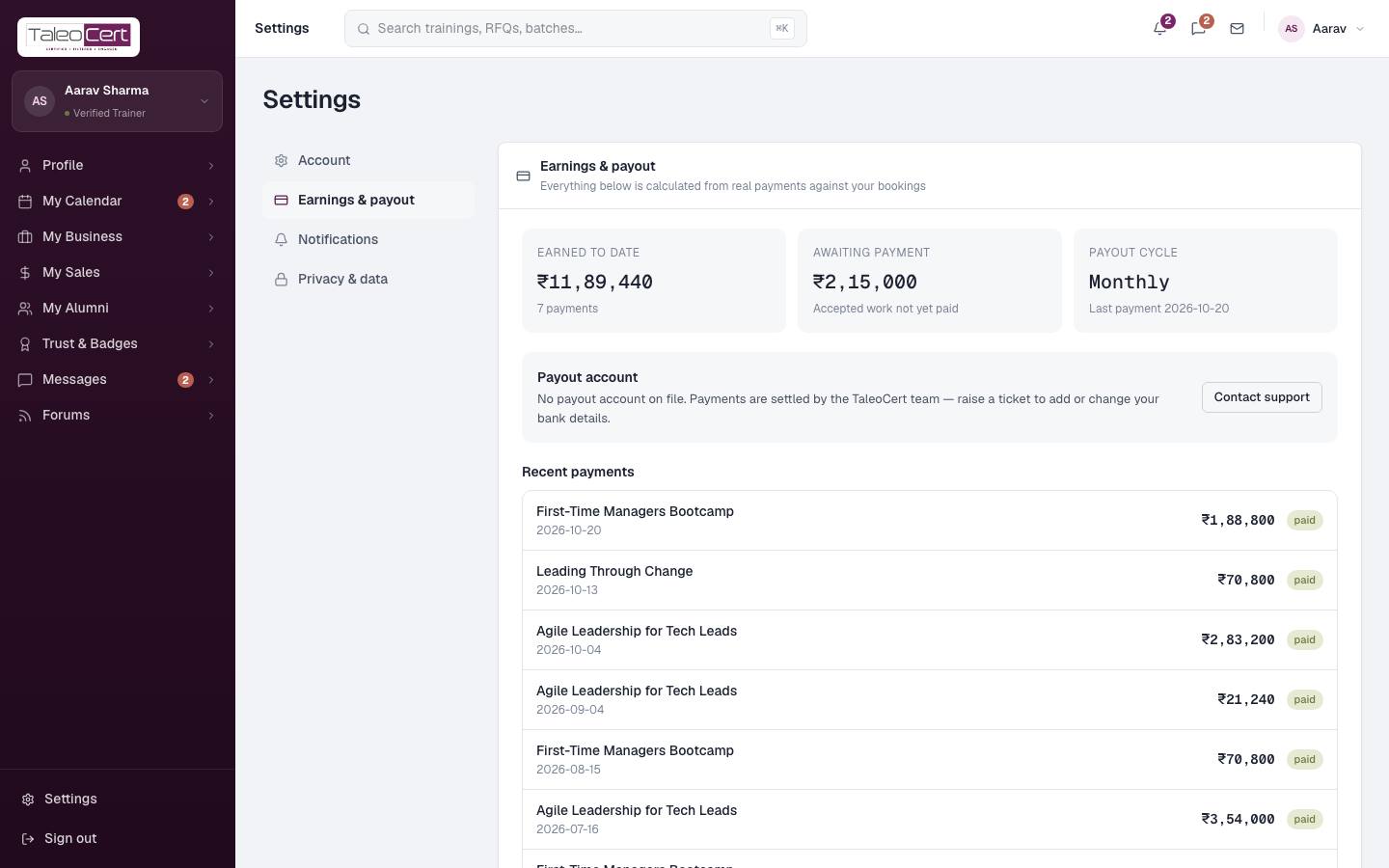
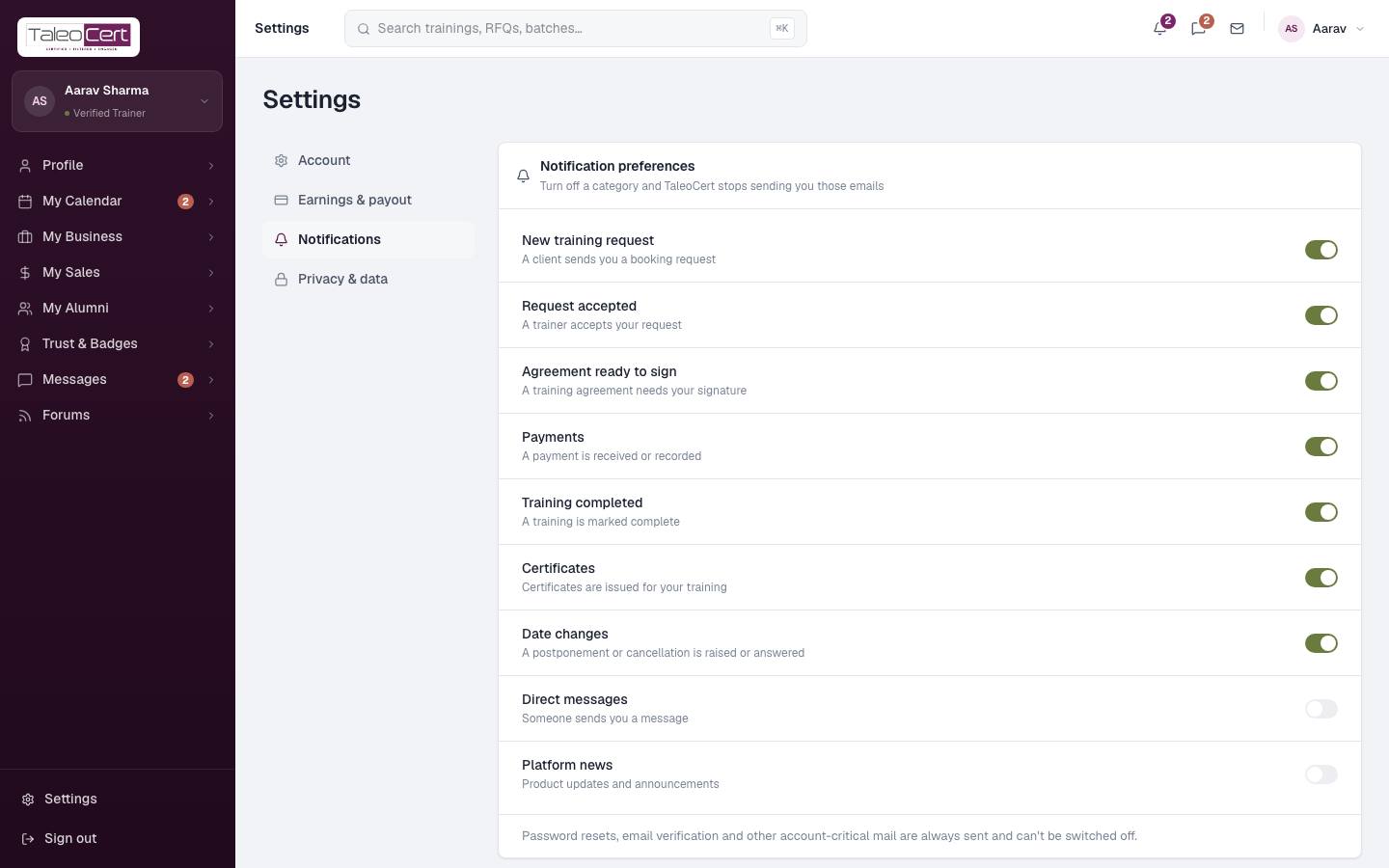
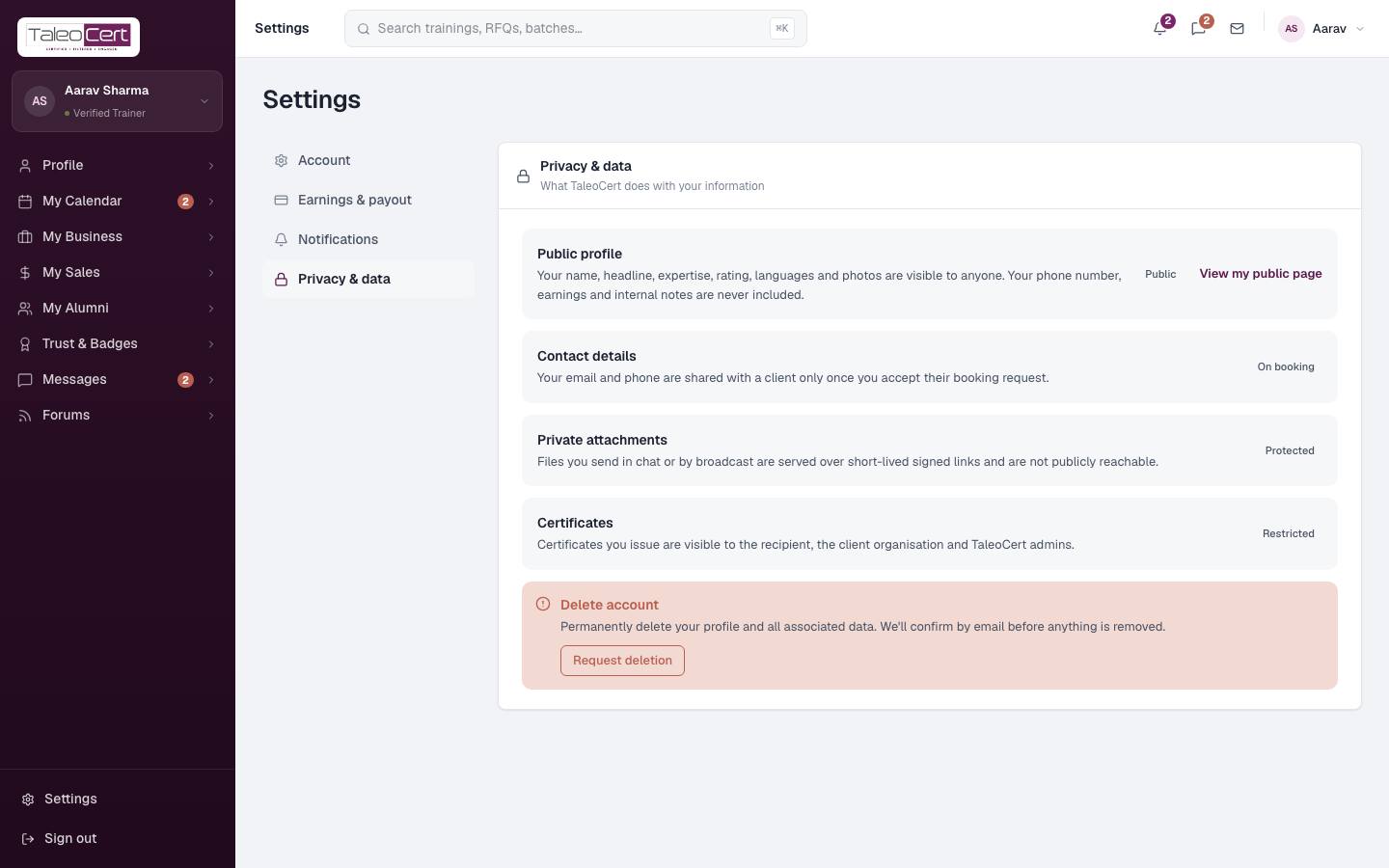
Settings
Something not covered? Talk to us or open a ticket from Help & support in your portal.