
Support, emails, categories & settings
Support tickets
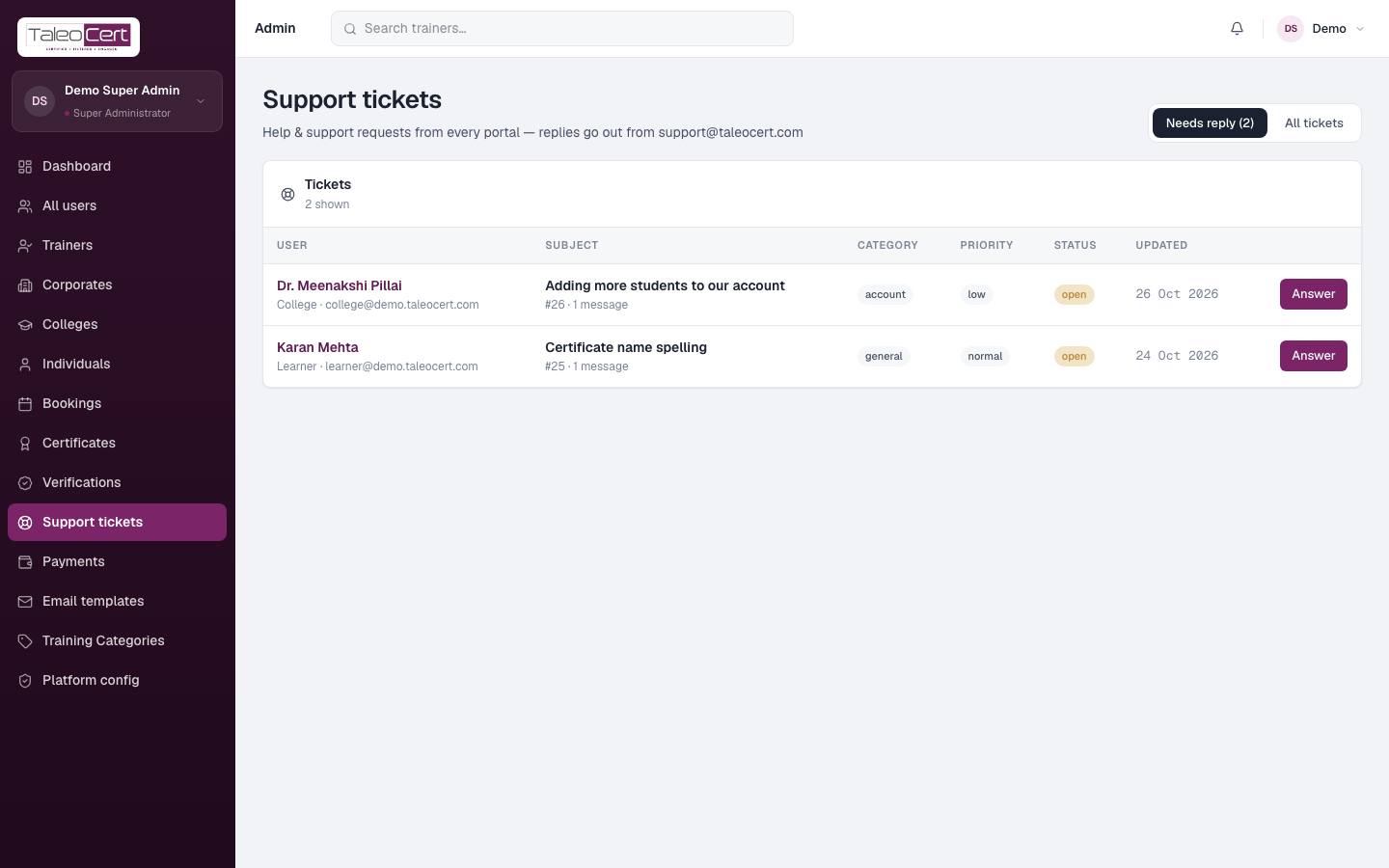
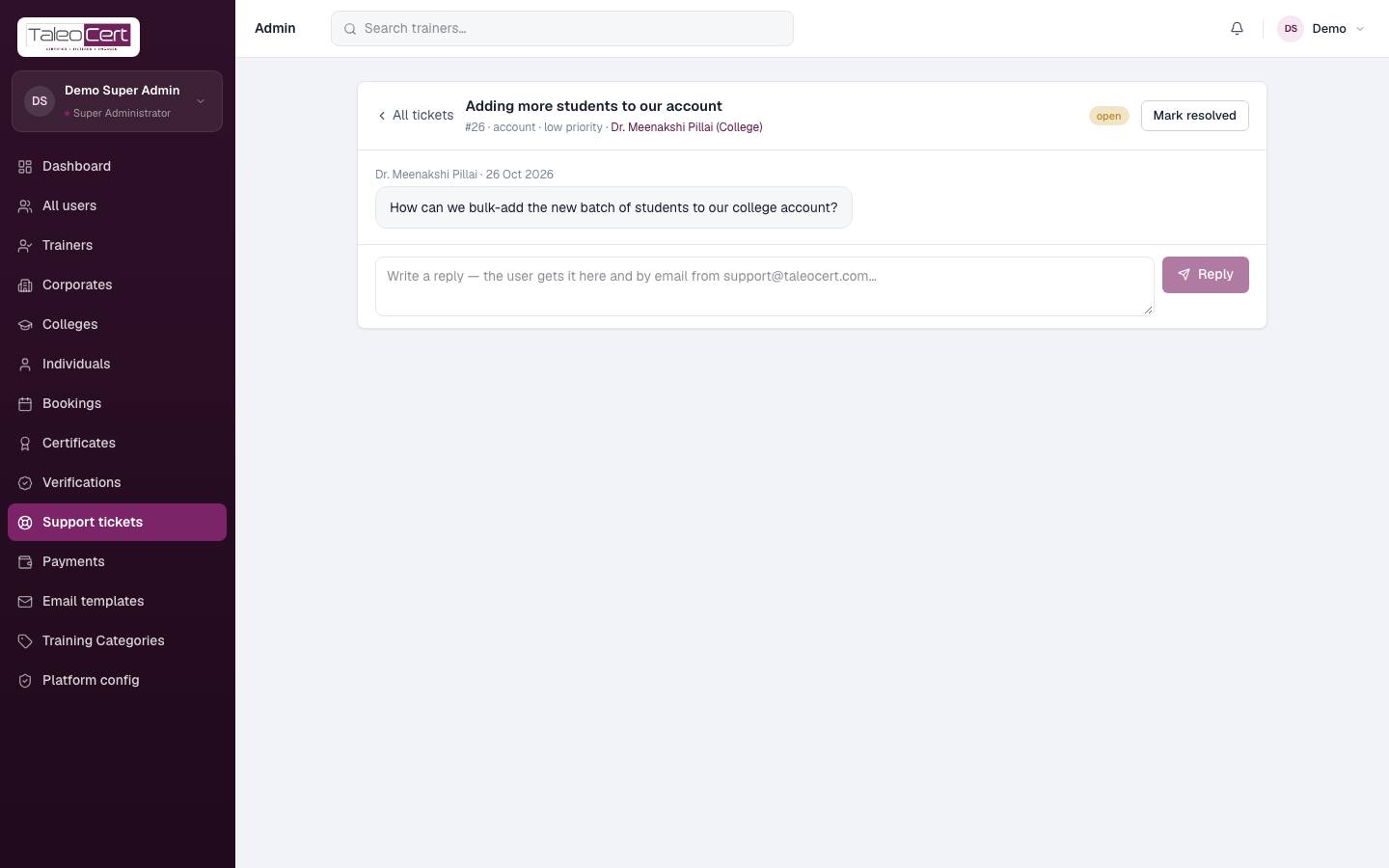
Tickets from every portal. Needs reply shows those waiting on you; All tickets shows everything. Click Answer to read the thread and reply. The user is emailed and sees it in their portal. Mark resolved closes it.
Email templates
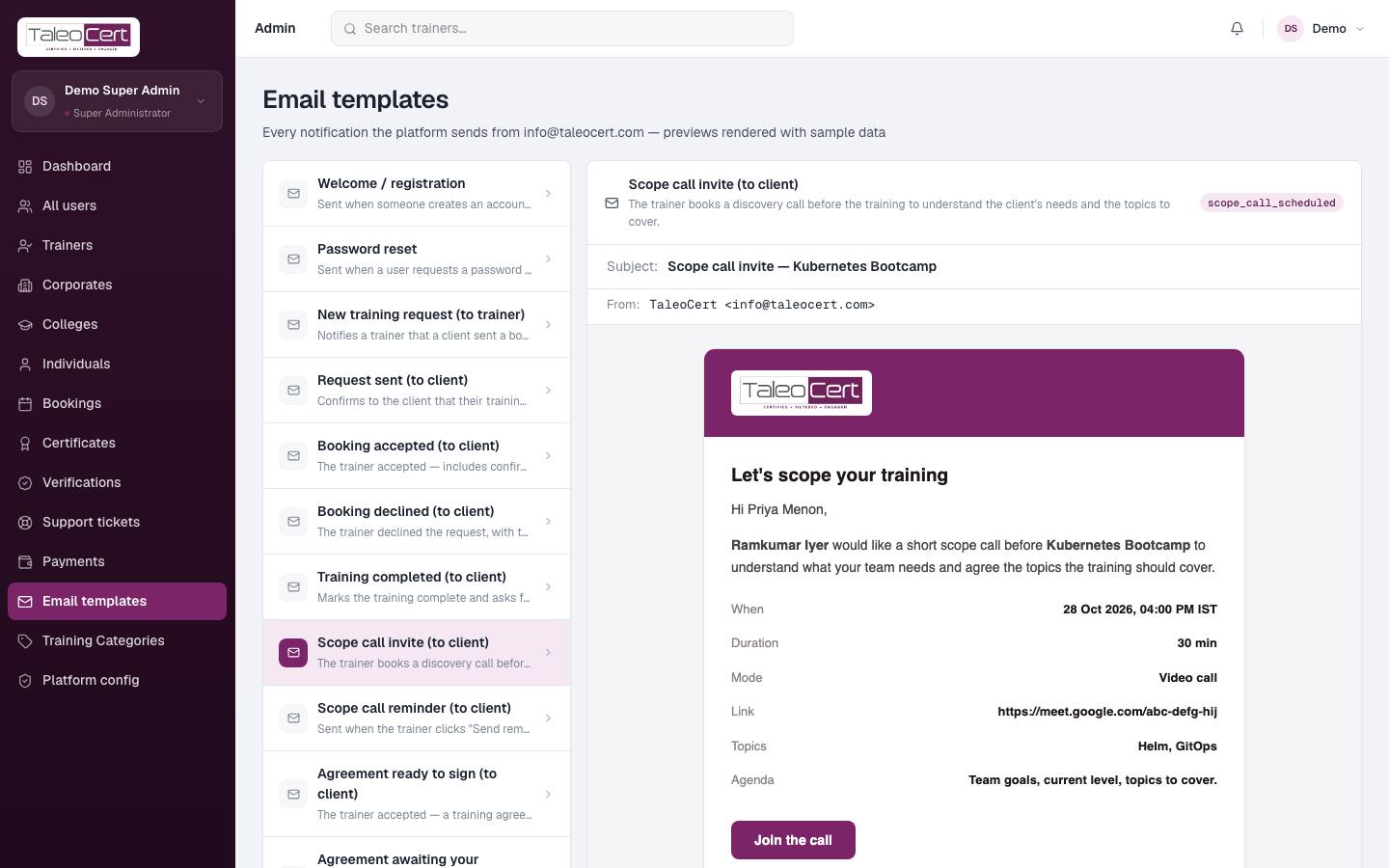
Every email the platform sends, rendered with sample data so you can check the wording and layout: welcome, password reset, each booking step, agreements, payments, participants and briefings, scope call invites and reminders, certificates, verifications, support and more. See the full list in Emails & notifications.
Training categories
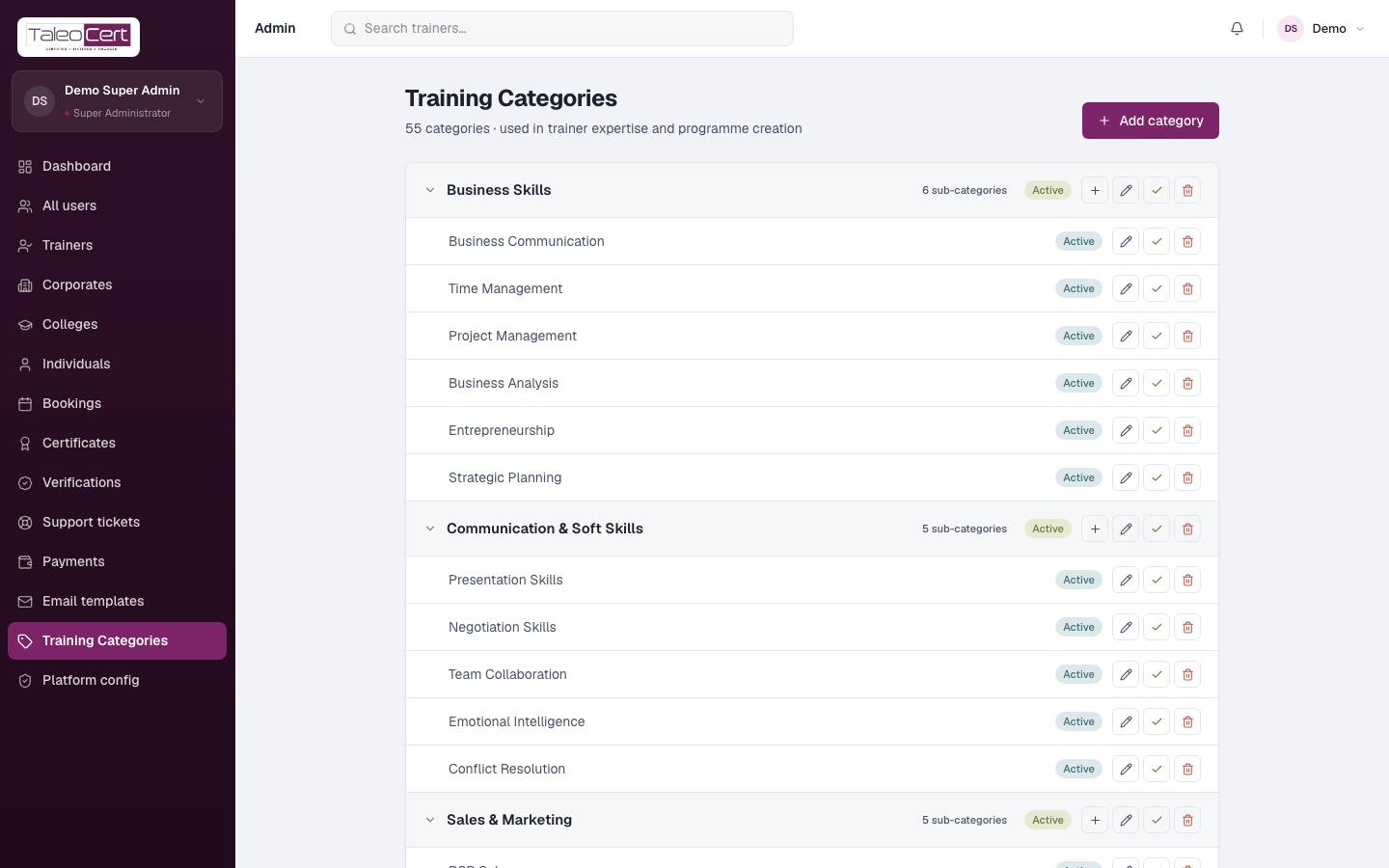
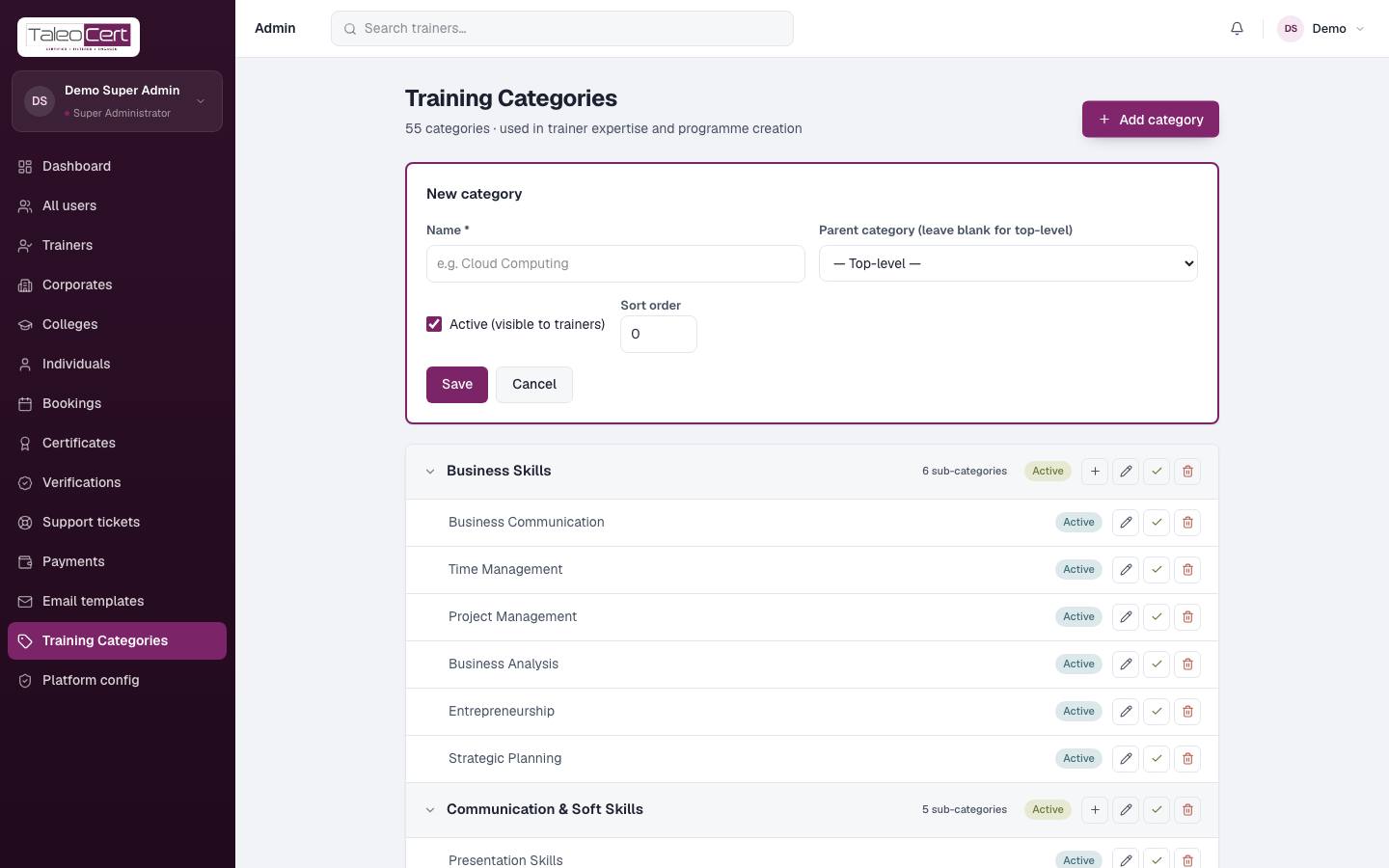
The category tree used for trainer expertise, programmes and search filters. Each category has sub-categories (e.g. Management & Leadership › Agile & Scrum).
- Add category: name, parent (leave empty for a top-level category), active, sort order.
- Use the icons on a row to add a sub-category, edit, toggle active, or delete.
- Inactive categories disappear from pickers and filters but stay on existing records.
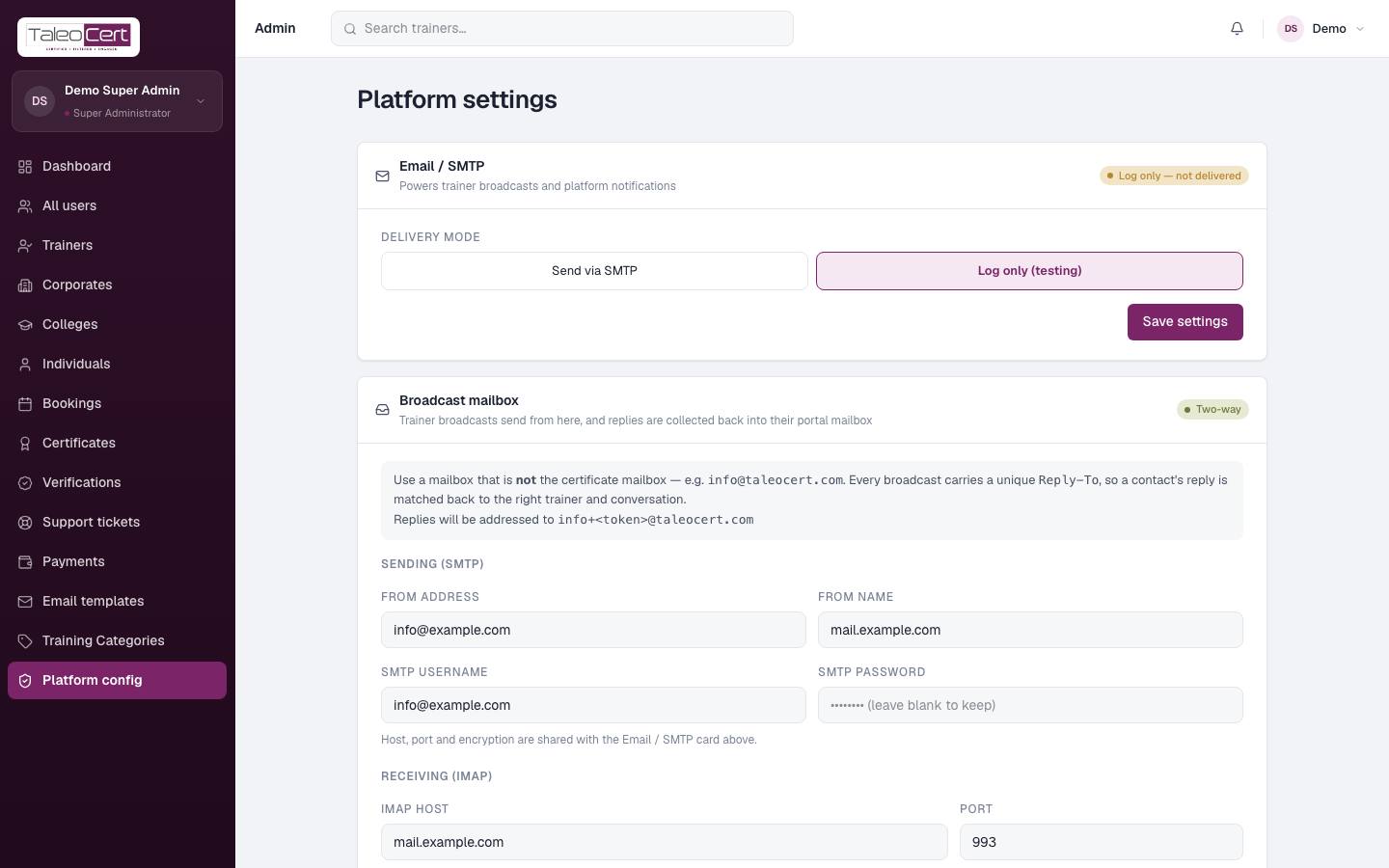
Platform config (email delivery)
Something not covered? Talk to us or open a ticket from Help & support in your portal.