
Docs Step-by-step guides
Certificates: issue, receive & verify
For EveryoneHow certificates are created, where everyone finds them, and how they're downloaded.
| Who | How | Where they see certificates |
|---|---|---|
| Trainer | Issue & email certificates on a completed booking, or Issue a Certificate for one person | My Sales › Certification Sales |
| Participant | Emailed a PDF automatically | Learner portal › Certifications (if they have an account) |
| Company | Certificates of everyone trained on its bookings | Employees ▾ › Certificates, and each employee's profile |
| College | Certificates of its students | Students and Reports |
| Admin | Every certificate | Admin › Certificates |
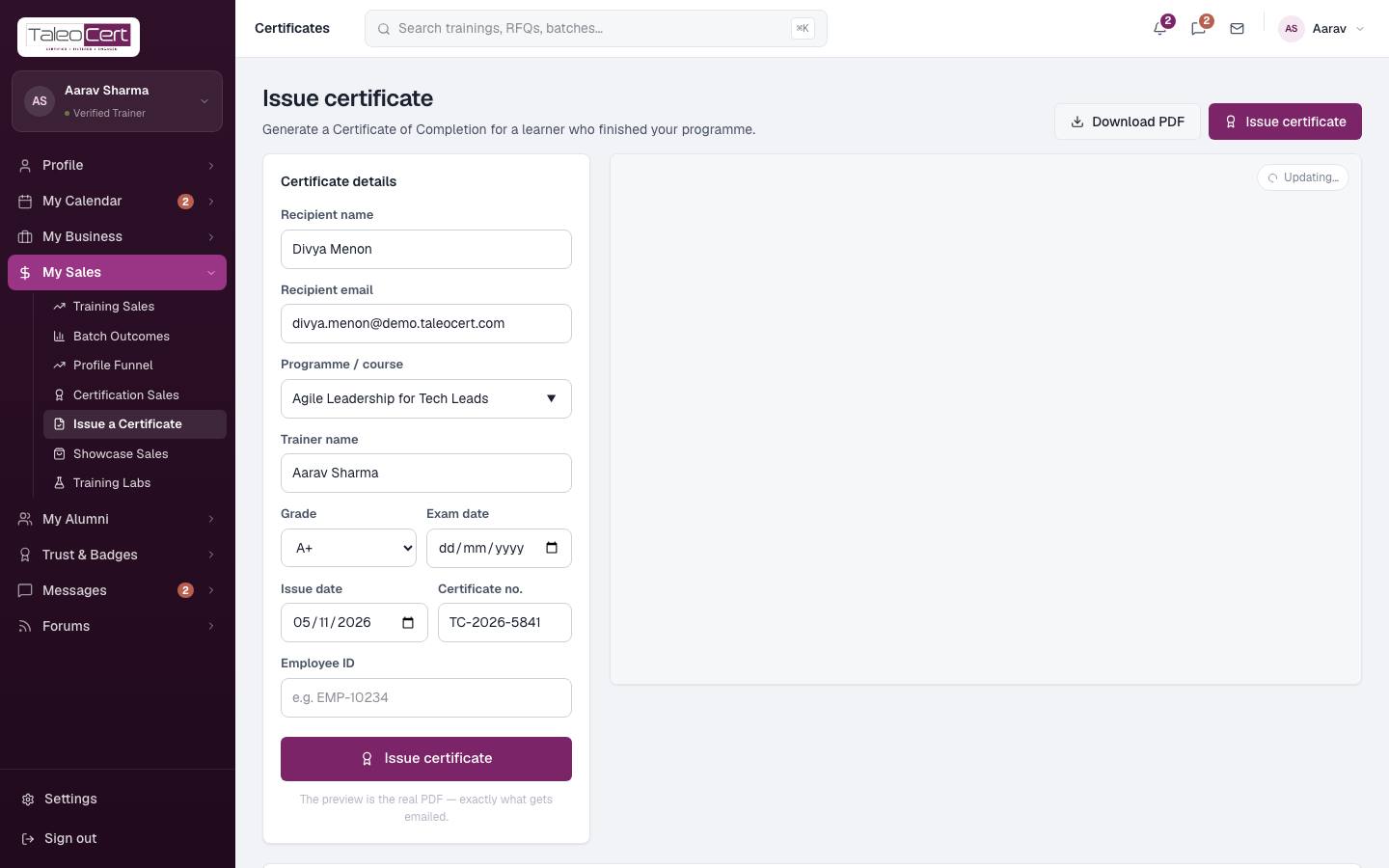
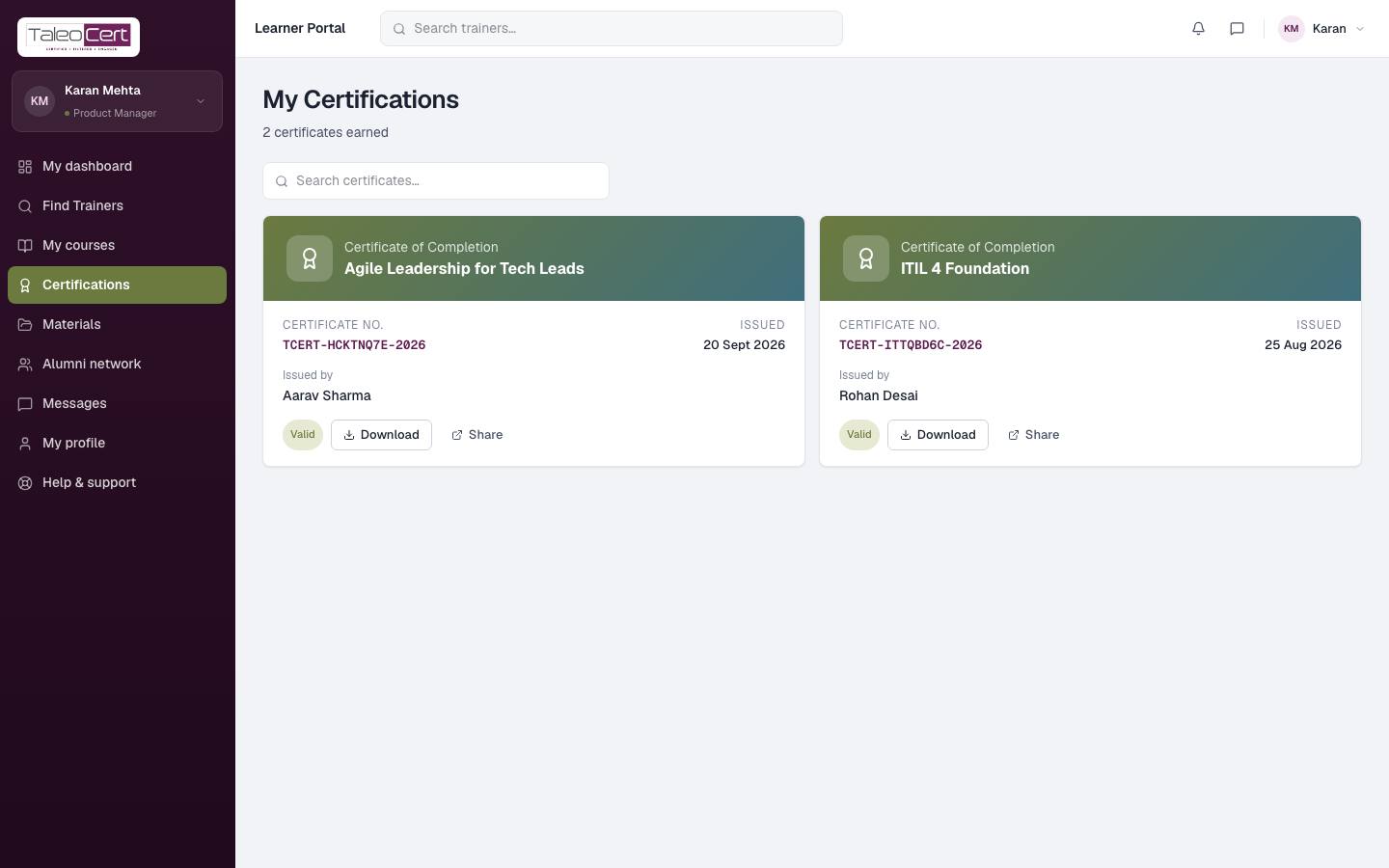
- Every certificate has a unique number (e.g. TCERT-XXXXXXXX-2026) and the issue date.
- The PDF is generated on the server, so the preview is exactly what the recipient receives.
- Certificates are visible only to the recipient, their organisation, the trainer and TaleoCert admins.
Something not covered? Talk to us or open a ticket from Help & support in your portal.