
Documentation
Everything about TaleoCert, A to Z
TaleoCert connects verified corporate trainers with the companies, colleges and individuals who book them, and carries the whole engagement on one record: the request, the scope call, the signed agreement, payment, participants, delivery and certificates. These guides show every screen and every step, portal by portal.
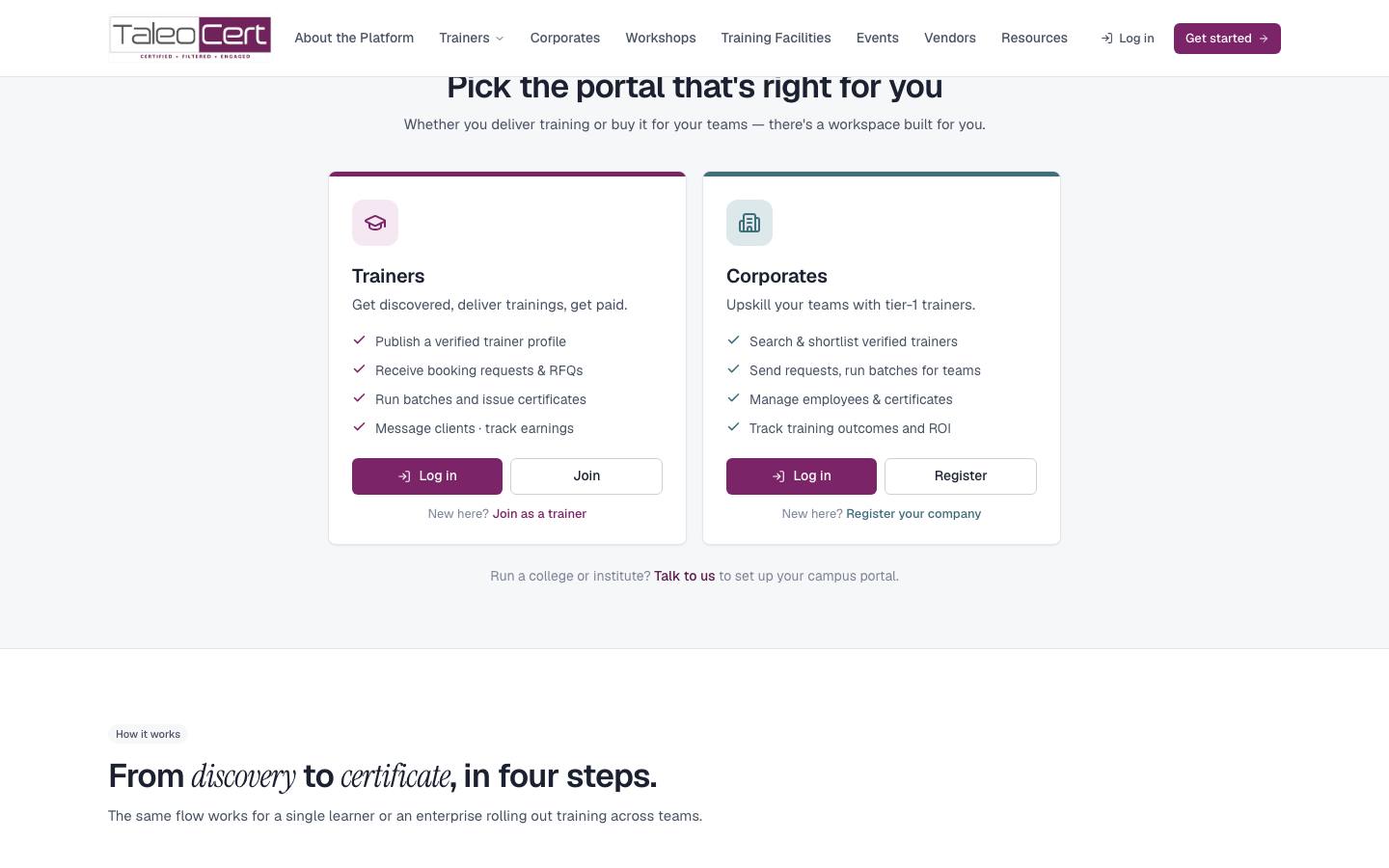
Pick your portal
Trainers
Trainer portal
Profile and verification, scope calls, requests and agreements, calendar and batches, certificates, materials, clients and earnings.
Companies
Corporate portal
Register, find and book trainers, sign and pay, send participants, manage employees, batches, certificates and ROI.
Individuals
Learner portal
Book a trainer for yourself, take courses, keep certificates, buy materials and meet alumni.
Colleges
College portal
Bring industry trainers to campus, manage students, track batches and outcomes.
TaleoCert team
Admin panel
Approve trainers, onboard companies, oversee bookings and payments, answer tickets, configure the platform.
Start here
Why TaleoCert
What the platform does for trainers, companies, learners and colleges, and why it beats email and spreadsheets.
Most-used guides
How a training engagement works
Request → scope call → accept → sign → pay → participants → deliver → certify, and what each side sees.
Scope calls
The discovery call before the training: schedule it, send reminders, and agree the topics.
Book your company's first training
From registration to certificates in your employees' hands.
Trainer: sign-up to first payout
Profile, verification, your first request, agreement, delivery and getting paid.
Postpone or cancel a training
How either side moves or cancels an accepted training.
Certificates
Issue, receive, download and verify certificates.
Reference
Getting started
Portals, sign-up for each role, sign-in and password reset.
Statuses explained
Bookings, agreements, payments, scope calls, batches, verification, tickets.
Emails & notifications
Every email the platform sends, to whom and when.
A–Z index
Every feature alphabetically, linked to where it's explained.
Security & privacy
How accounts, data, files and payments are protected.
FAQ
Quick answers to common questions.
About the screenshots. Every image comes from a demo environment filled with fictional, fully linked data: Aarav Sharma (trainer), Zenith Technologies (company), Karan Mehta (learner), Demo Institute of Technology (college). No real customer appears. Meet the demo personas.