
Business, broadcasts & clients
My Profits
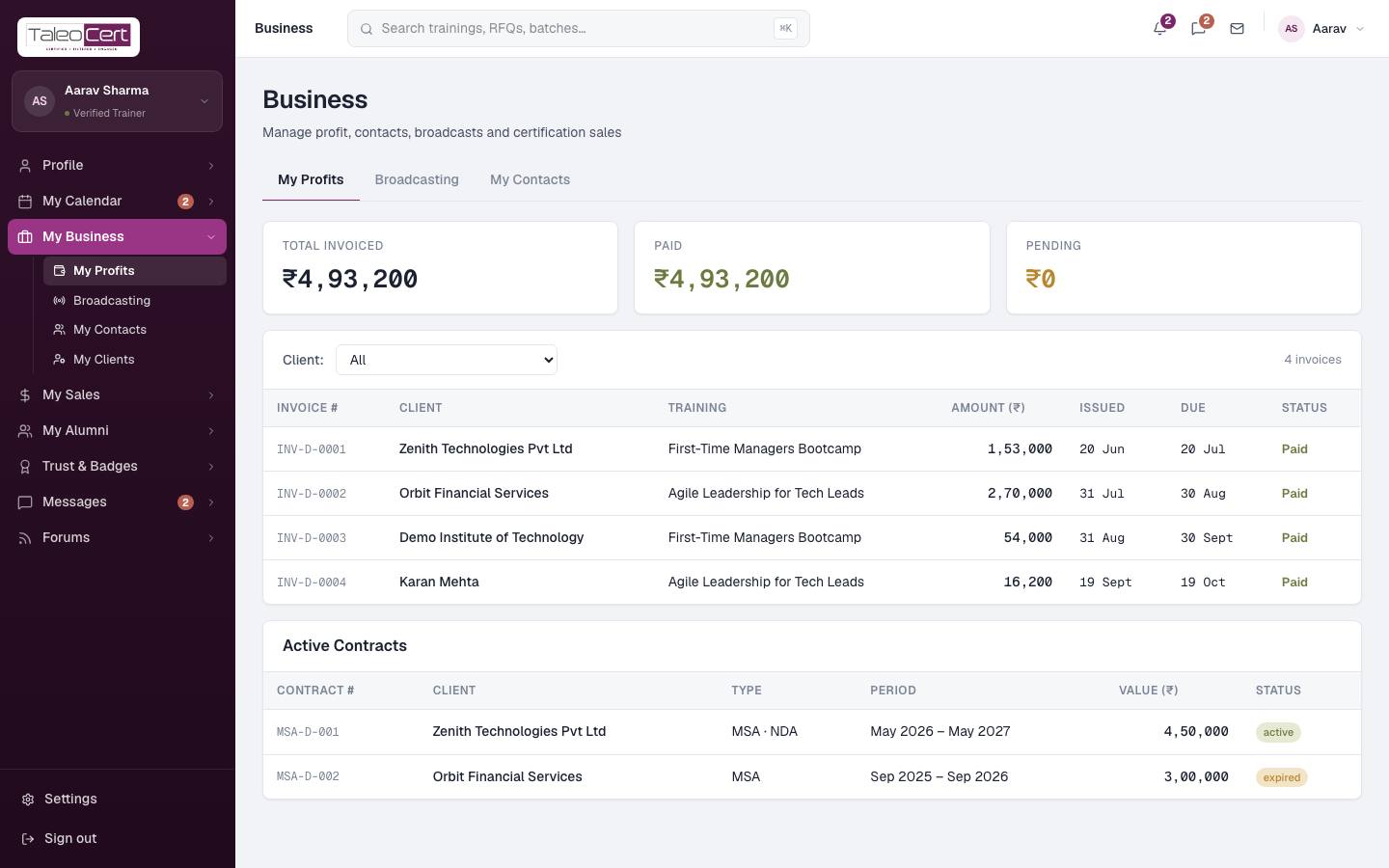
Totals for invoiced, paid and pending, every invoice (filter by client), and your active contracts: framework agreements such as an MSA with a corporate client, with period, value and status.
Broadcasting: email your contacts
Announce a new batch, a programme or an open seat to your whole network in one go. Replies come back to your Mailbox, not your personal inbox.
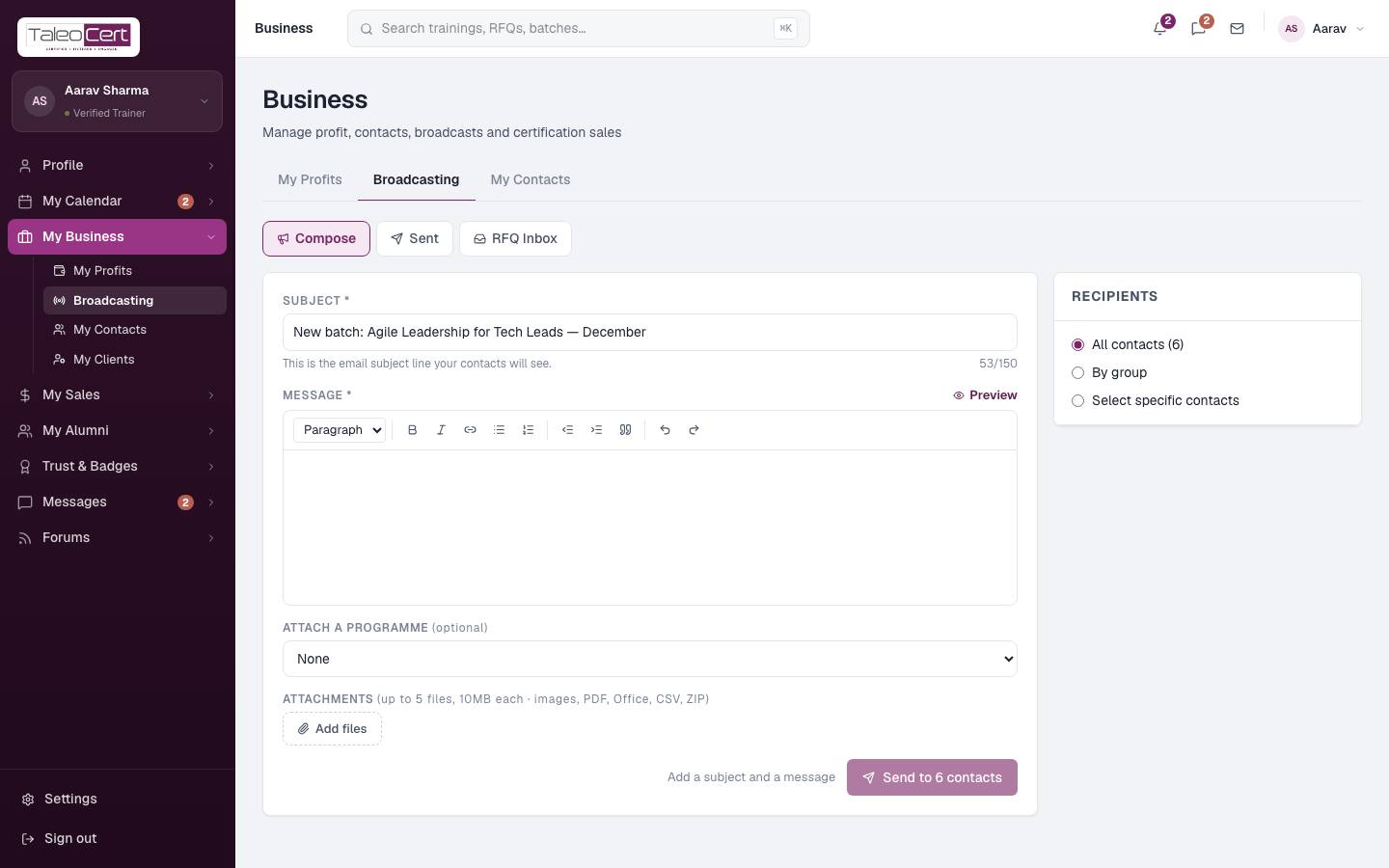
- 1ComposeOpen Broadcasting › Compose. Write a subject and message (rich text, with Preview).
- 2Choose recipientsAll contacts, By group (Individuals, Corporates, Vendors) or Select specific contacts.
- 3Attach a programme and files (optional)Link one of your published programmes, and attach up to 5 files of 10 MB each: images, PDF, Office documents, CSV or ZIP.
- 4SendClick Send to N contacts. Each recipient gets an individual email from TaleoCert with a private reply address.
Composing a broadcast to all six contacts.
The Sent tab lists past broadcasts and recipient counts. RFQ Inbox collects requests for quotation.
Mailbox: replies to your broadcasts
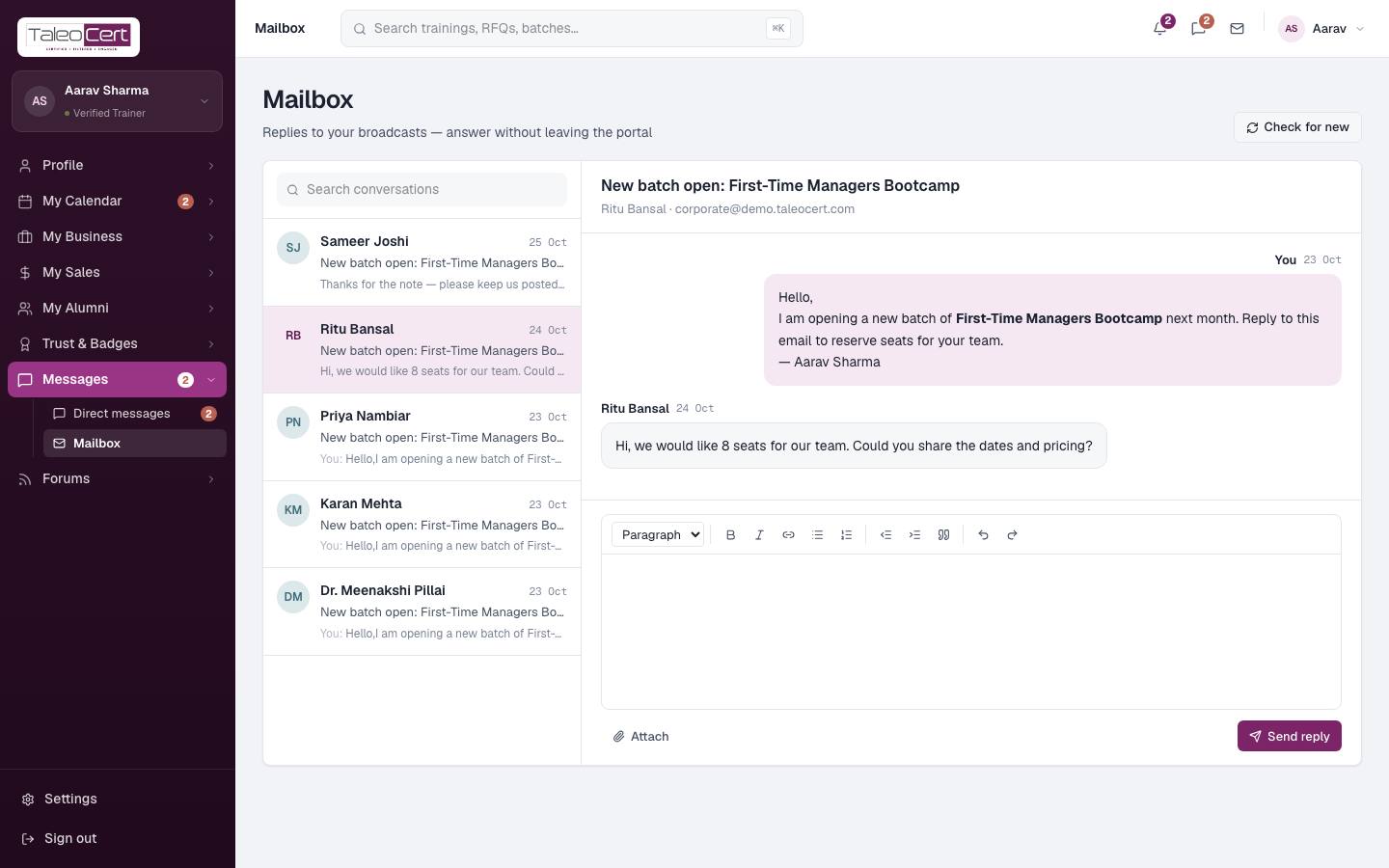
When a contact replies to a broadcast, the reply is threaded under that conversation here, with an unread marker. Open it, reply with the editor (attachments supported), and your answer goes out by email. Check for new fetches replies immediately; otherwise they arrive automatically every minute.
My Contacts
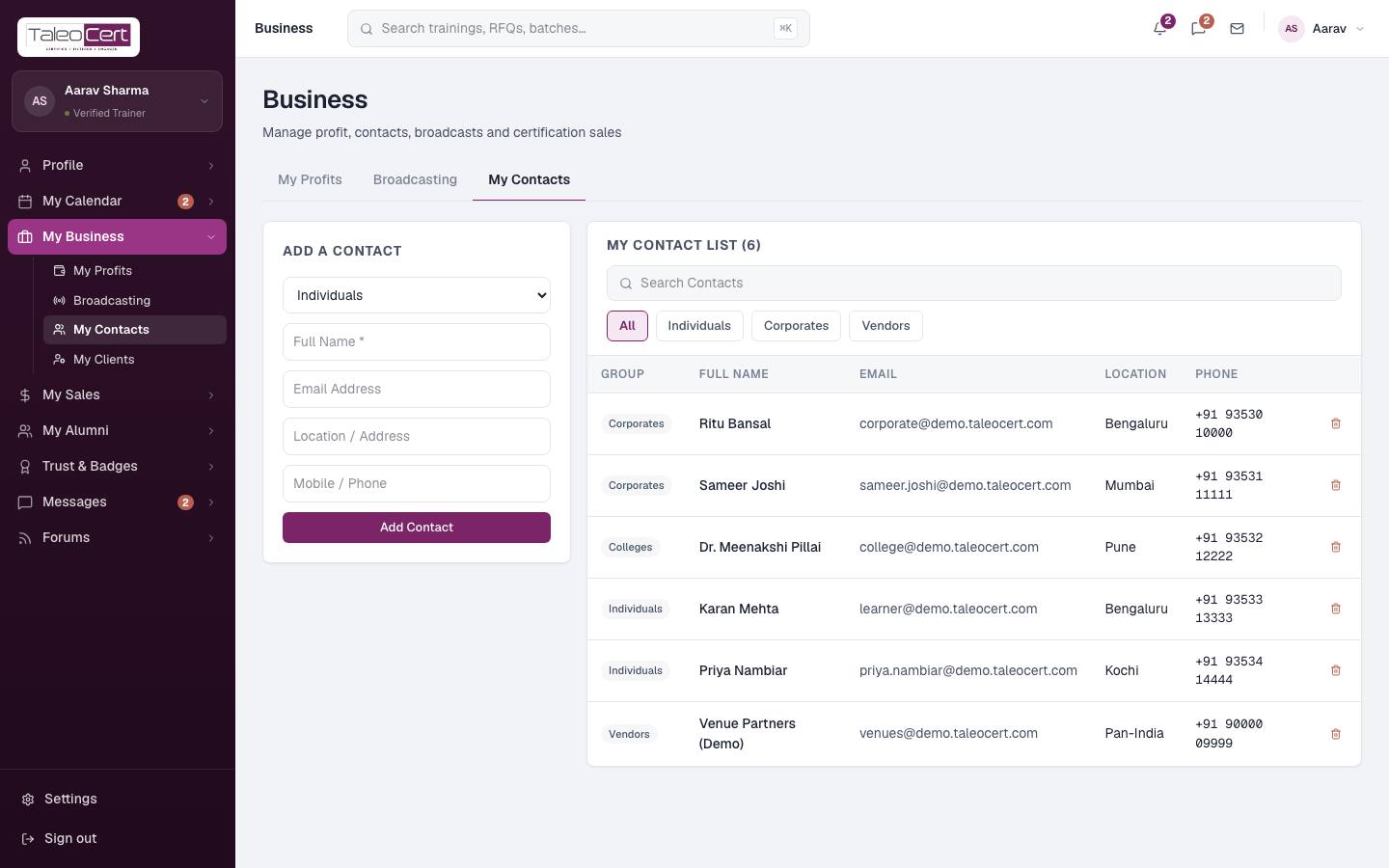
Your address book for broadcasts. Use Add a contact: group (Individuals, Corporates or Vendors), name, email, location and phone. Filter the list by group or search it, and delete with the bin icon.
My Clients
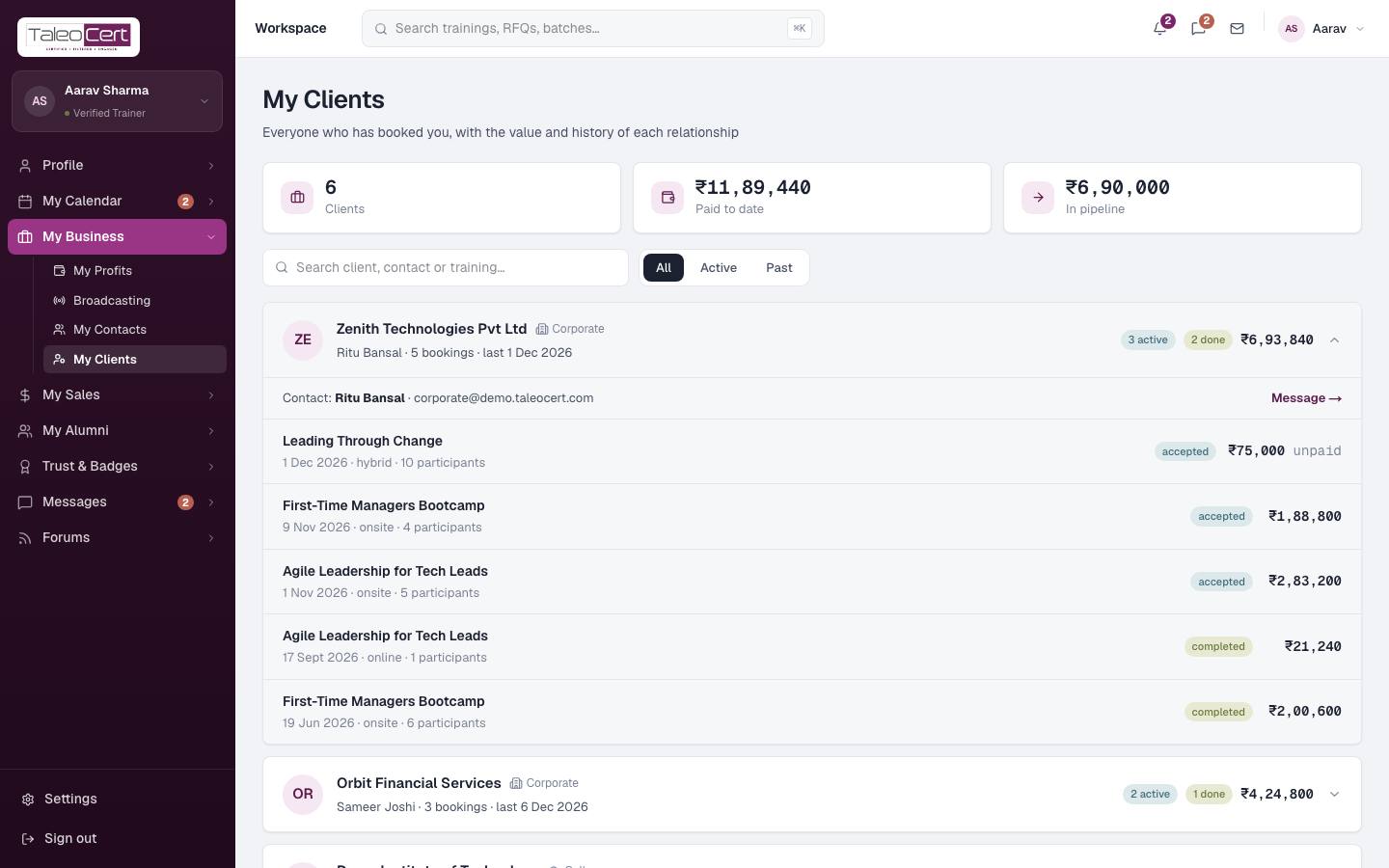
Everyone who has booked you, with the value of each relationship: number of clients, paid to date and in pipeline. Filter All, Active or Past, or search. Click a client to expand every booking with its status and value; Message opens your chat with them.
Something not covered? Talk to us or open a ticket from Help & support in your portal.