
Docs College portal
College portal
For Colleges & institutesBring industry trainers to campus, manage your students, track batches and outcomes.
The college portal is for institute and university administrators. Your account is set up by the TaleoCert team. The menu has: Dashboard, Find Trainers, Students, Active batches, Course requests, Reports, Alumni network and Messages.
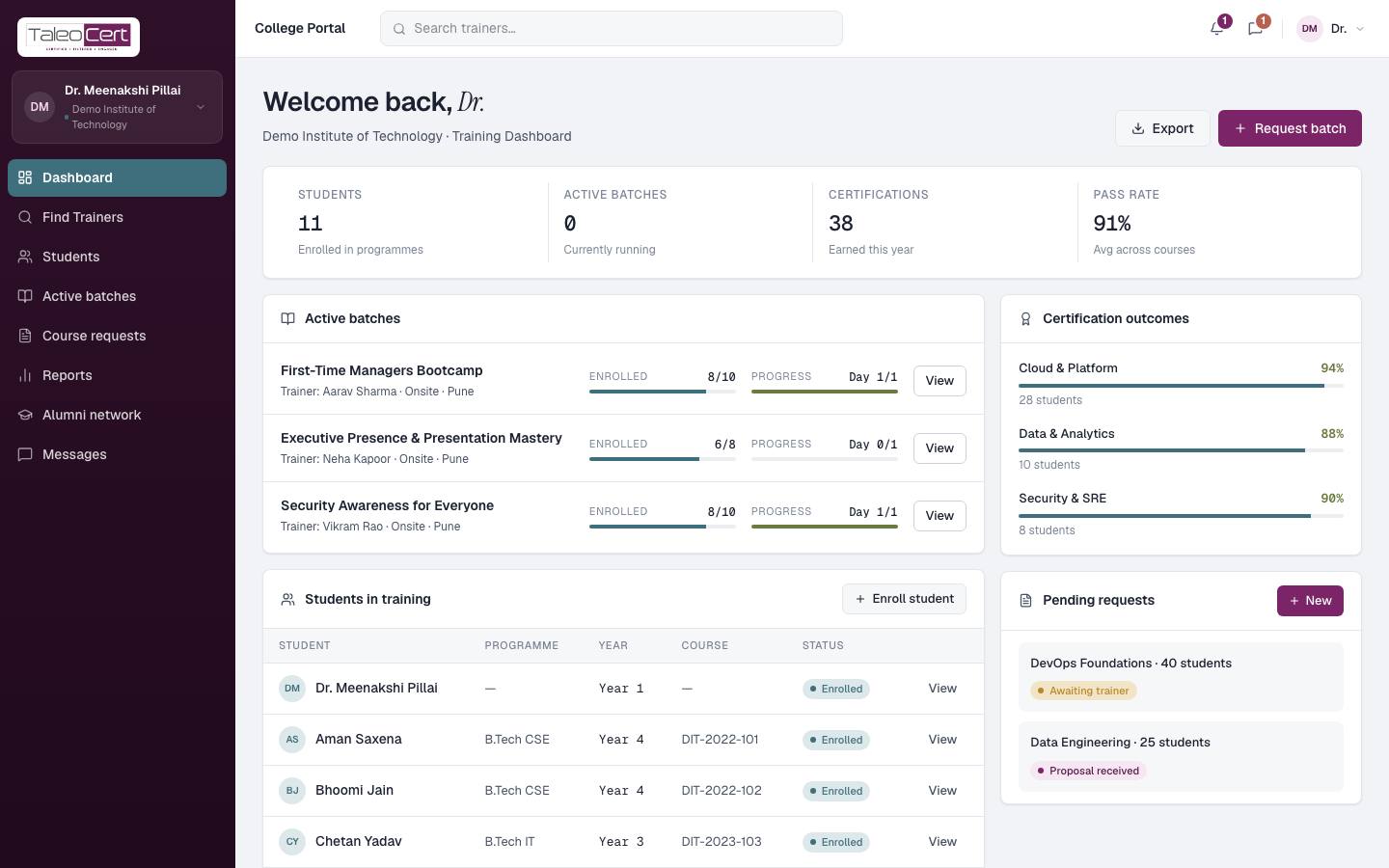
Dashboard
- Counters: students, active batches, certifications and pass rate.
- Active batches with enrolment and progress, and Students in training.
- Request batch to book a trainer; Enrol student and Export for your records.
Request batch training
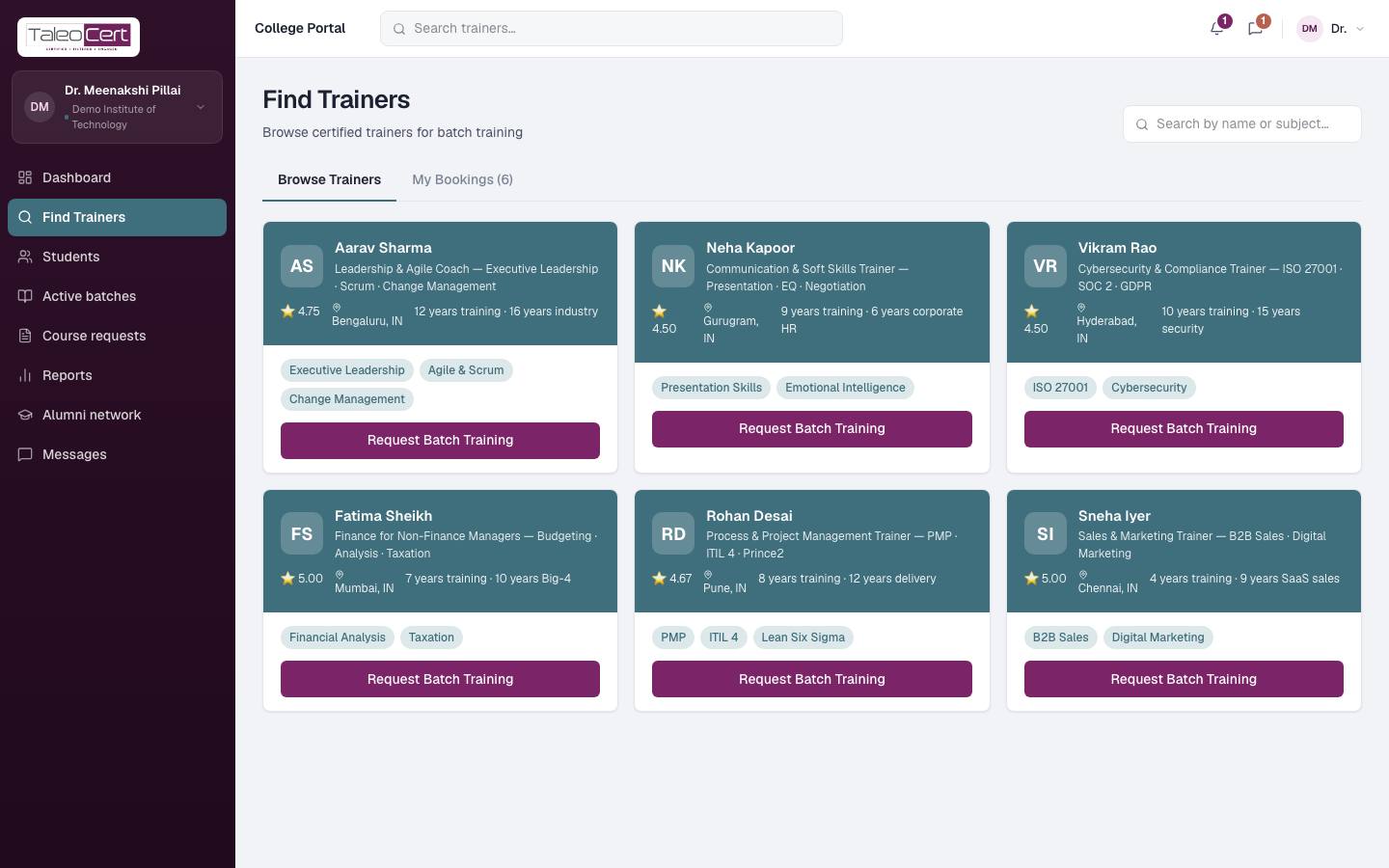
- 1Find TrainersBrowse or search verified trainers.
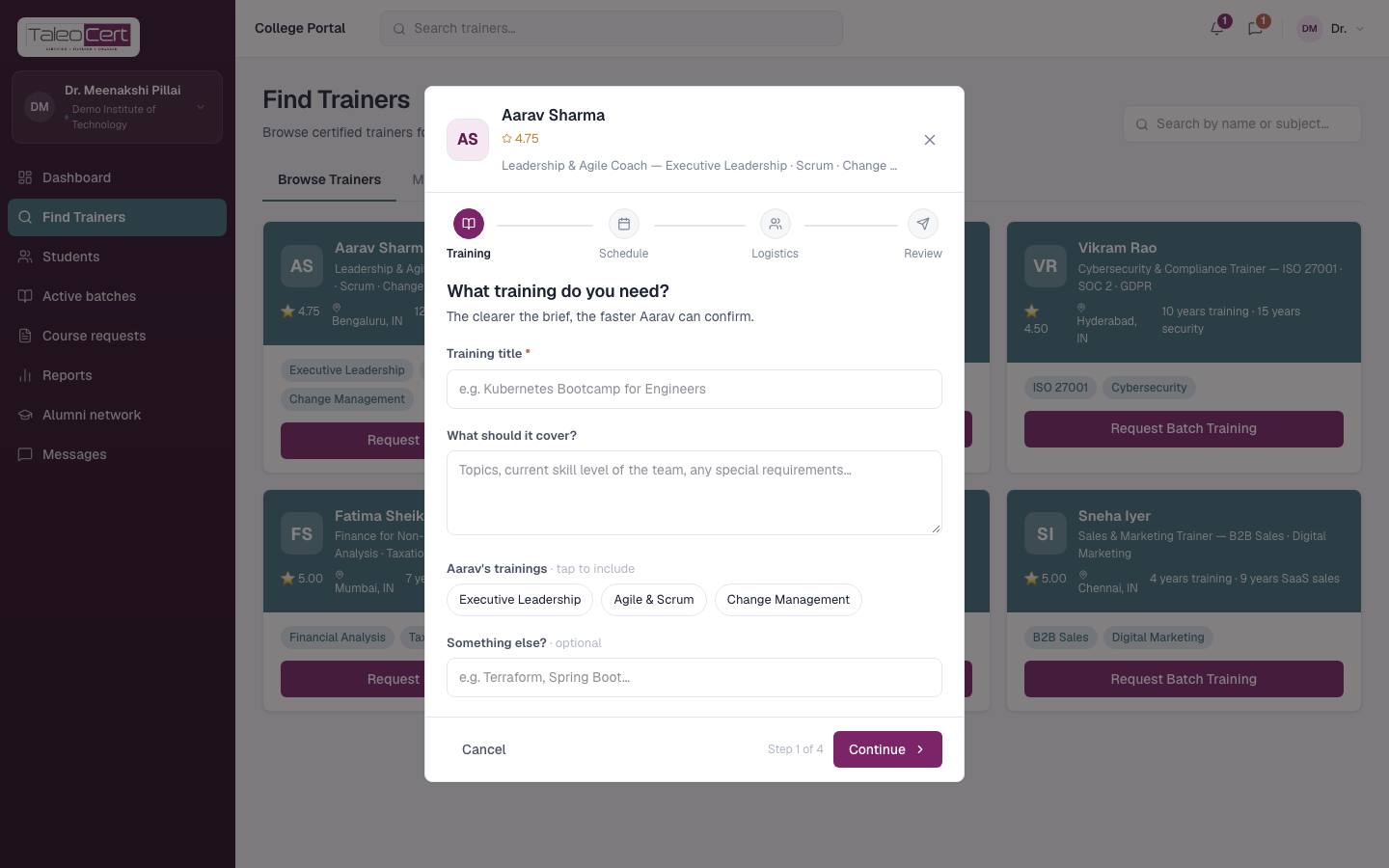
Find Trainers in the college portal. - 2Request Batch TrainingClick it on a trainer's card: what the batch should cover, dates, number of students, mode and location, then send.
Requesting batch training. - 3Scope call, agreement, paymentThe trainer may book a scope call with you. When they accept, sign the agreement and pay (or pay later), exactly as for companies. See Requests, agreements & payment.
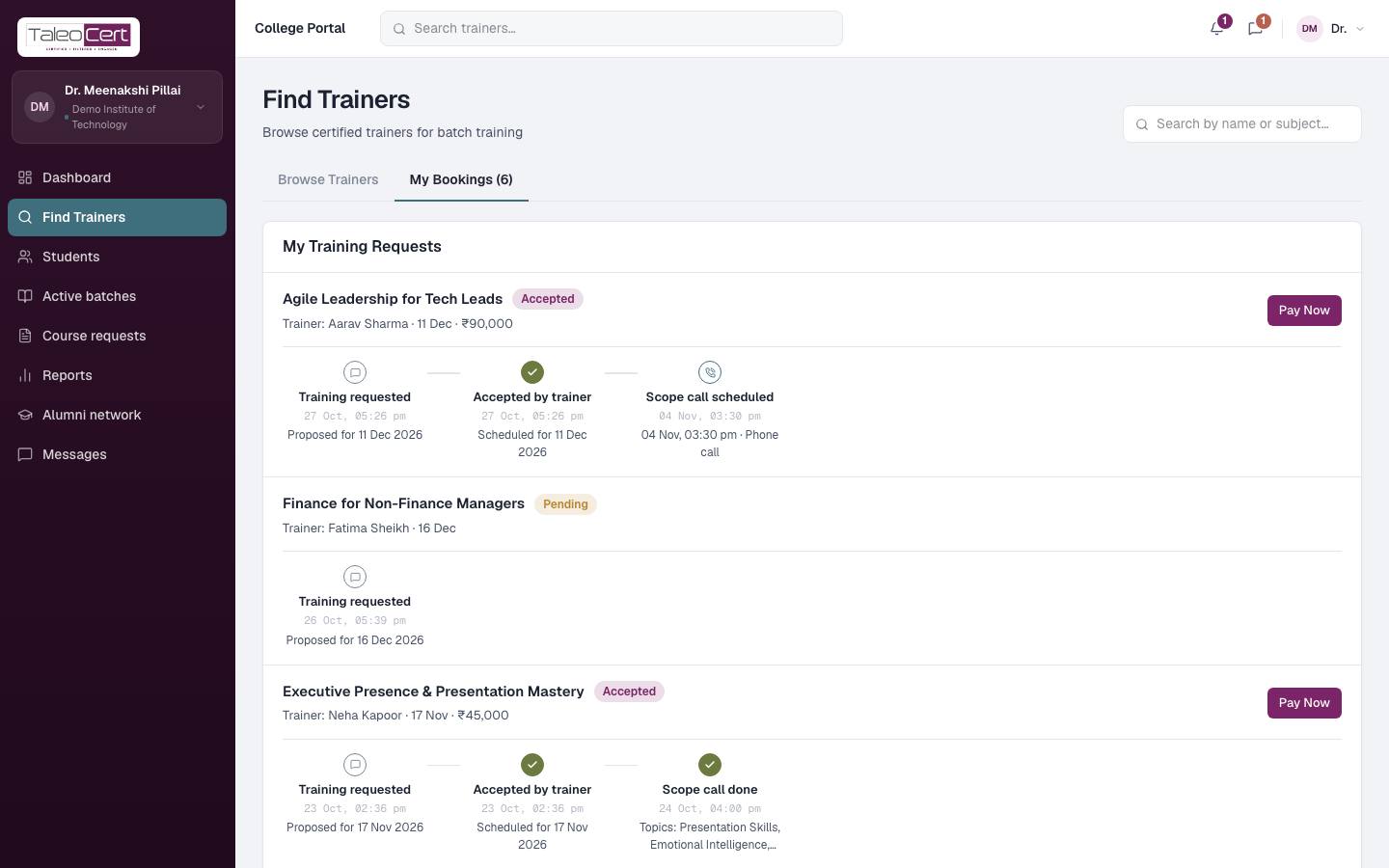
Course requests (My Bookings)
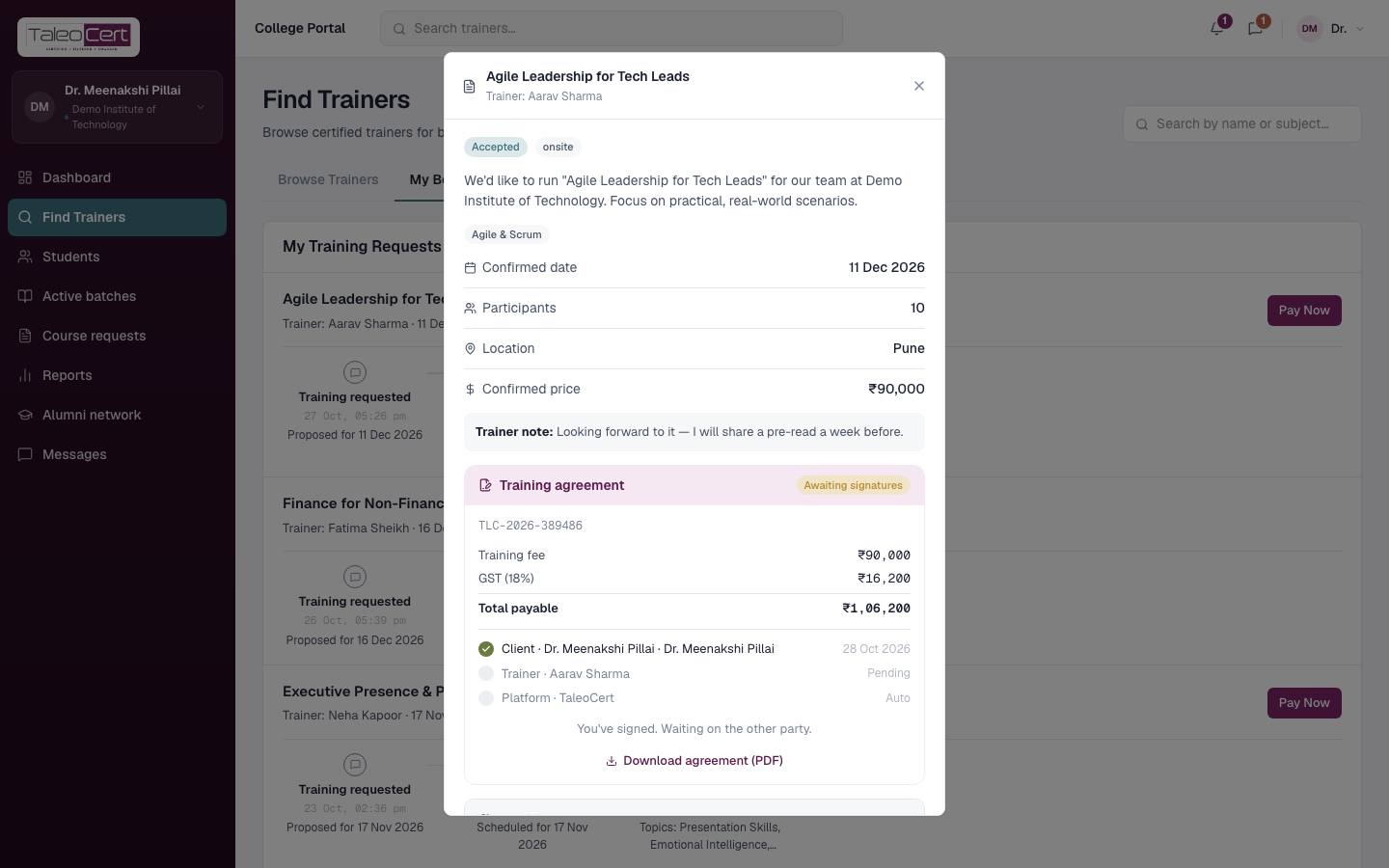
Every request with its status and timeline. Click a request to open its details (agreement, payment, participants); use Pay Now when the agreement is active.
Students
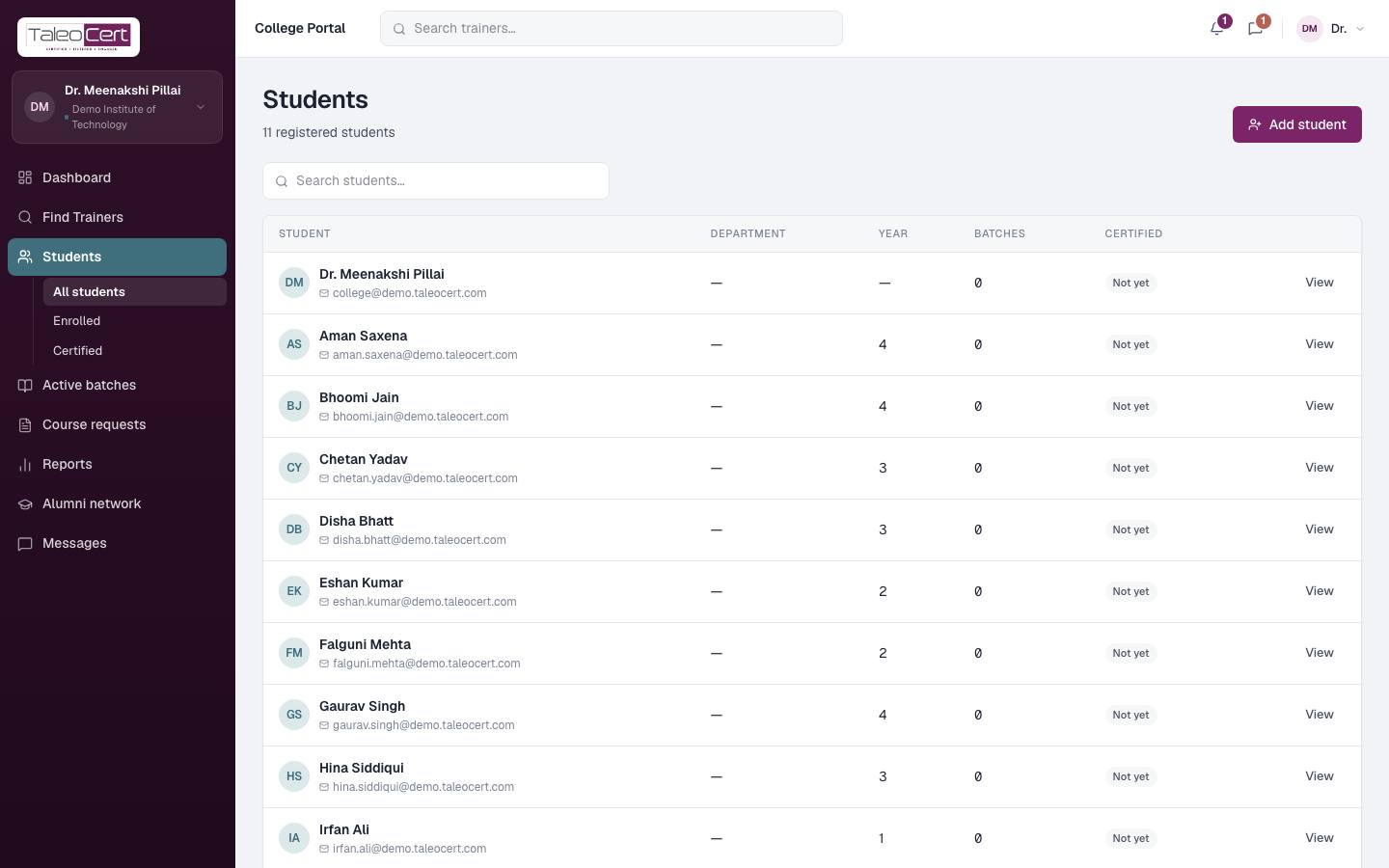
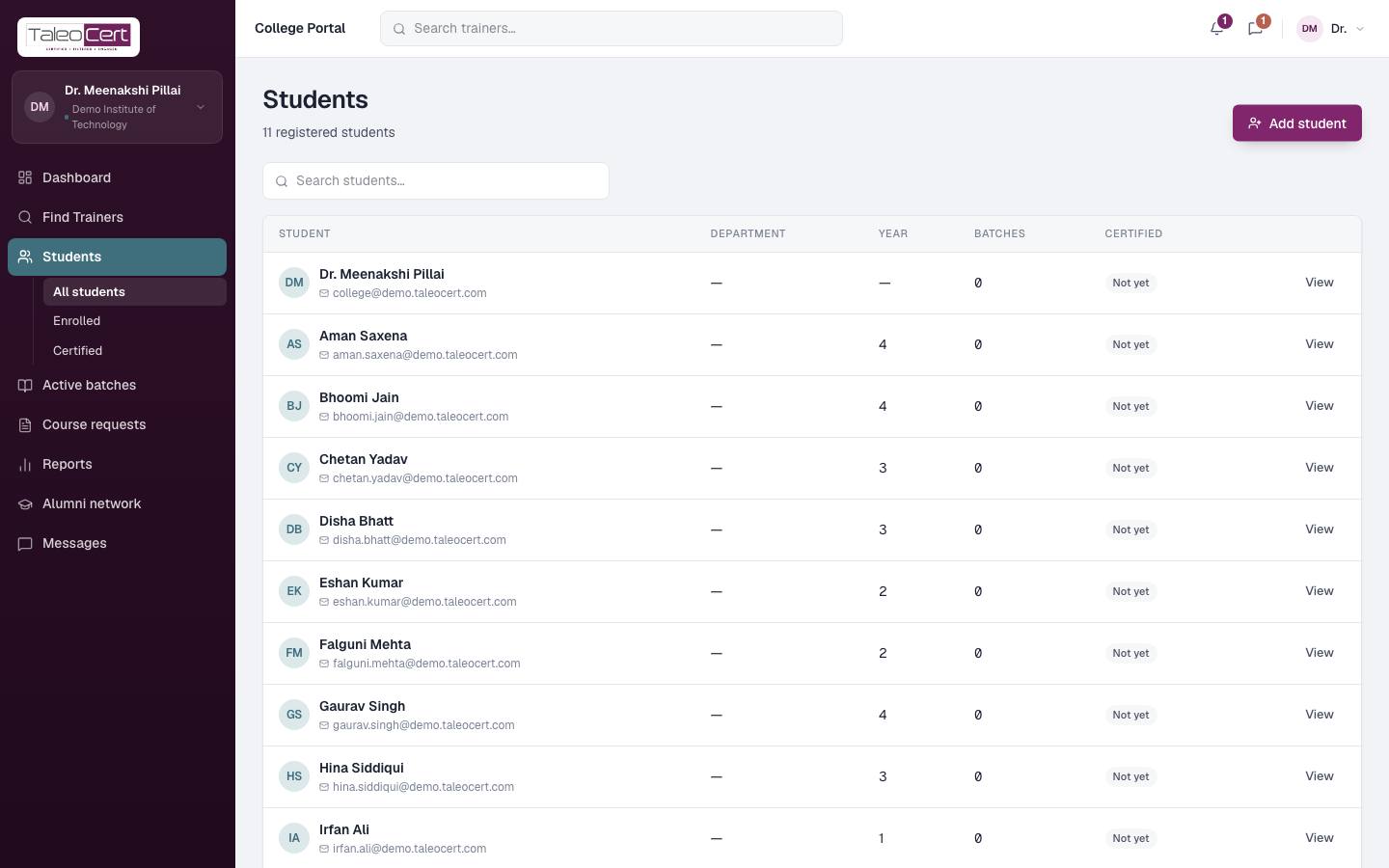
Your student roster: department, year, batches and certification status. Filter All students, Enrolled or Certified, search, and click Add student to add one.
Active batches, reports and alumni
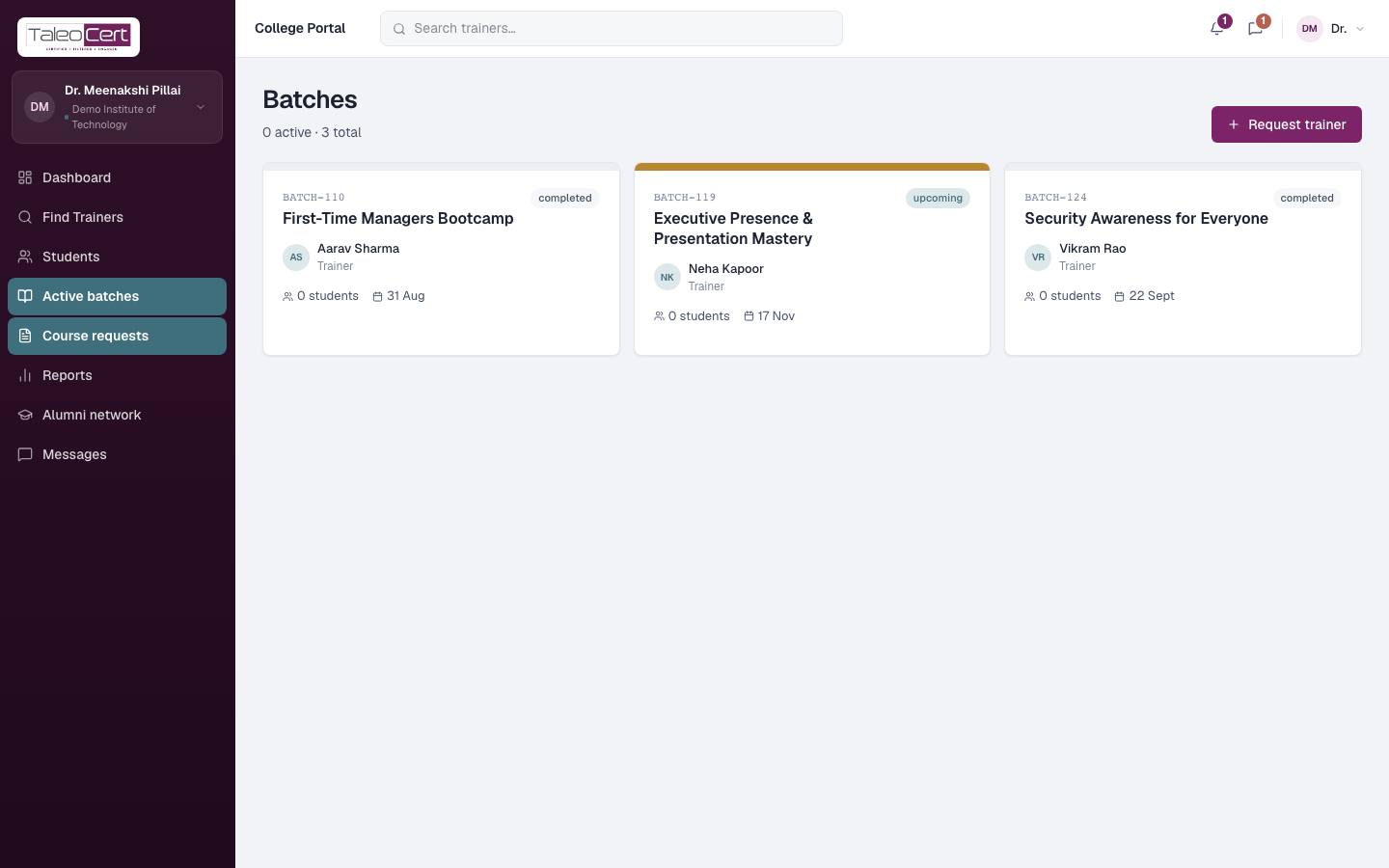
- Active batches: every batch for your institute, with trainer, students and dates.
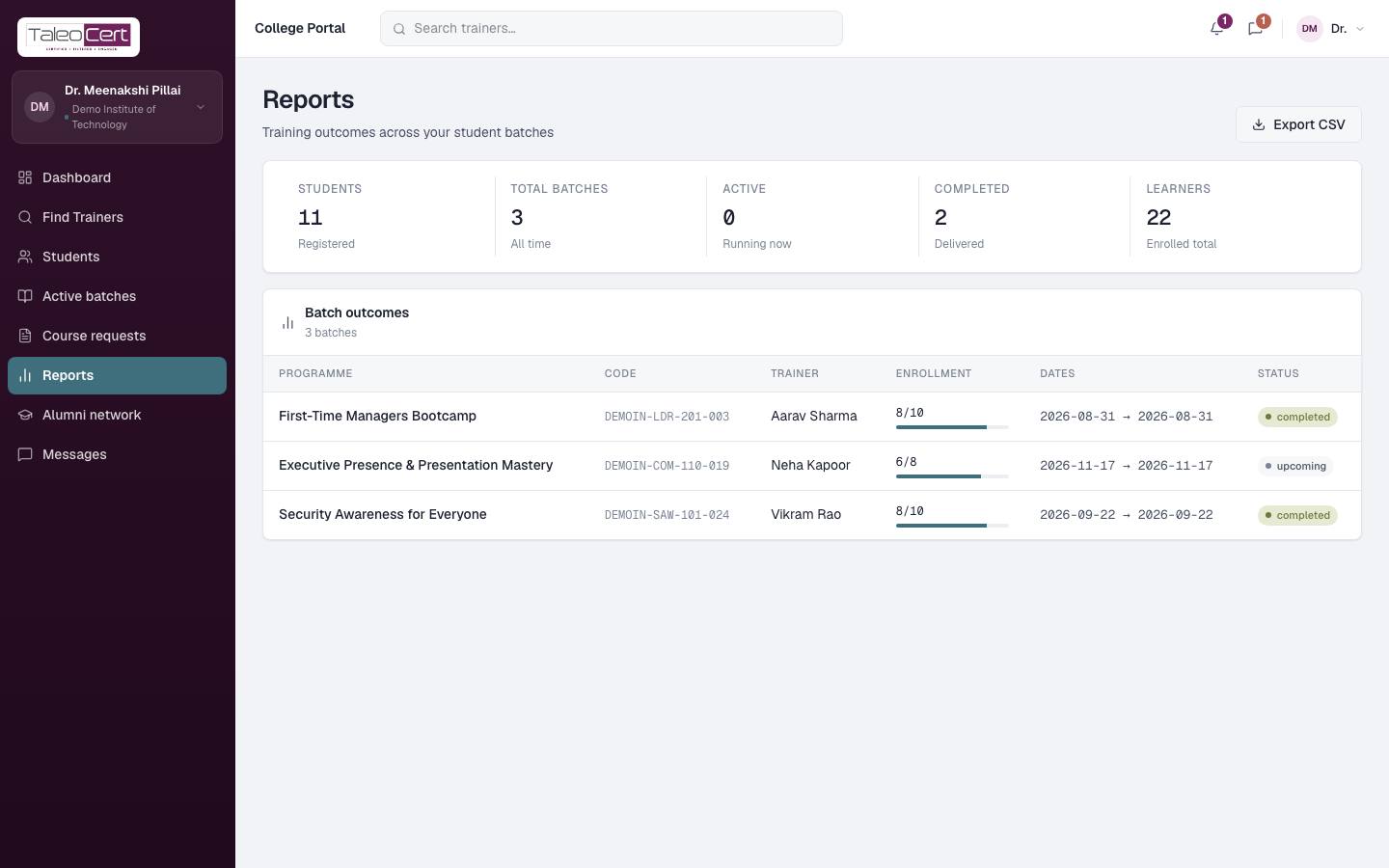
- Reports: students, batches (total, active, completed), learners enrolled, and each batch's outcome. Export CSV.
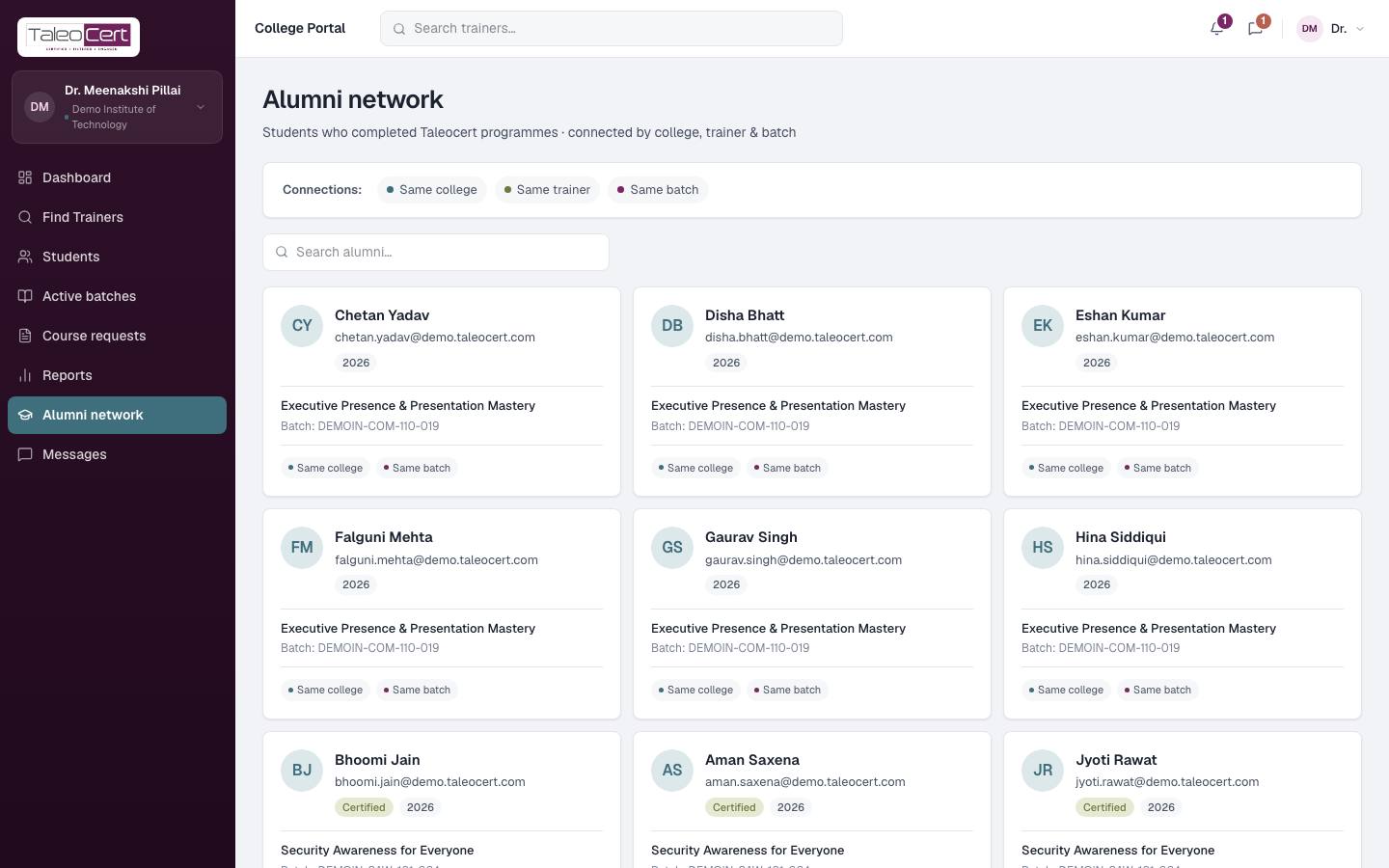
- Alumni network: students who completed programmes, connected by college, trainer and batch.
Something not covered? Talk to us or open a ticket from Help & support in your portal.