
Docs Step-by-step guides
Trainer: from sign-up to first payout
For TrainersEverything a new trainer does, in order, to get booked, deliver and get paid.
- 1Sign uptaleocert.com/signup: account, profile, expertise.
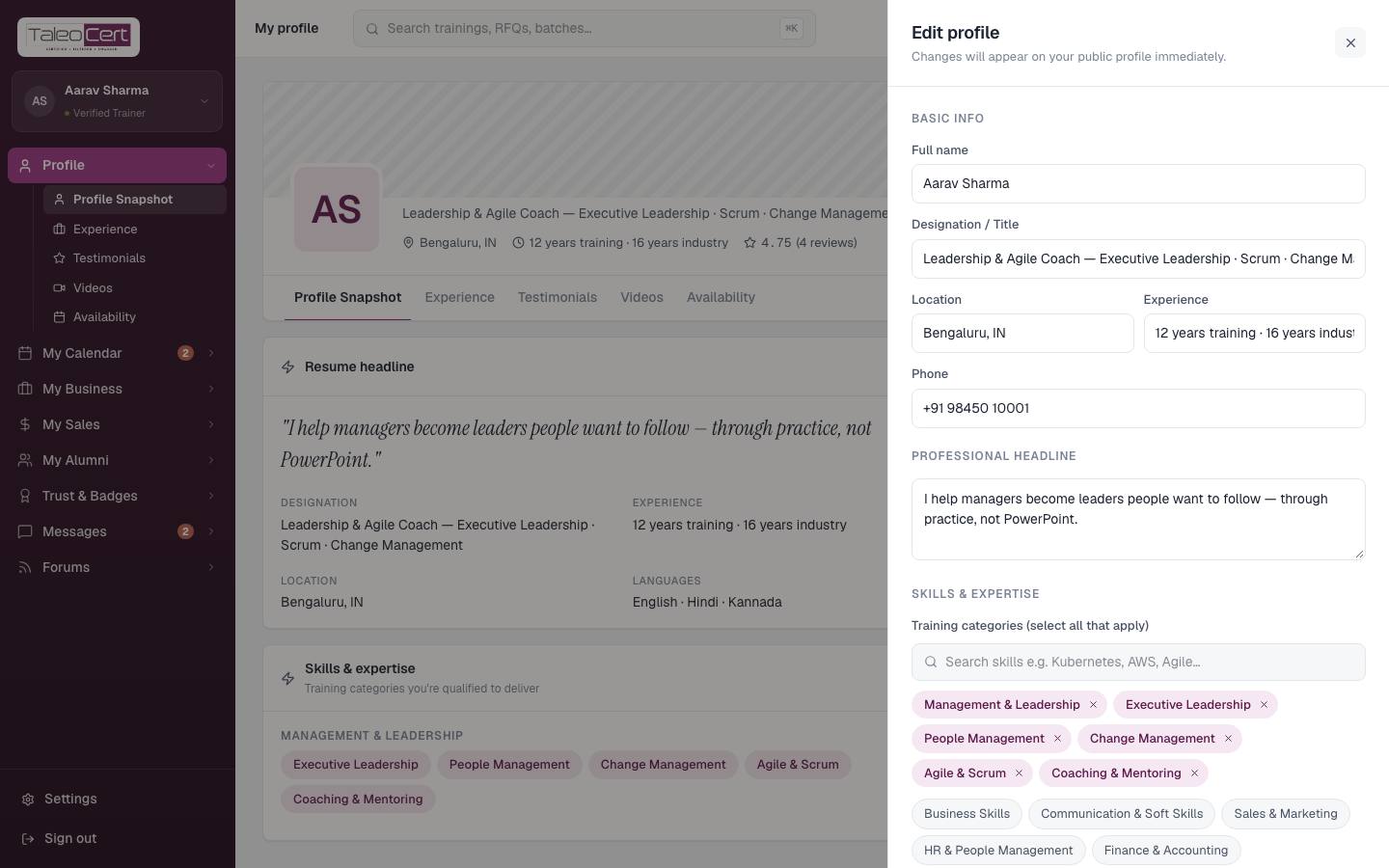
- 2Complete your profilePhoto, cover, headline, location, experience, at least 3 skills, languages. Details.
Edit profile. - 3Verify yourselfTrust & Badges › Verifications: email code, phone and government ID. An admin approves you, usually within 2–3 working days. Details.
- 4Publish what you offerCreate programmes and add materials in My Sales › Showcase Sales. Details.
- 5Tell your networkAdd contacts and send a Broadcast; replies land in your Mailbox. Details.
- 6A request arrivesYou're emailed; it's in My Calendar › Training Requests.
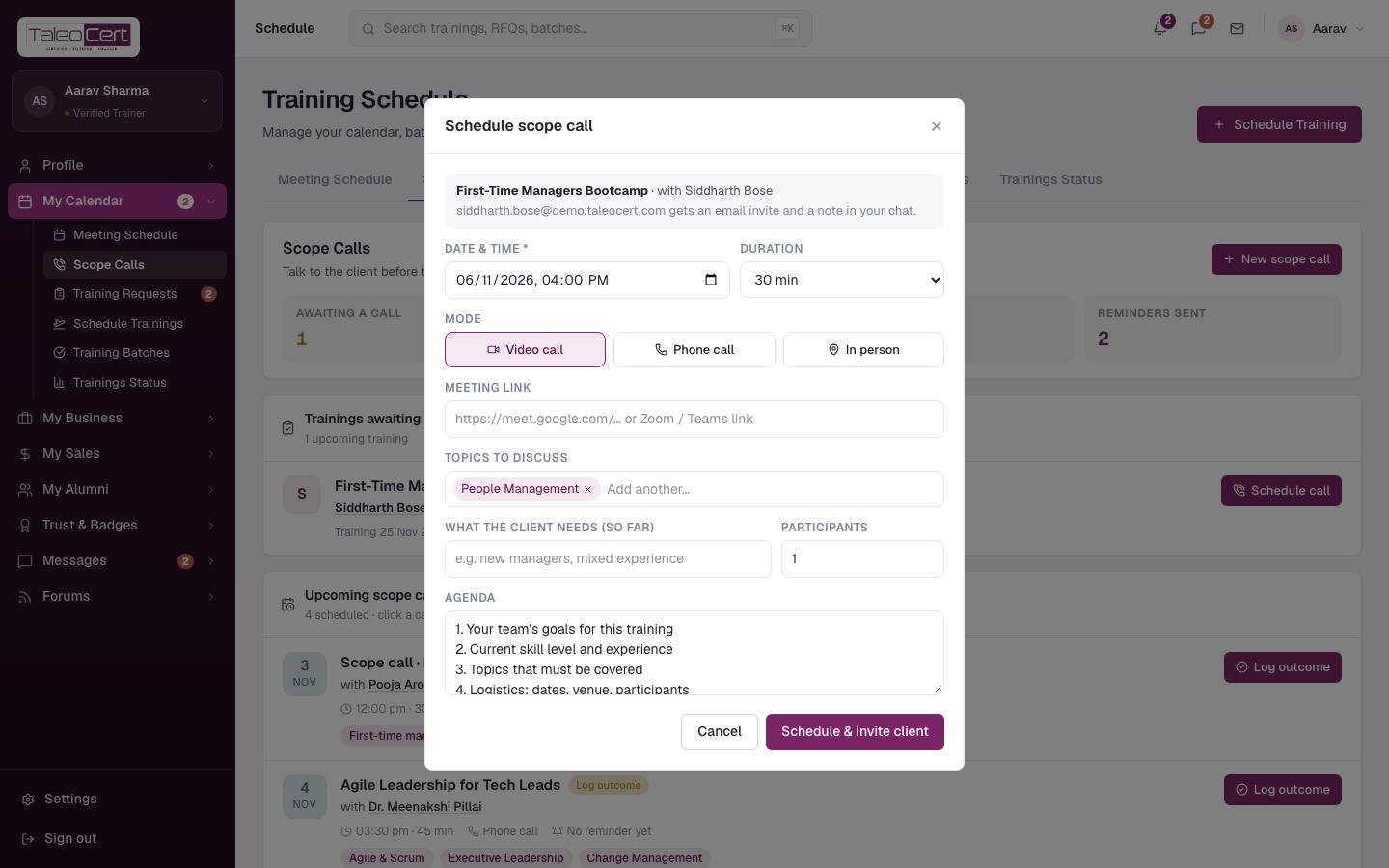
- 7Hold a scope callBook the discovery call, send a reminder, and log the topics agreed. Details.
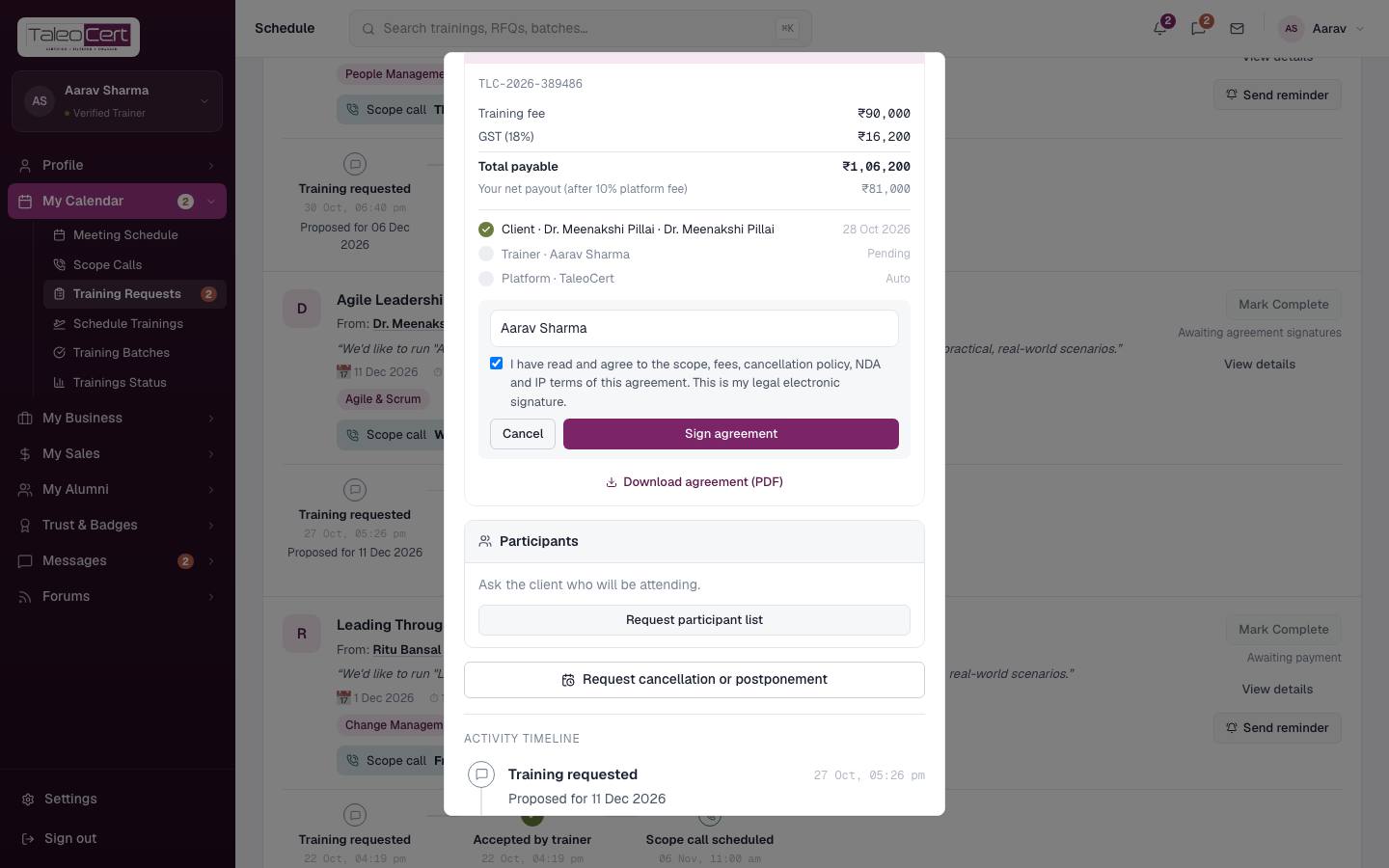
Scheduling the scope call. - 8Accept and signAccept, then Review & sign as trainer on the agreement. Details.
Signing the agreement. - 9Get the roster and brief peopleRequest participant list, then Email participants the details.
- 10Deliver, complete and certifyMark Complete, then Issue & email certificates for the whole roster. Details.
- 11Get paidTrack it in Settings › Earnings & payout and My Business › My Profits. Your payout is the training fee minus the 10% platform fee.
Something not covered? Talk to us or open a ticket from Help & support in your portal.