
Docs Corporate portal
Employees, batches & certificates
For CompaniesYour roster, each employee's training record, your batches and every certificate earned.
Employees
WhereEmployees ▾ › Employees
Everyone on your company account: name, employee code, department, designation, role (Admin or Member), status, certifications and joining date. Search by name, email or employee code.
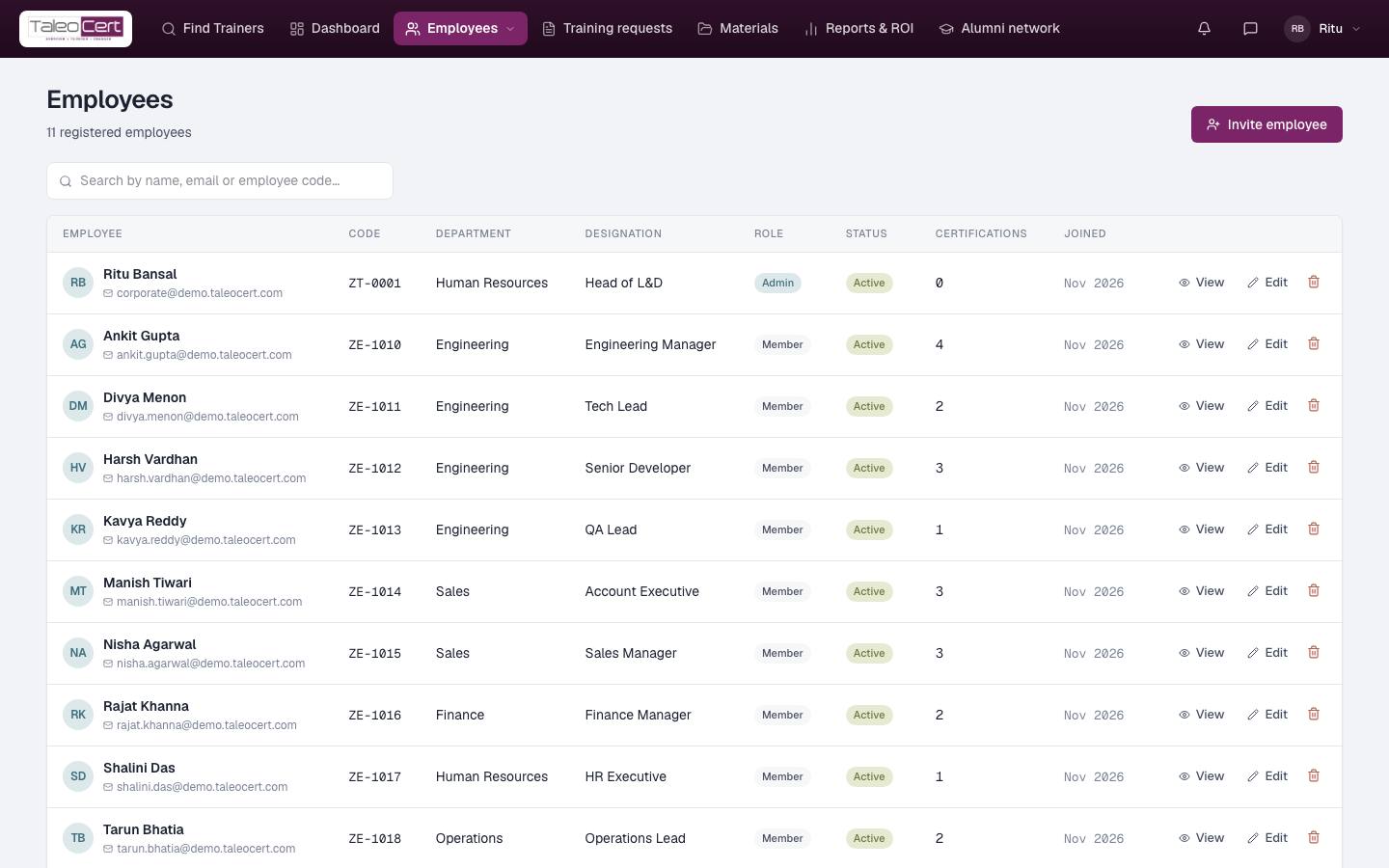
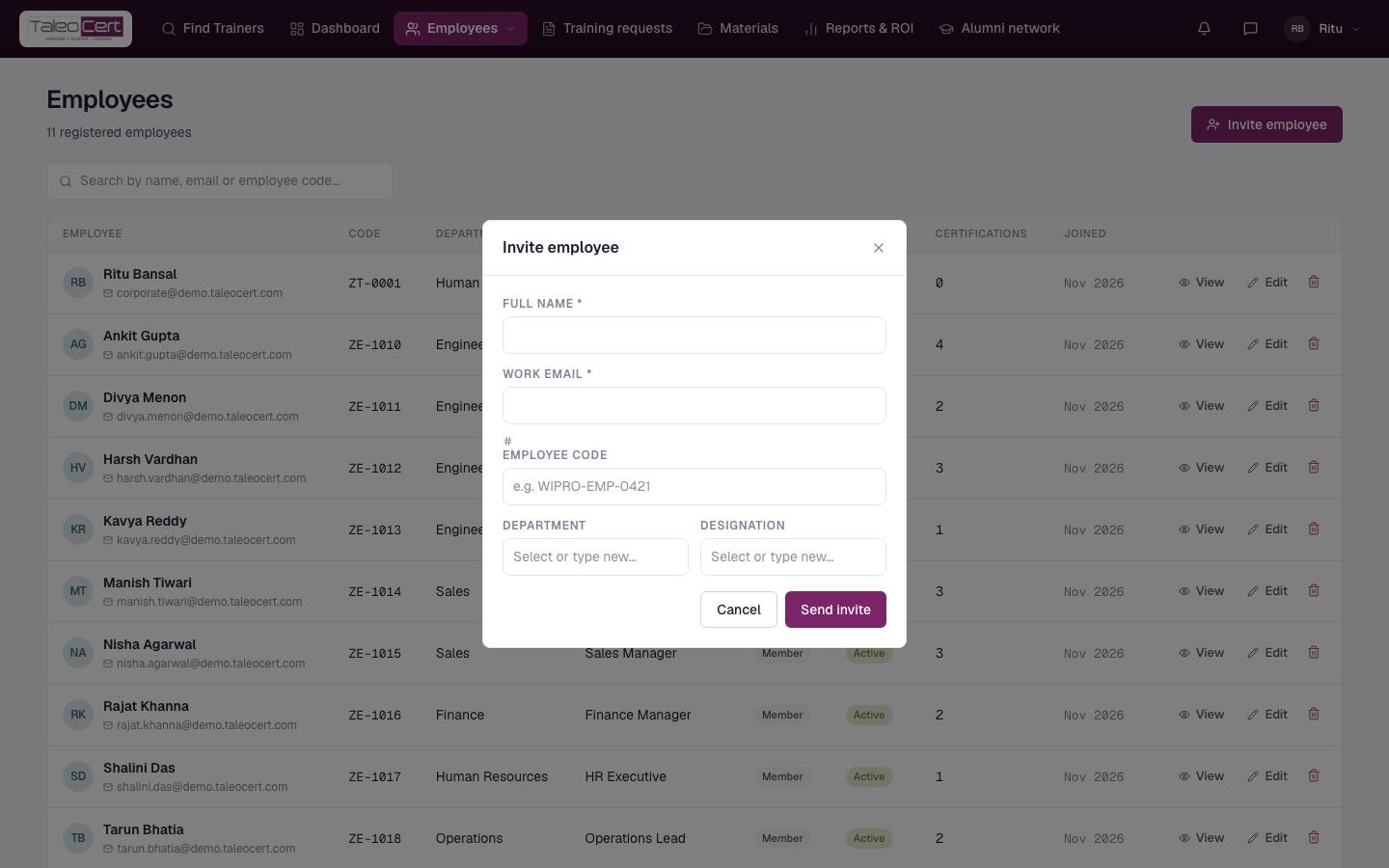
- 1Invite an employeeClick Invite employee: full name, work email, optional employee code, department and designation. They receive a sign-in to the portal.
Invite employee. - 2Edit or removeUse Edit to change code, department, designation, admin rights or Active/Inactive status. The bin removes them from the roster (their certificates stay valid).
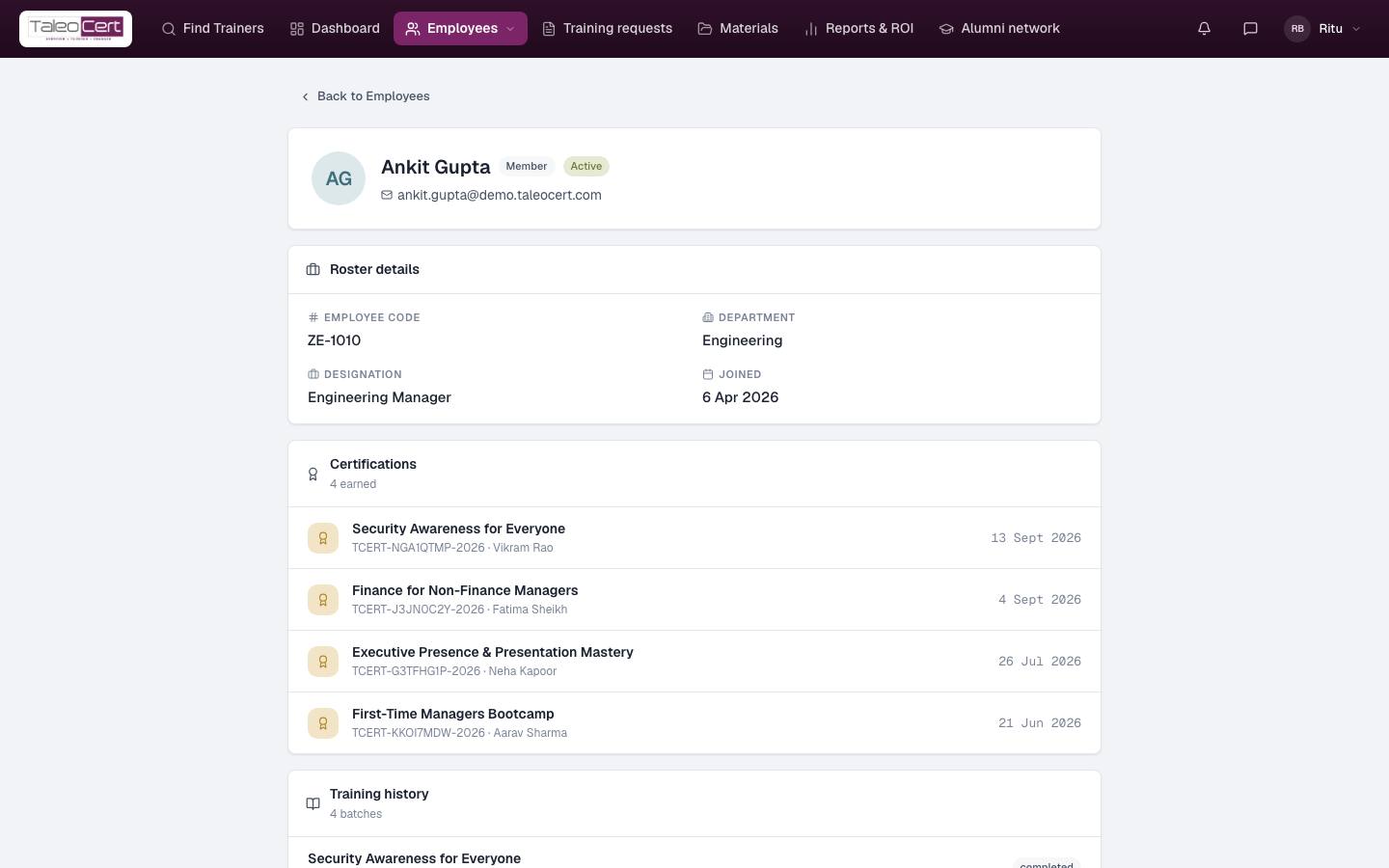
- 3View a profileView (or click the row) opens the employee's record: roster details, every certificate with its trainer, and their training history across your batches.
Ankit Gupta: four certifications and his training history.
Batches
WhereEmployees ▾ › Batches
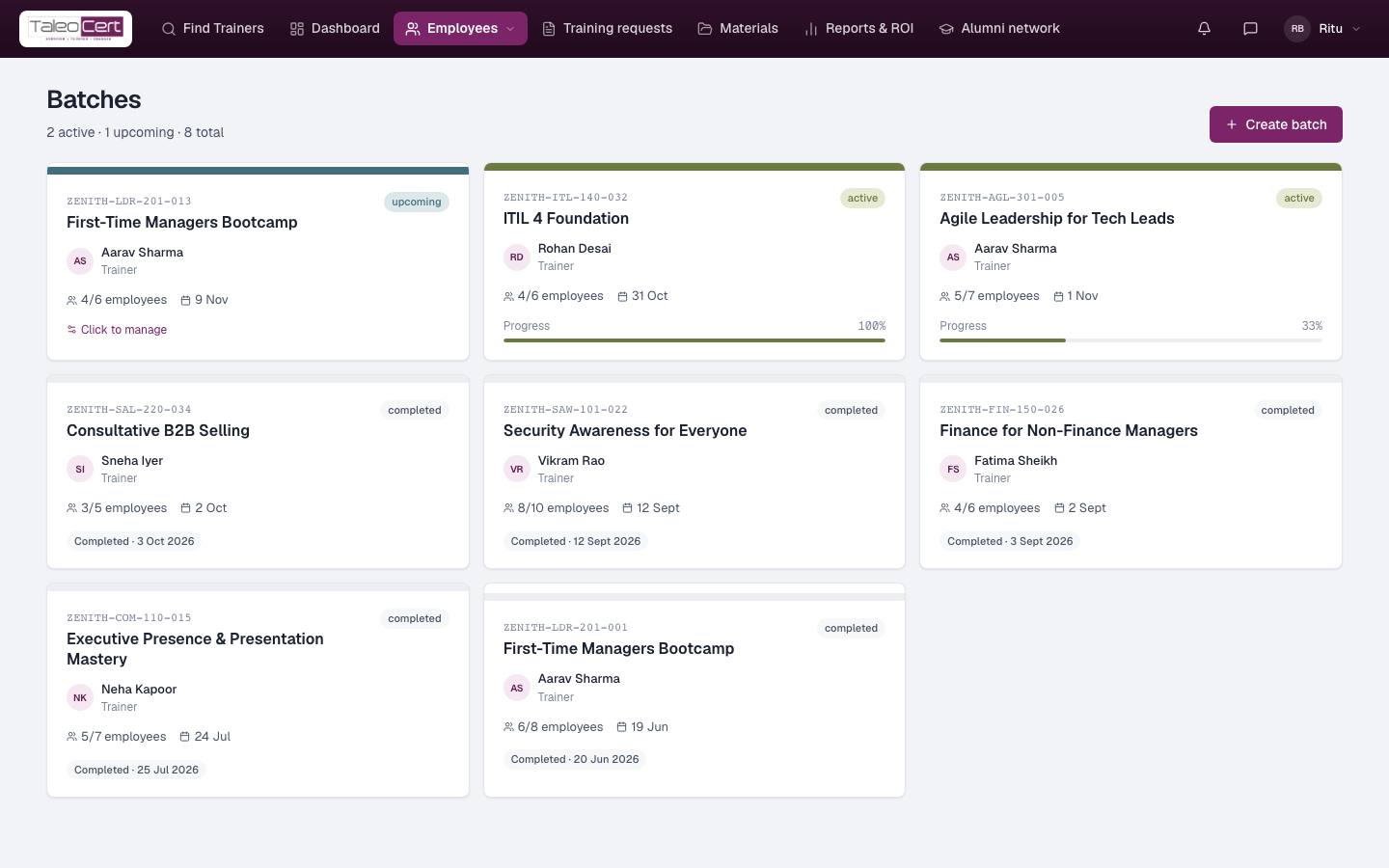
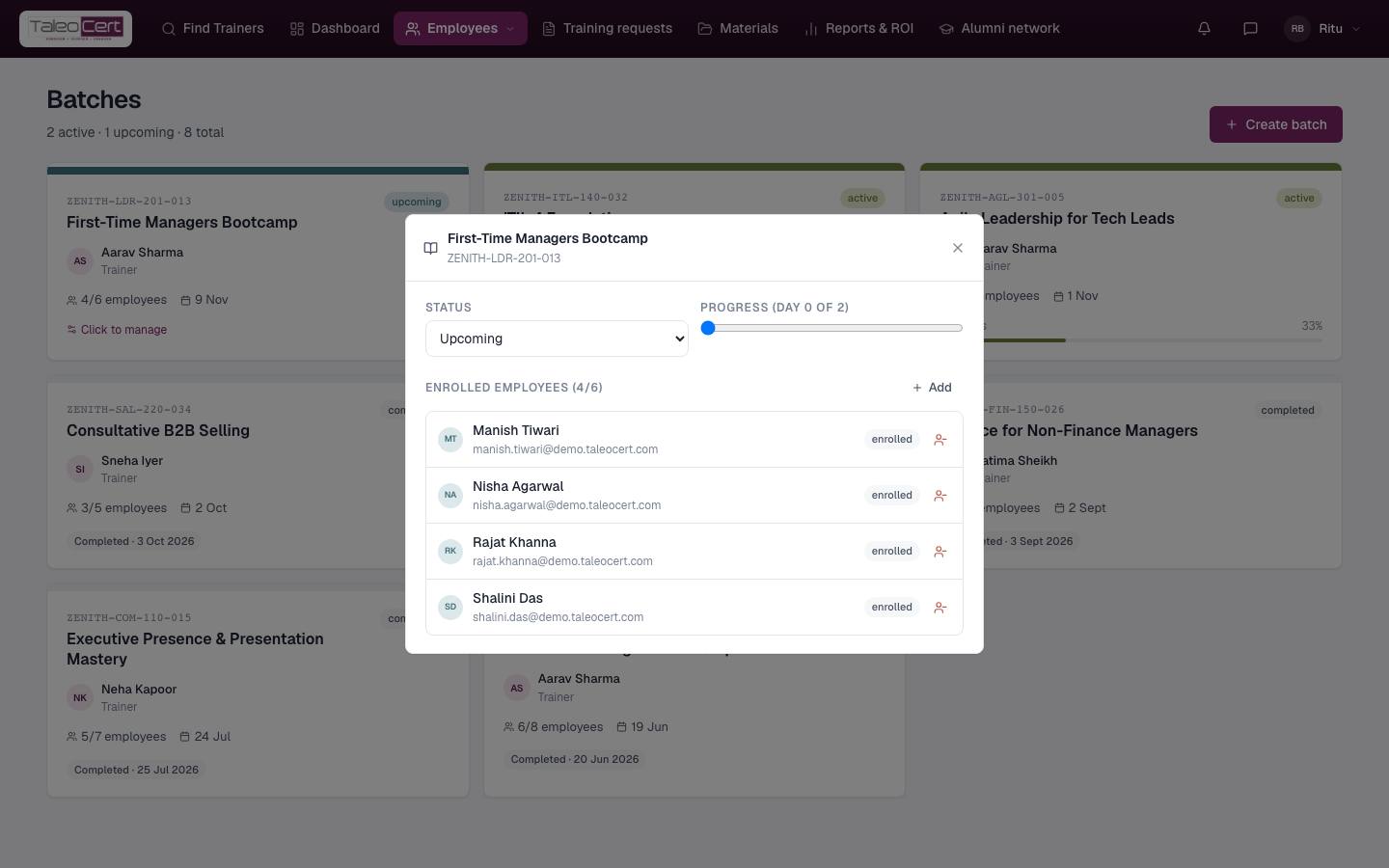
Every training batch for your company, as cards: programme, batch code, trainer, employees enrolled, dates and progress. Click Click to manage to change a batch's status and see who is enrolled; Create batch starts one.
Certificates
WhereEmployees ▾ › Certificates
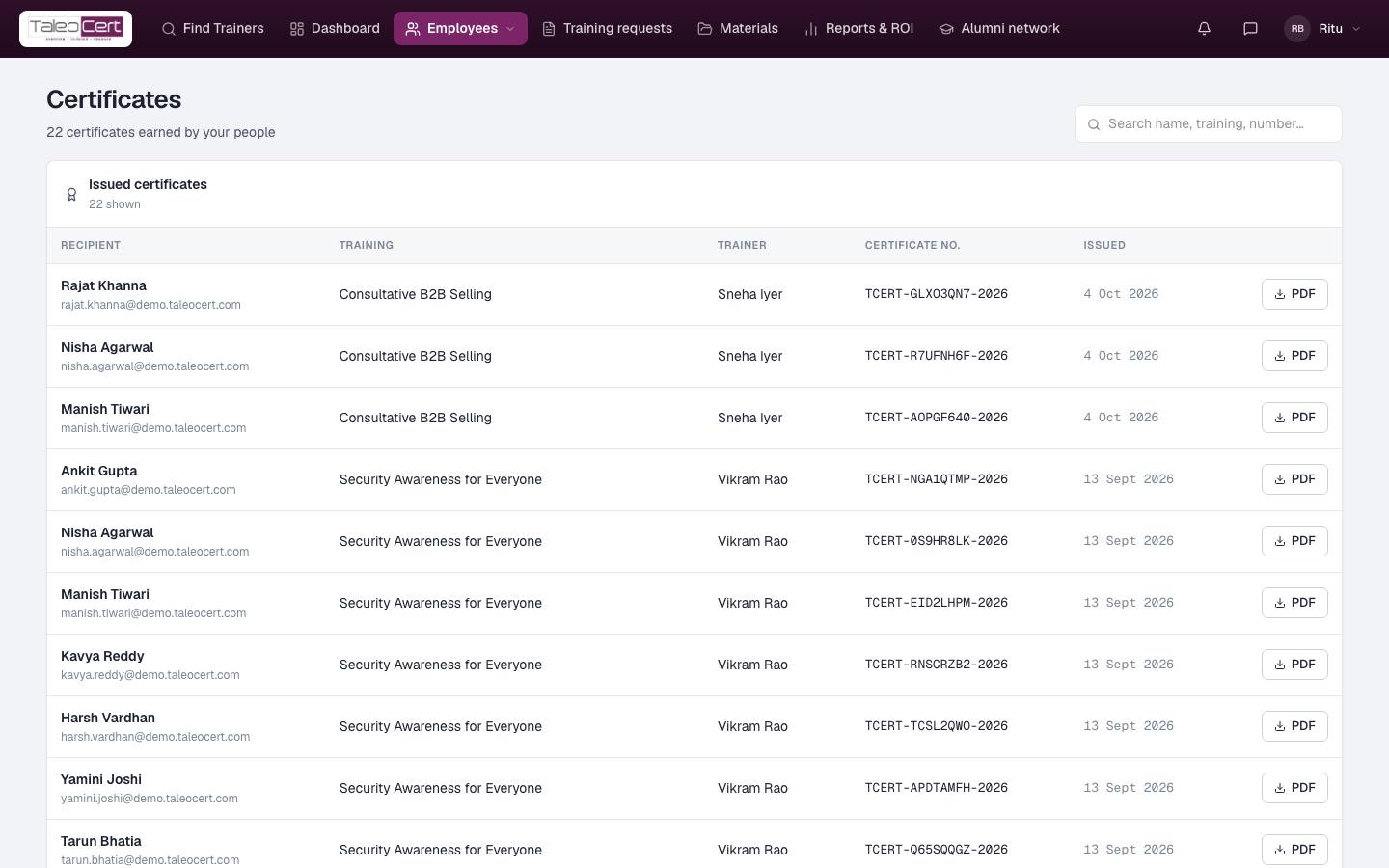
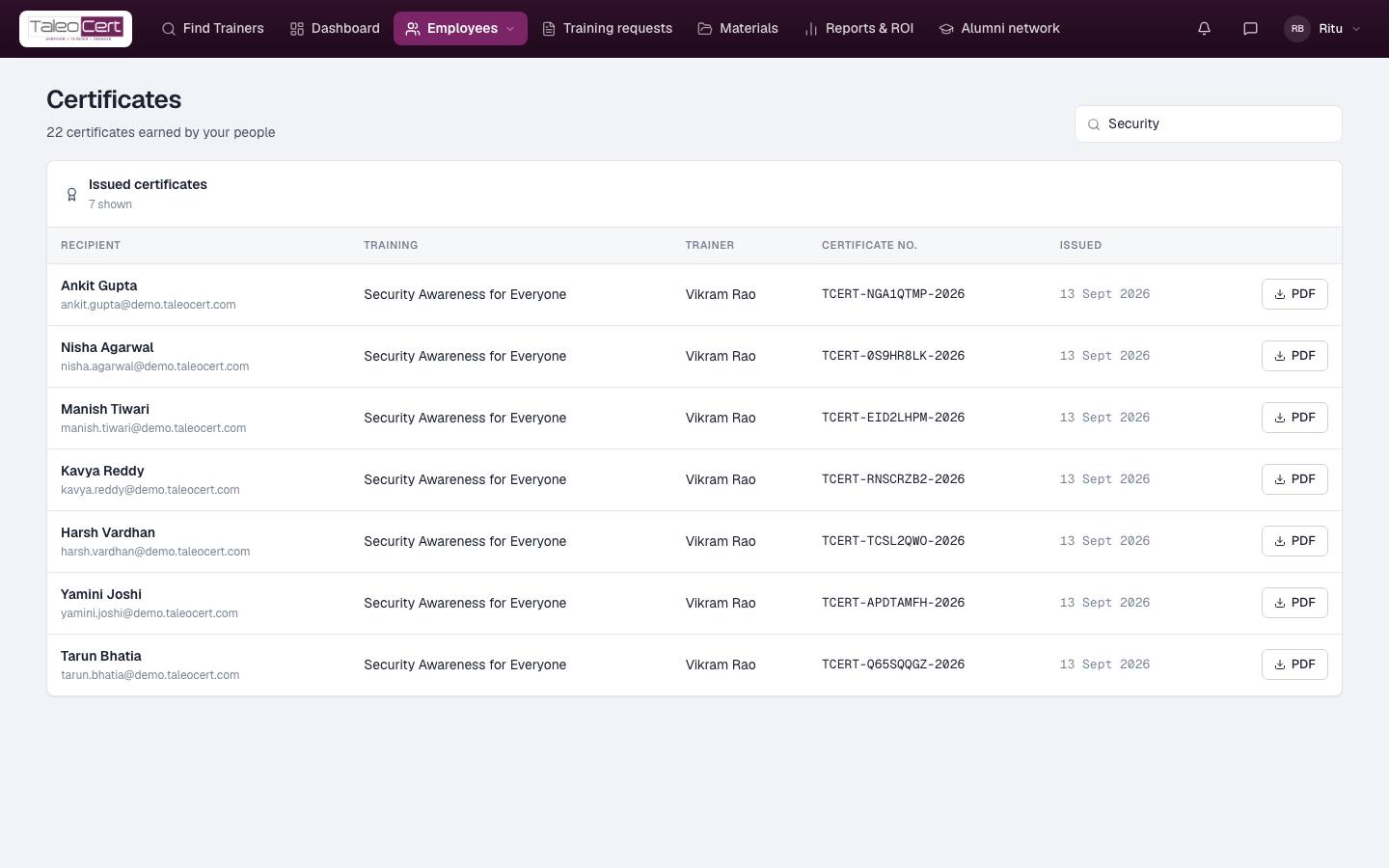
Every certificate issued off your trainings, whether sent to a named participant or to an employee directly: recipient, training, trainer, certificate number and issue date. Search by name, training or number, and download any one as a PDF.
Something not covered? Talk to us or open a ticket from Help & support in your portal.