
Users, trainers & organisations
All users
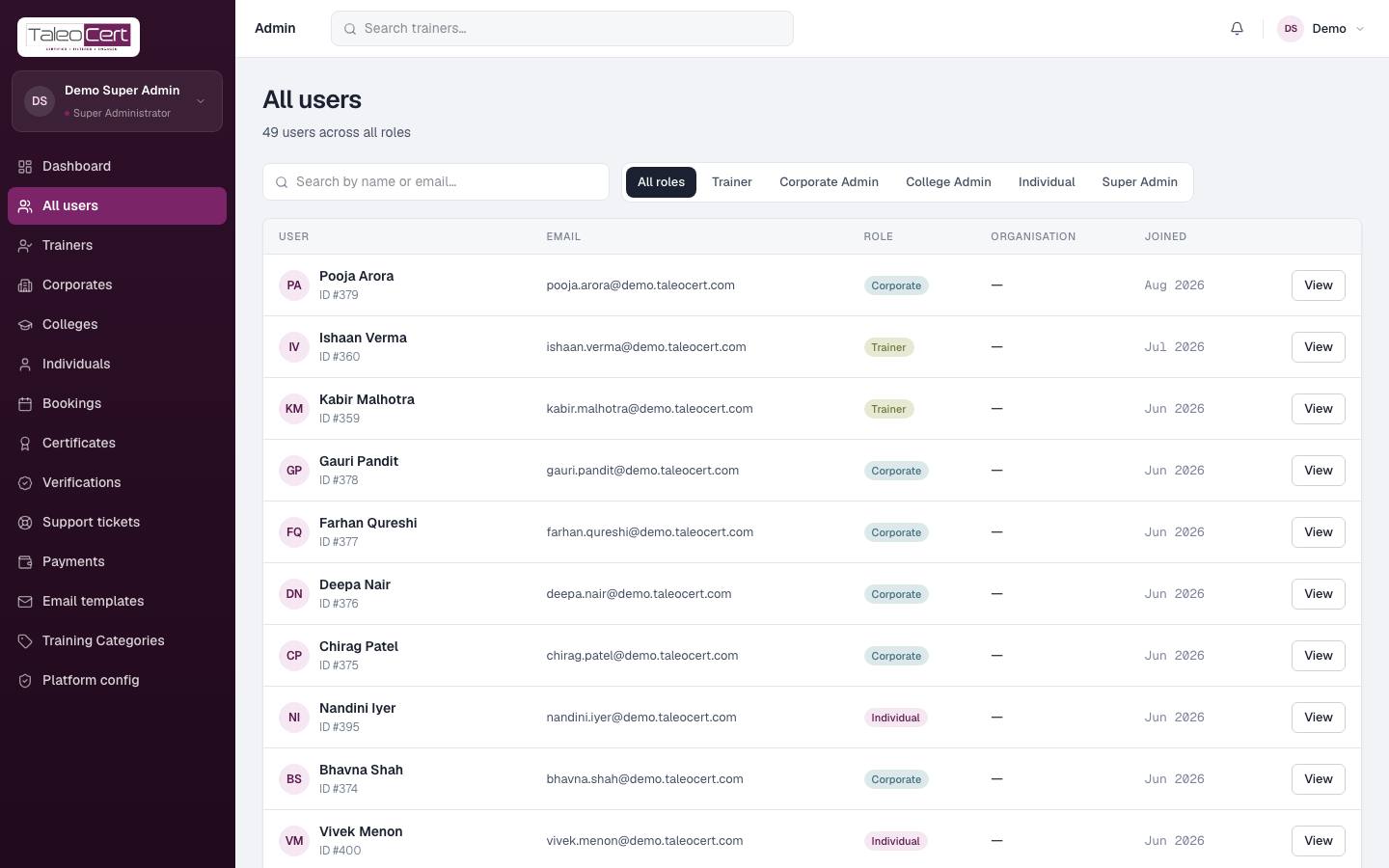
Every account, filterable by role (Trainer, Corporate Admin, College Admin, Individual, Super Admin) and searchable by name or email. Click View (or the row) for the user overview.
User overview
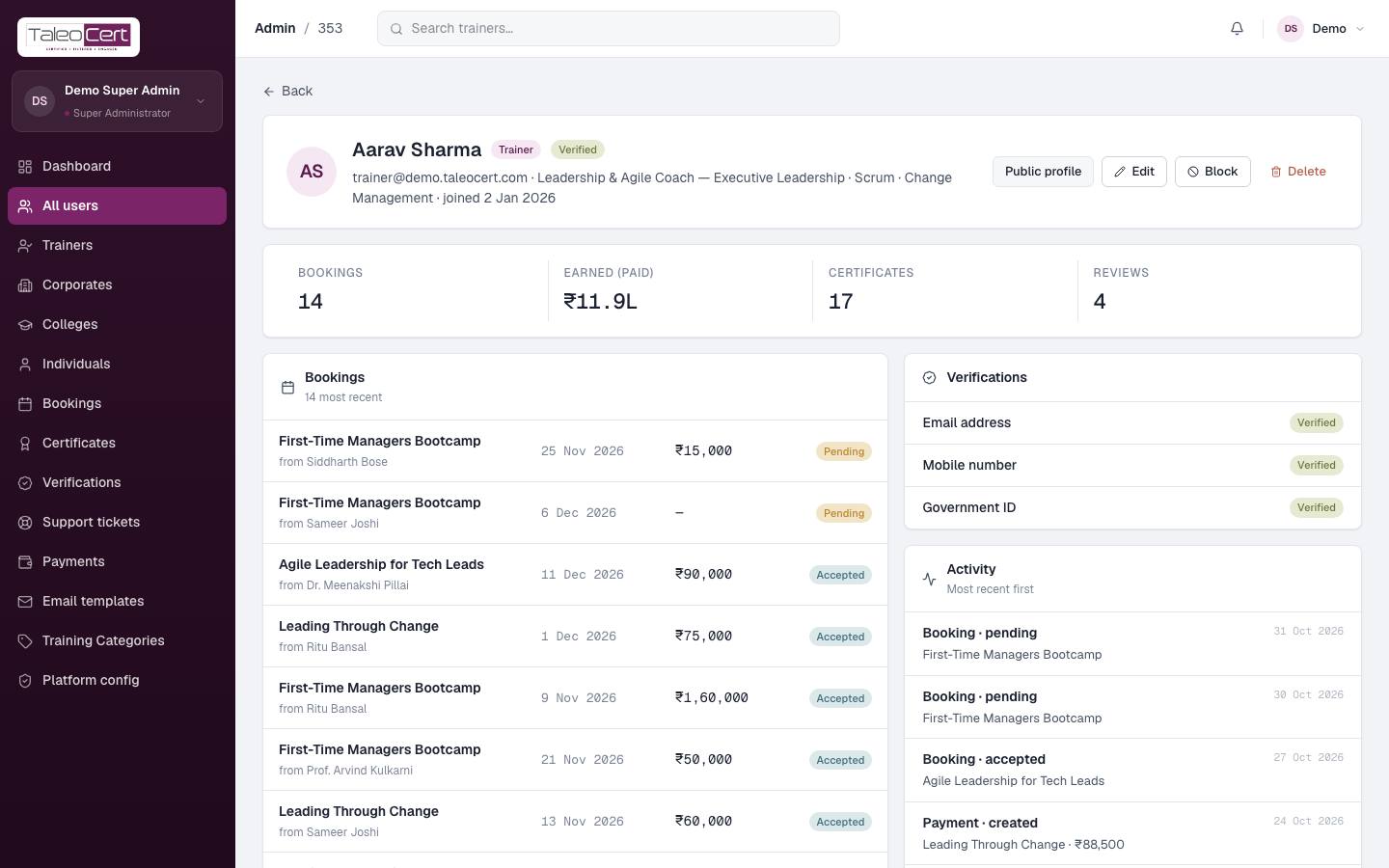
One page per user: role and verification status, bookings, money earned or paid, certificates and reviews, the full bookings list, verification checks, and an activity log.
- Public profile opens a trainer's public page.
- Edit changes their details.
- Block signs them out everywhere and stops them logging in (reversible with Unblock).
- Delete removes the account and its data after confirmation.
Trainers and approvals
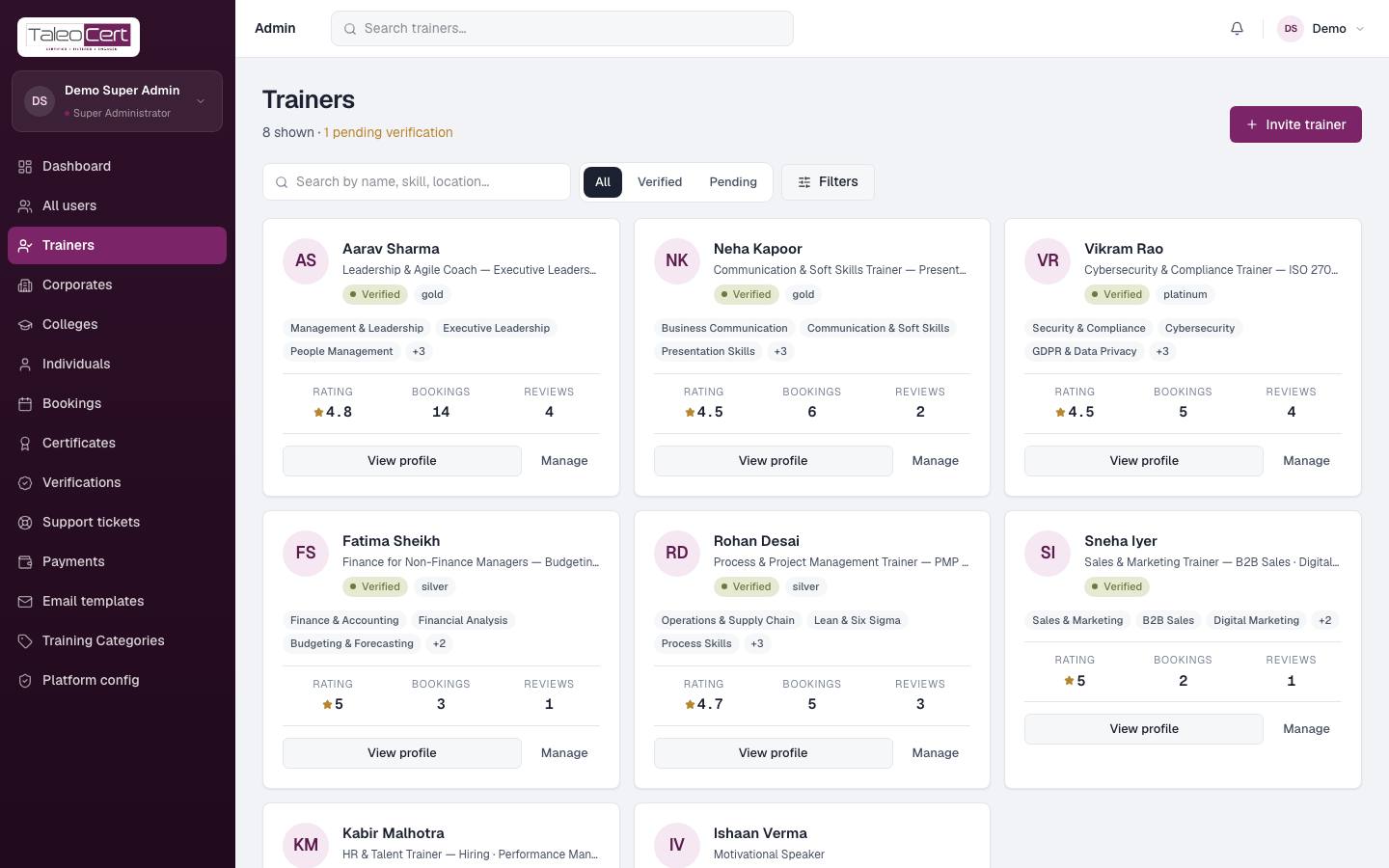
Every trainer as a card: categories, tier, rating, bookings and reviews. Filter All, Verified or Pending, search, or use Filters. Invite trainer sends an invitation.
- 1Review a pending trainerOpen View profile to check their profile, experience, credentials and verification checks.
- 2Approve or declineApprove gives them the Verified Trainer badge, unlocks their workspace and lists them for clients. Decline blocks the application; give a reason so they can re-apply.
- 3Manage a verified trainerManage opens their user overview to edit, block or delete.
Verifications
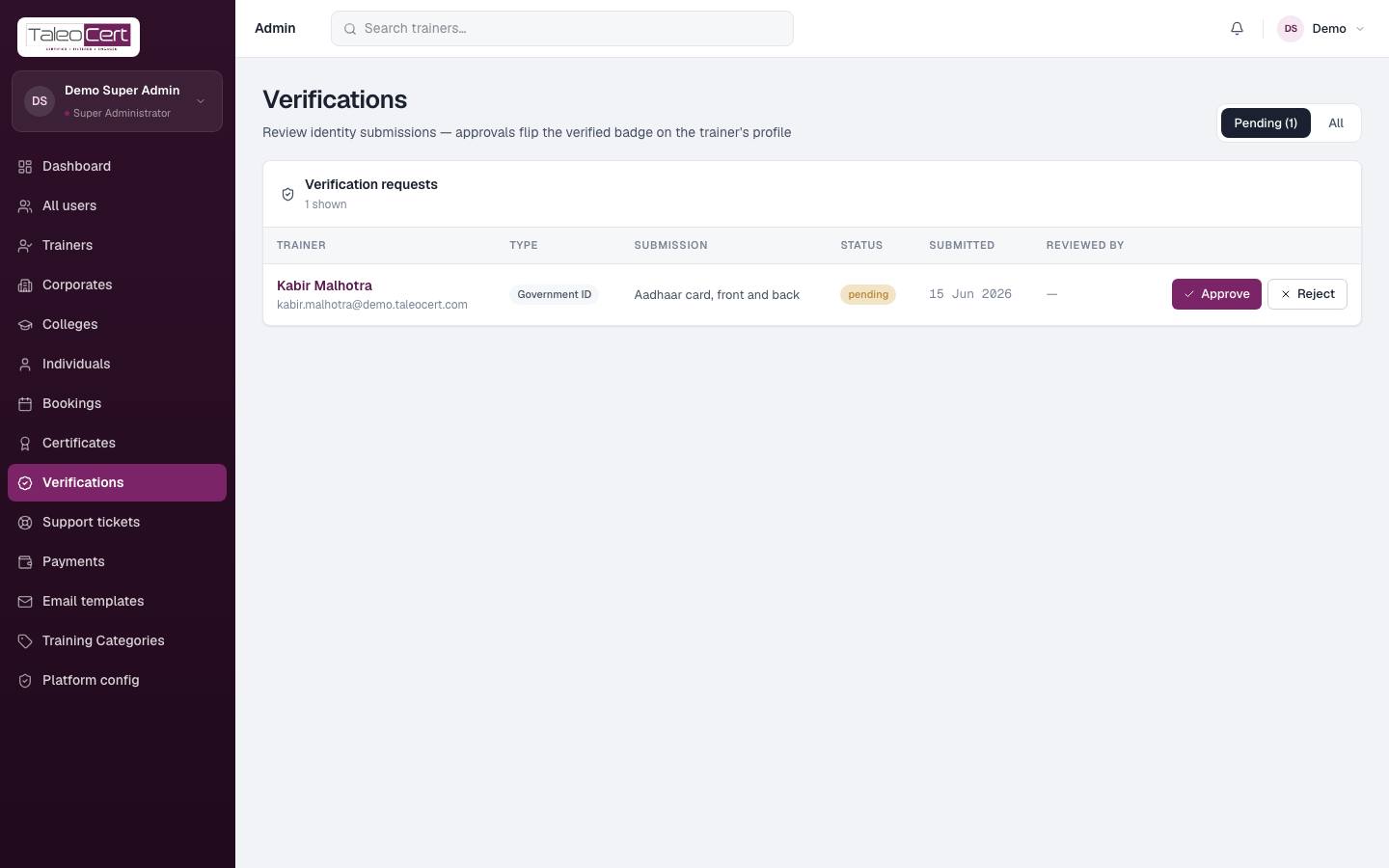
The queue of identity submissions, mostly government IDs (Aadhaar or PAN), with the trainer's note. Filter Pending or All.
- 1Open the documentCheck the name matches the profile and the document is legible.
- 2ApproveFlips the corresponding check to Verified on the trainer's profile and emails them.
- 3Or reject with a reasone.g. "The document is blurred — please re-upload a clear photo." The trainer is emailed the reason and can re-submit.
Corporates
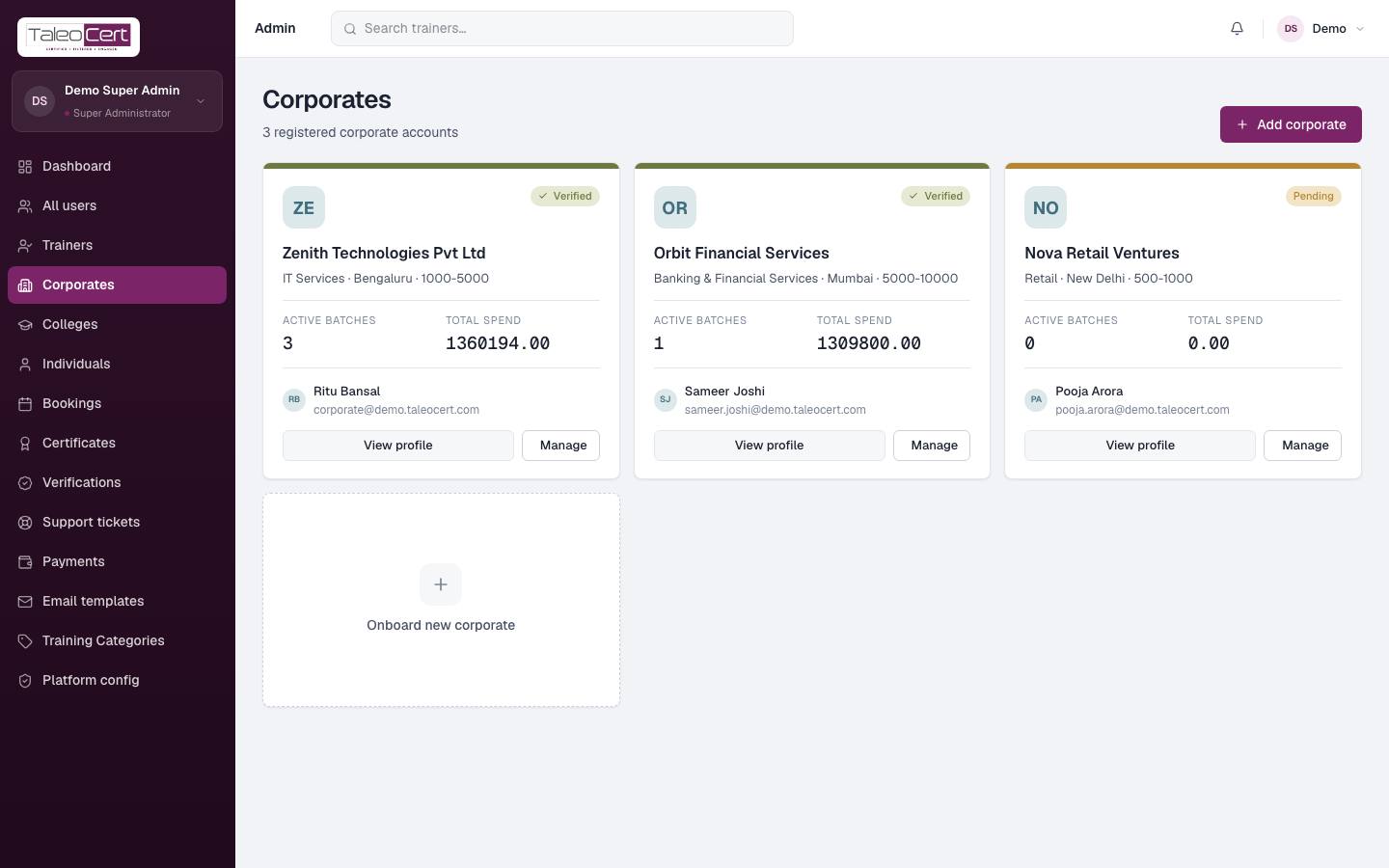
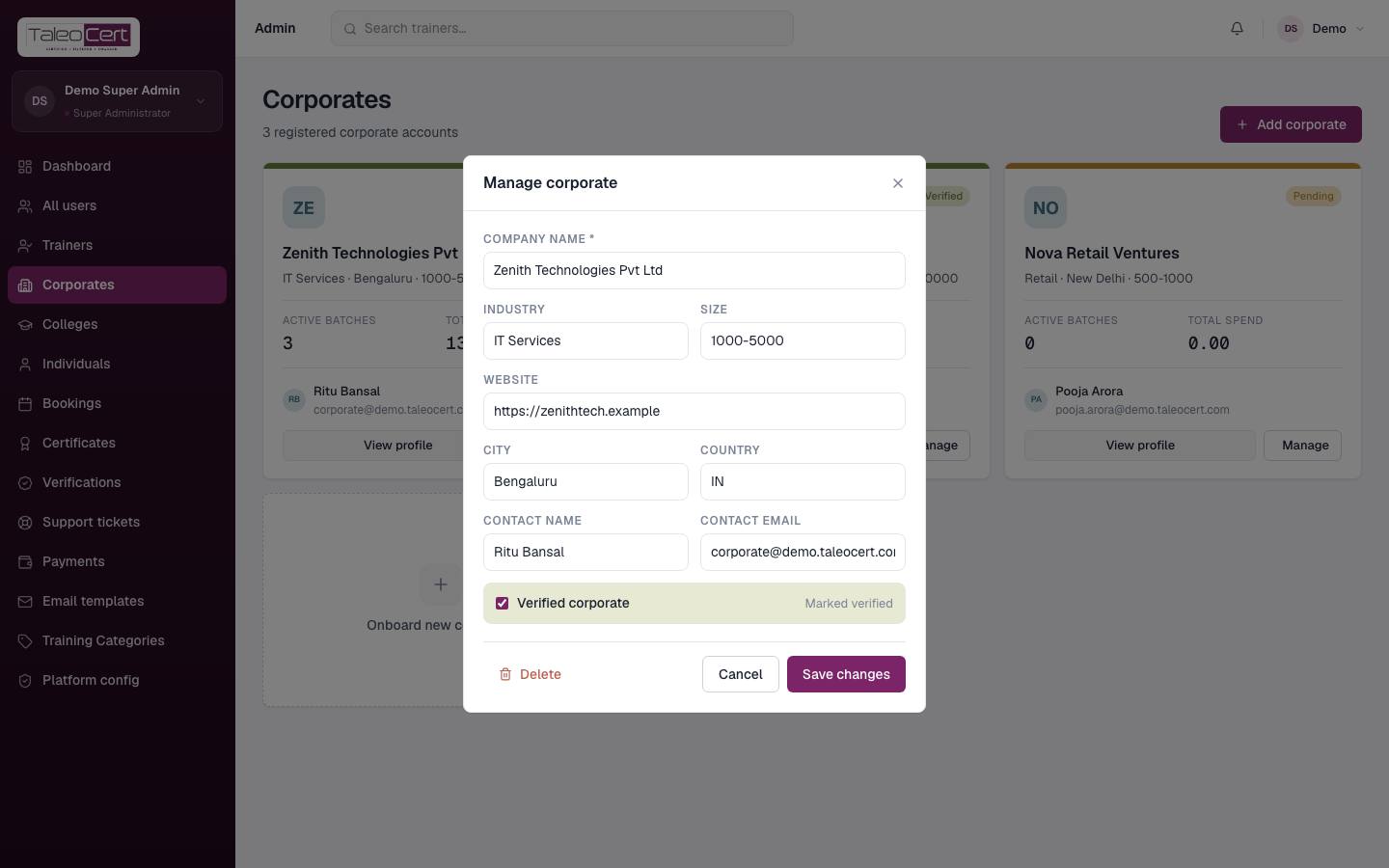
Every registered company: verified or pending, industry, size, city, active batches, total spend and the main contact. View profile shows the organisation; Manage edits company name, industry, size, website, city, country, contact and the Verified corporate flag, or deletes it. Add corporate / Onboard new corporate sets one up on someone's behalf.
Colleges and individuals
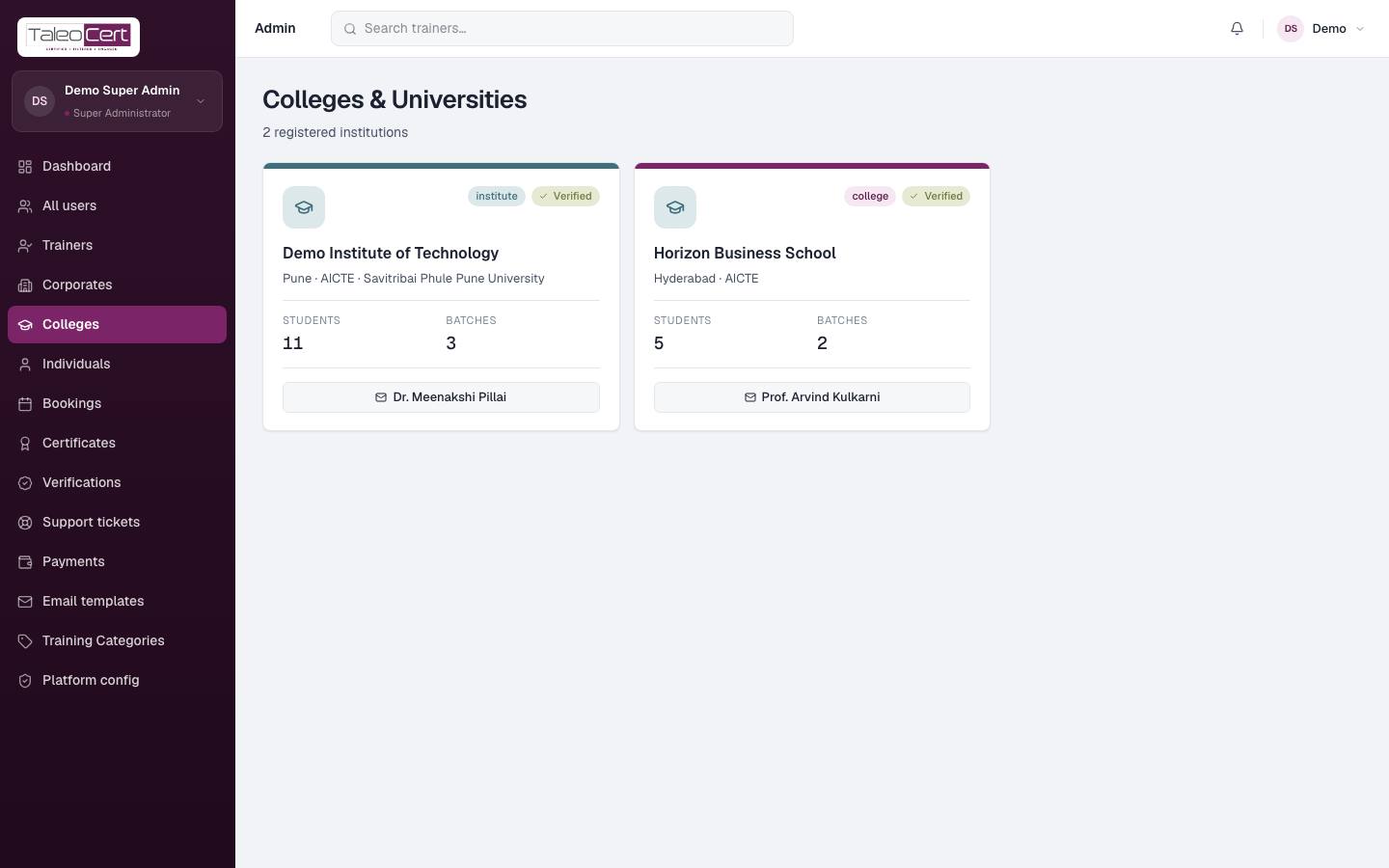
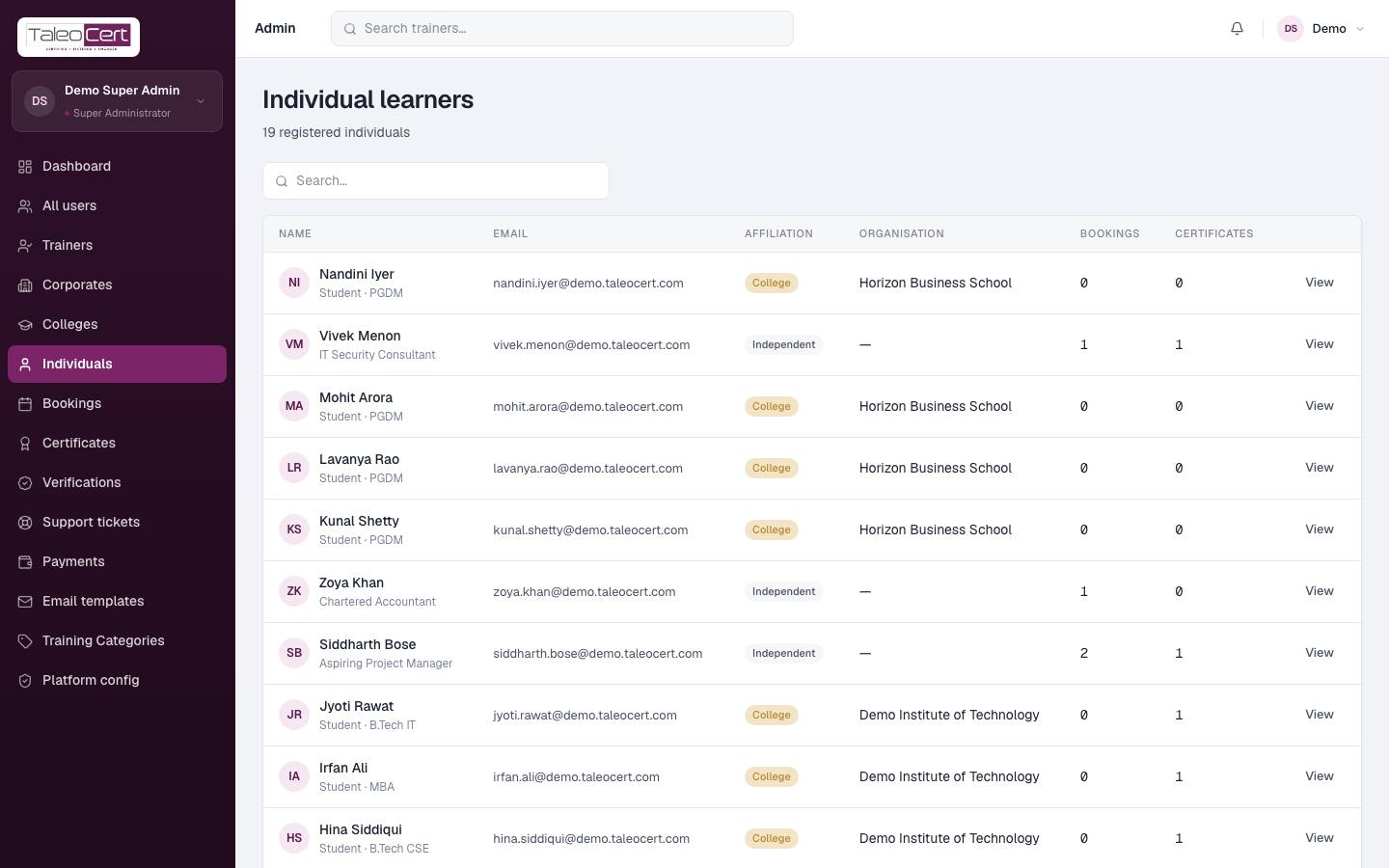
Colleges lists institutes with their students, batches and admin. Individuals lists every learner with their affiliation (College, Corporate or Independent), organisation, bookings and certificates.
Something not covered? Talk to us or open a ticket from Help & support in your portal.