
Materials, reports, alumni & account
Materials
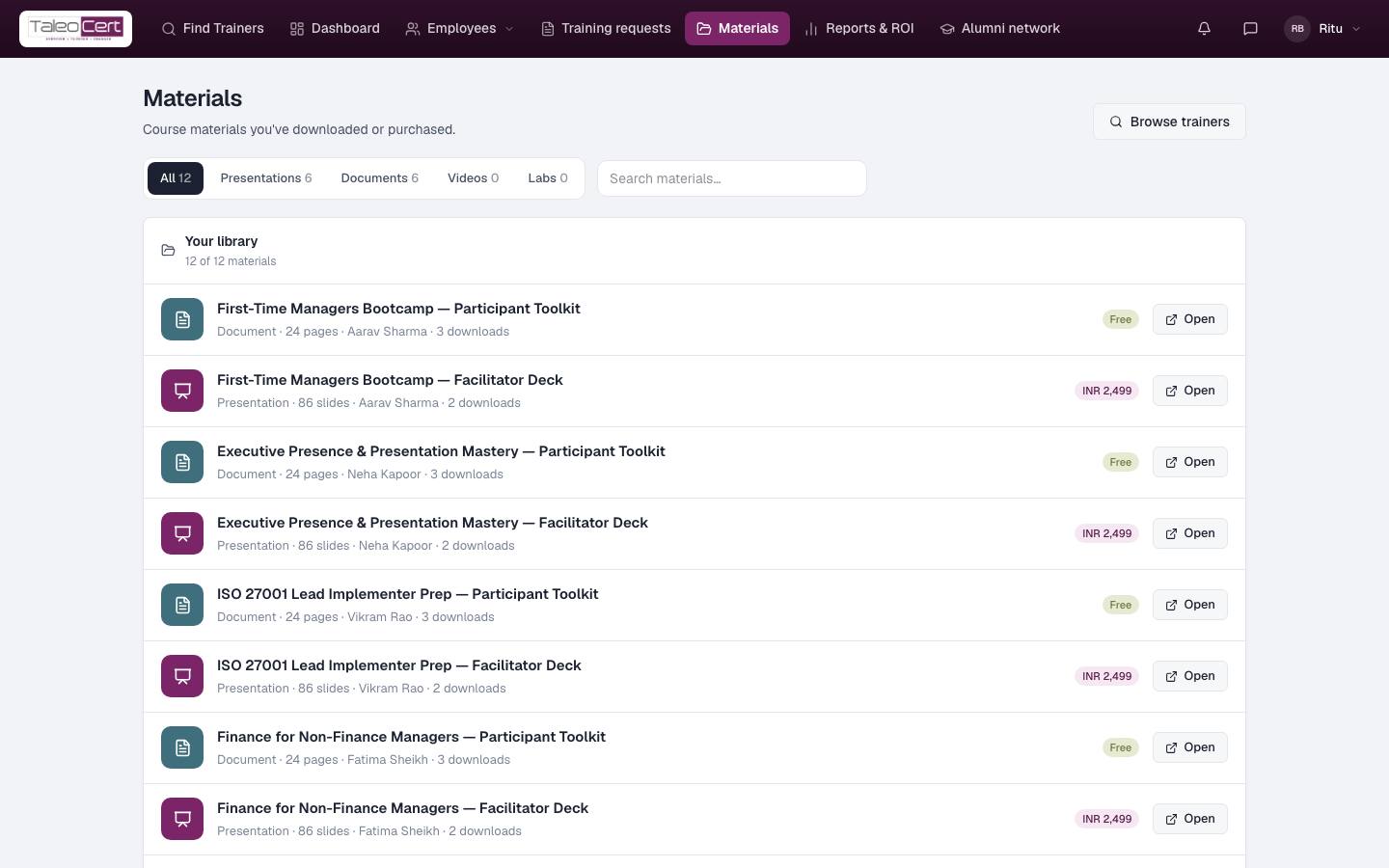
Course materials from trainers you work with: decks, documents, videos and labs. Free items open straight away; paid items show their price and are bought through Razorpay. Everything you've acquired is listed in Your library, with how many times it's been downloaded. Filter by type or search.
Reports & ROI
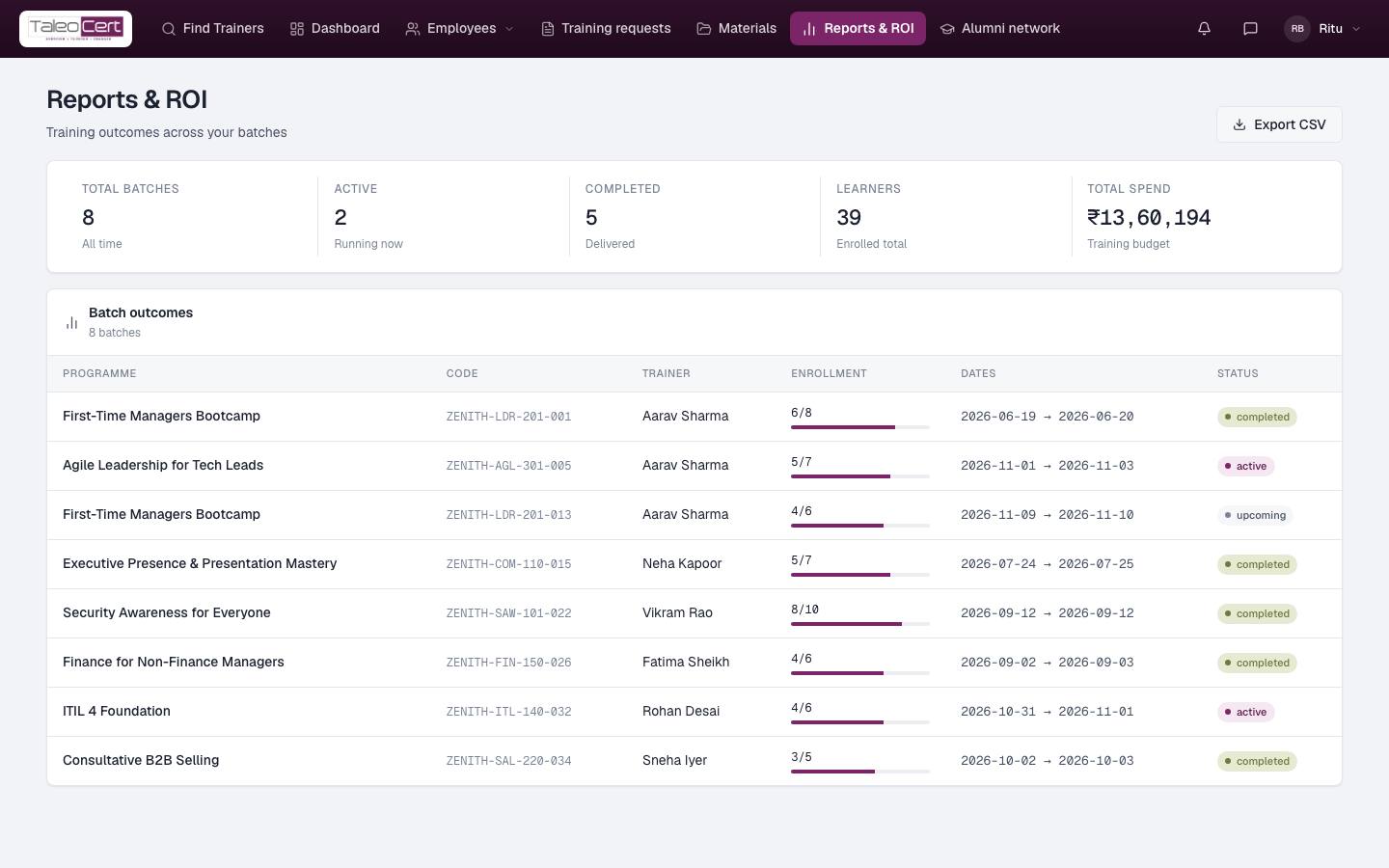
Total batches, active, completed, learners enrolled and total spend, then the outcome of every batch: programme, code, trainer, enrolment, dates and status. Export CSV for your own reporting.
Alumni network
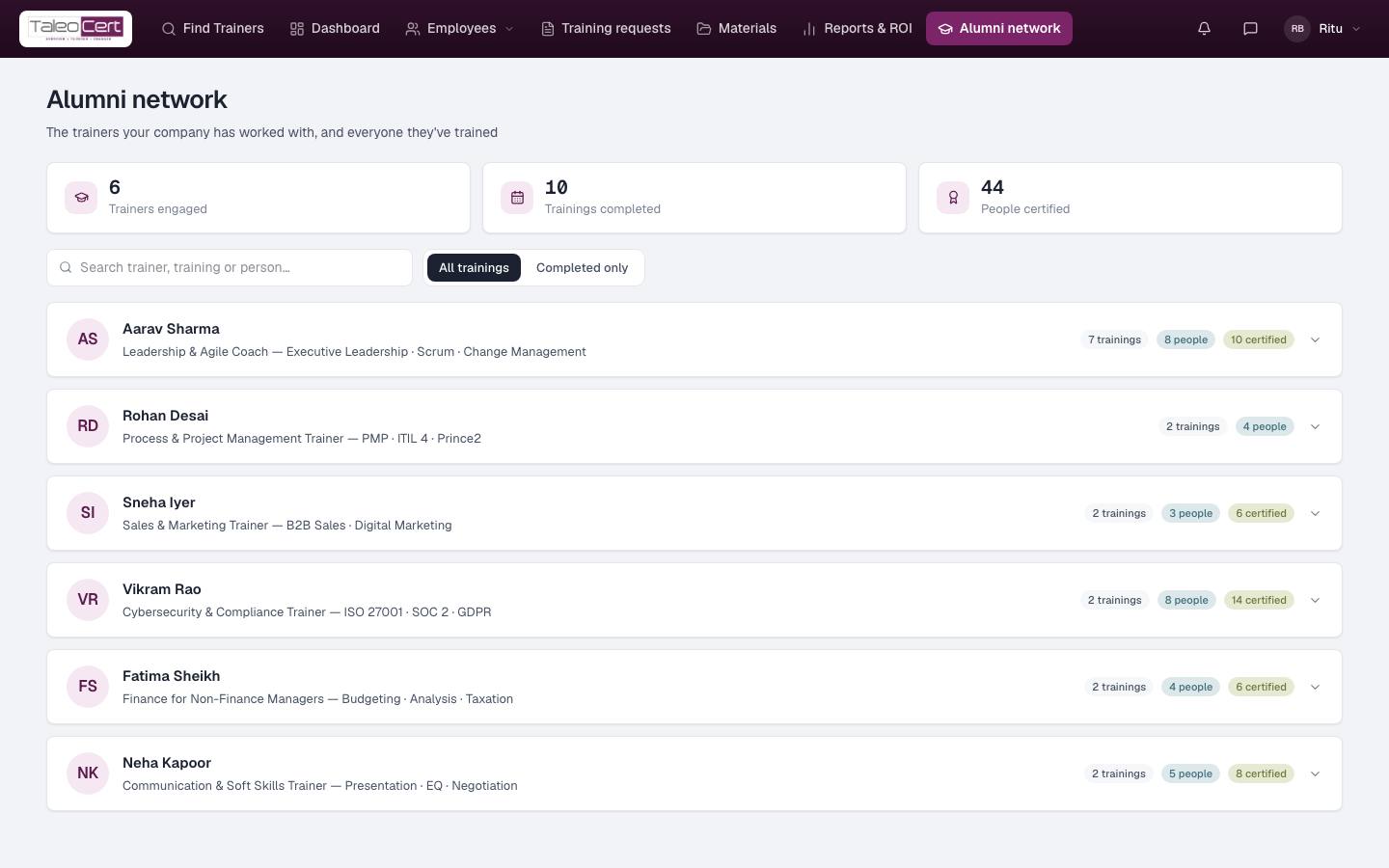
The trainers your company has worked with, and everyone they trained: trainers engaged, trainings completed and people certified. Expand a trainer to see each training; click one to open it in Training requests. Filter All trainings or Completed only.
Messages
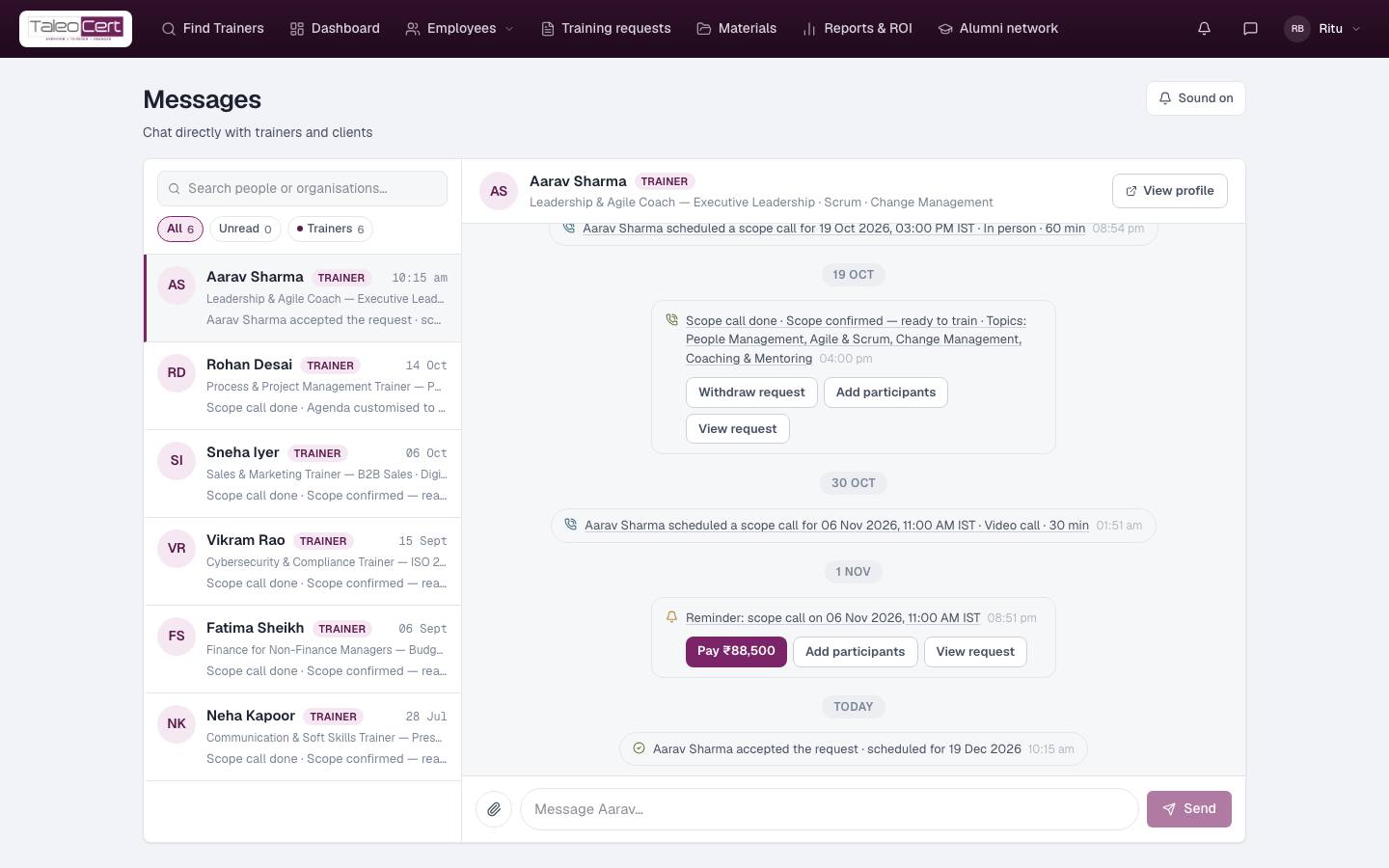
Open with the chat icon in the top bar. Talk to trainers directly. Every conversation is labelled (Trainer, Corporate, Individual…) and the chips under the search filter them. Booking events (agreement ready, paid, scope call scheduled…) appear in the thread with buttons like Pay, Add participants or View request.
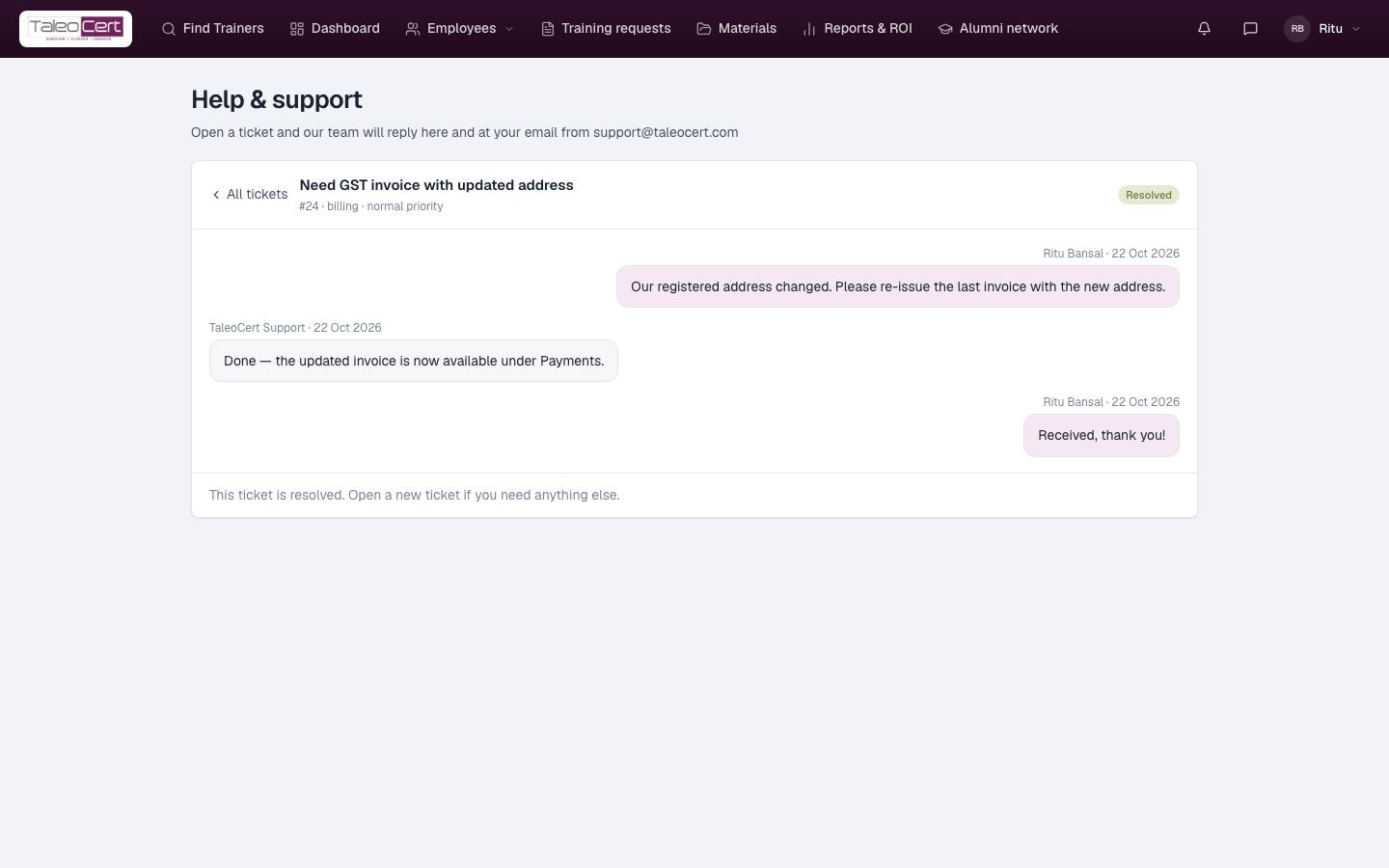
Support
Account menu › Support. Open a ticket (subject, category, priority, description), follow the replies, and mark it resolved.
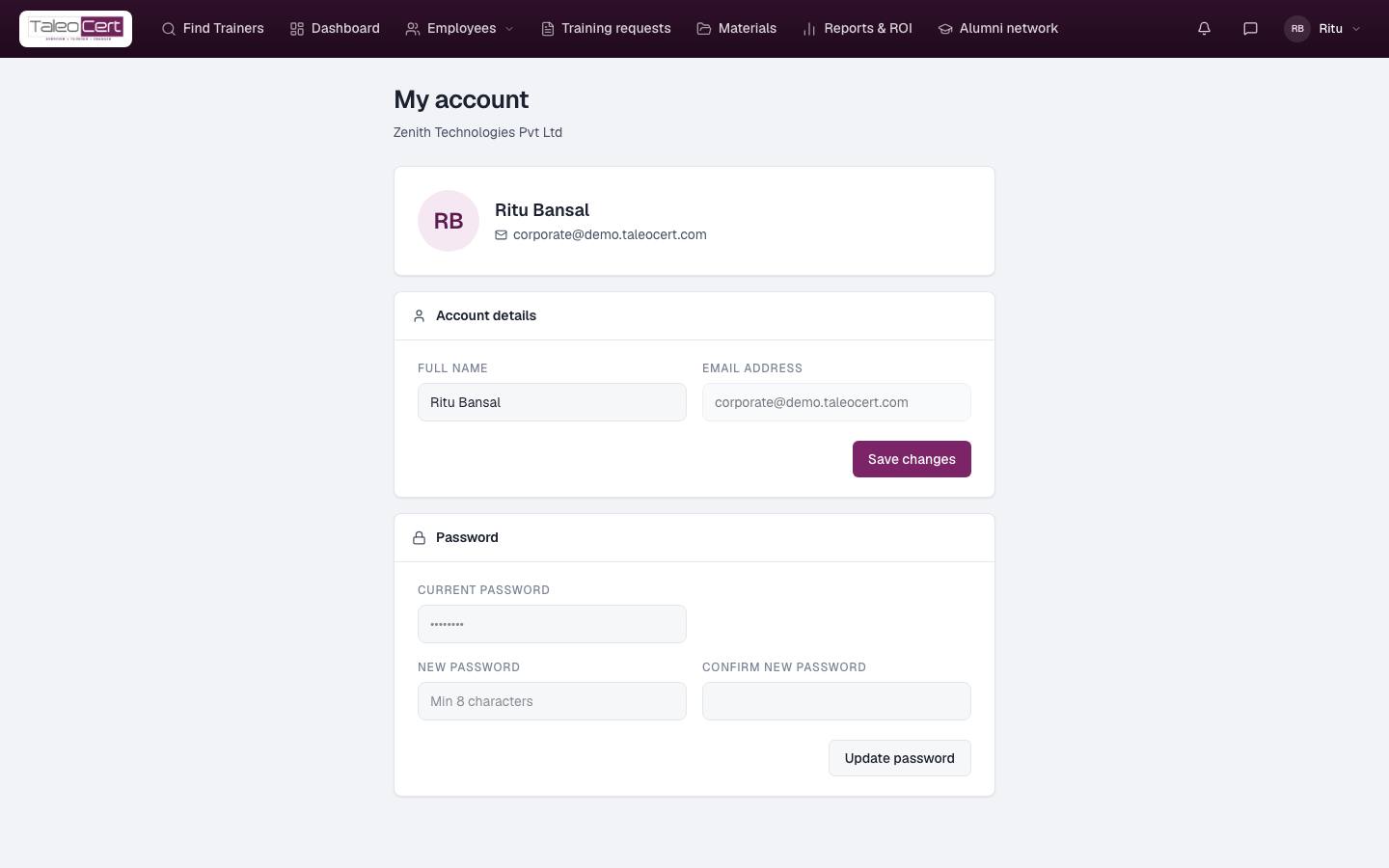
My account
Account menu › My account: change your name and password. Company details, tax IDs and billing preference are set during registration; ask support to change them.
Something not covered? Talk to us or open a ticket from Help & support in your portal.