
Docs Admin panel
Admin panel: overview
For TaleoCert teamRunning the platform: the dashboard, platform health and where everything lives.
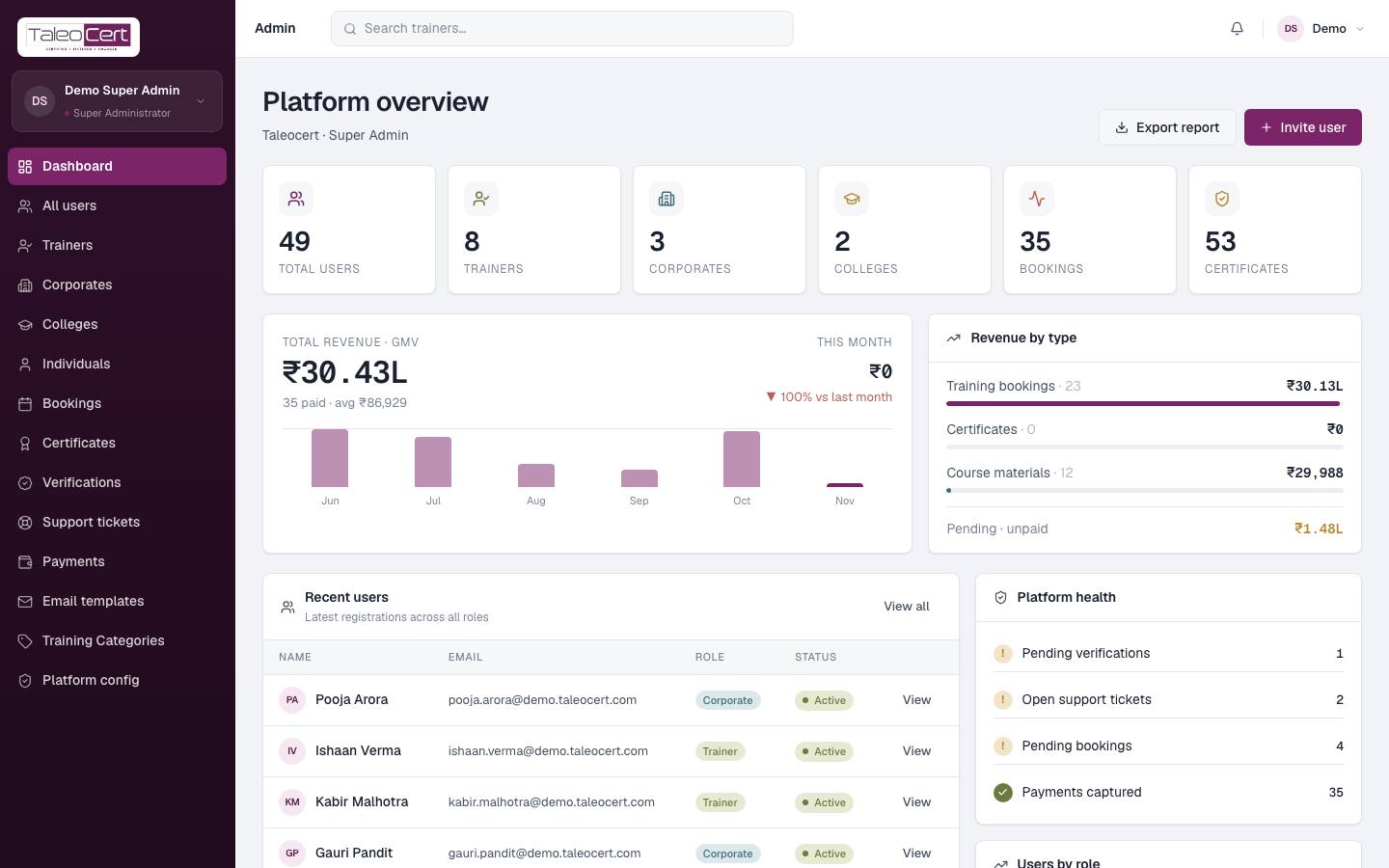
The admin panel at taleocert.com/admin is for the TaleoCert team only (super admins). It sees every user, booking, payment and certificate across all portals.
| Menu | Use it to | Section |
|---|---|---|
| Dashboard | See the platform at a glance and what needs attention | This page |
| All users · Trainers · Corporates · Colleges · Individuals | Find, inspect, approve, edit, block or delete accounts | Users & organisations |
| Verifications | Approve or reject trainer identity documents | Users & organisations |
| Bookings · Payments · Certificates | Oversee every engagement and transaction | Bookings, payments & certificates |
| Support tickets | Answer users | Support, content & settings |
| Email templates · Training Categories · Platform config | Control emails, the category tree and mail delivery | Support, content & settings |
The dashboard
Export report downloads the overview; Invite user sends someone an invitation to set their password.
Something not covered? Talk to us or open a ticket from Help & support in your portal.