
Docs Admin panel
Bookings, payments & certificates
For TaleoCert teamOversee every engagement, transaction and certificate on the platform.
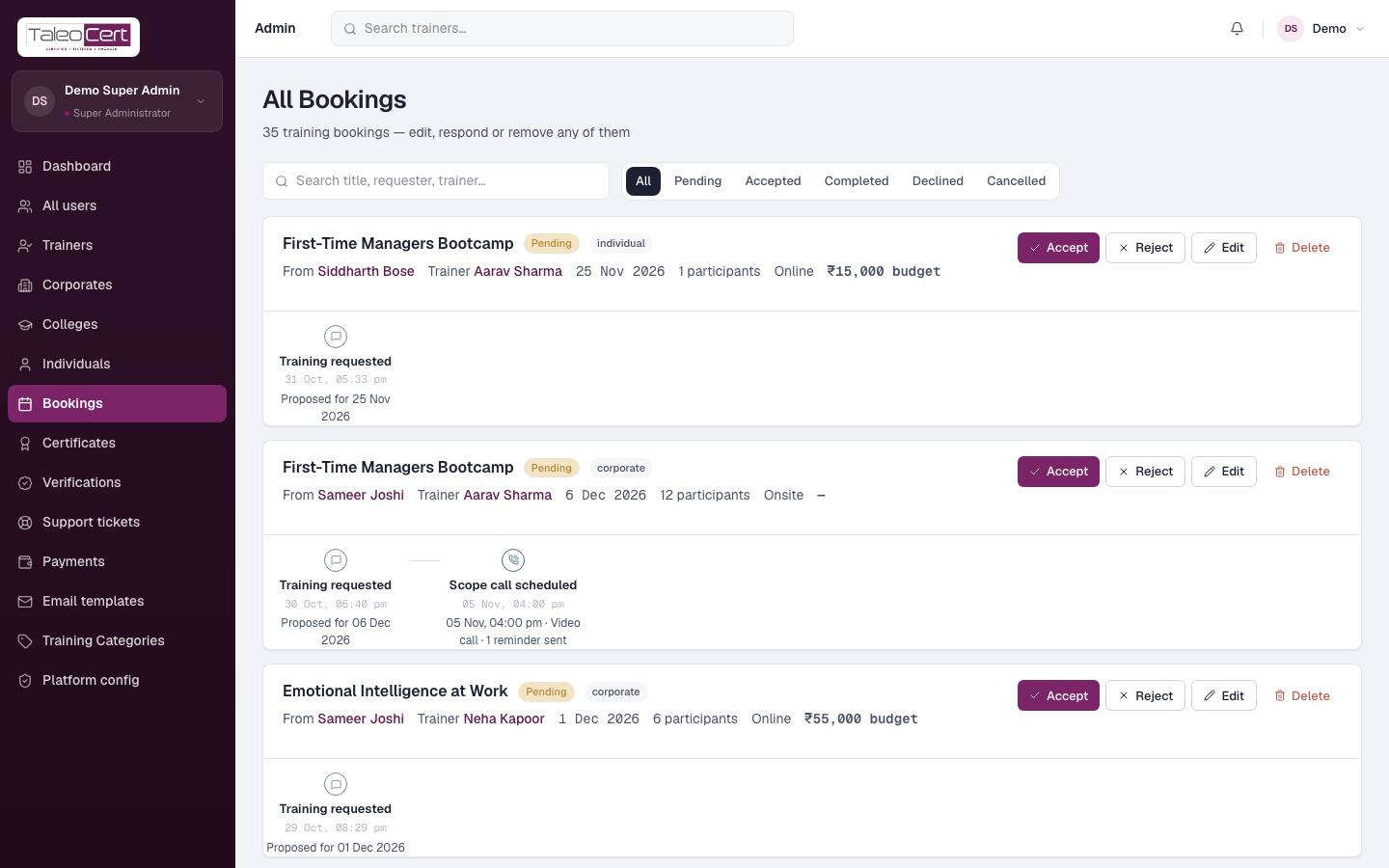
All bookings
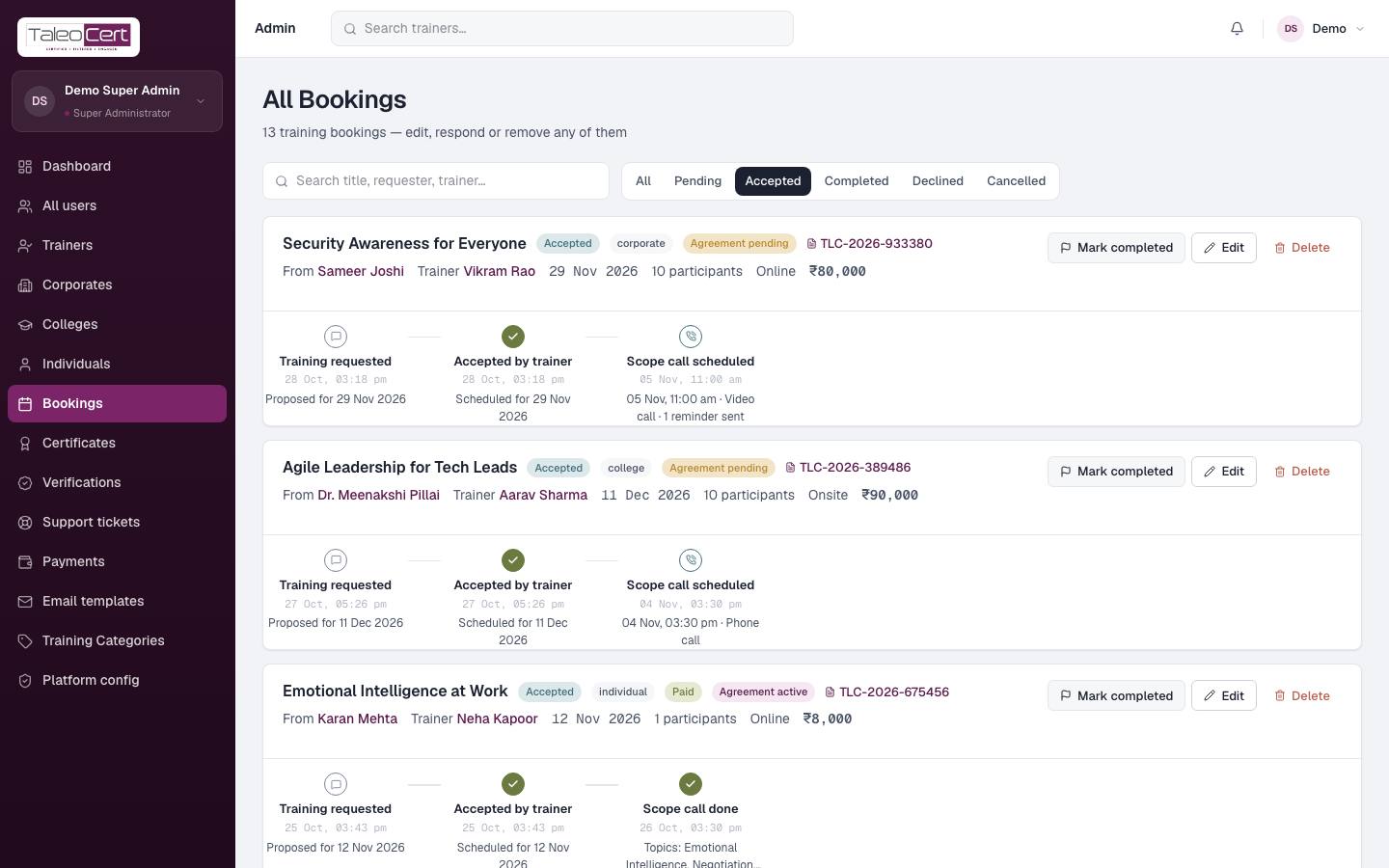
Every booking on the platform, filterable by Pending, Accepted, Completed, Declined, Cancelled, and searchable by title, requester or trainer. Each shows the requester type, agreement and payment status, and the full timeline including scope calls and change requests.
- Accept / Reject a pending request on a trainer's behalf when asked to.
- Edit corrects details; Delete removes a booking.
- Mark completed follows the same rule as trainers: accepted, agreement active, and payment received or deferred.
Payments & payouts
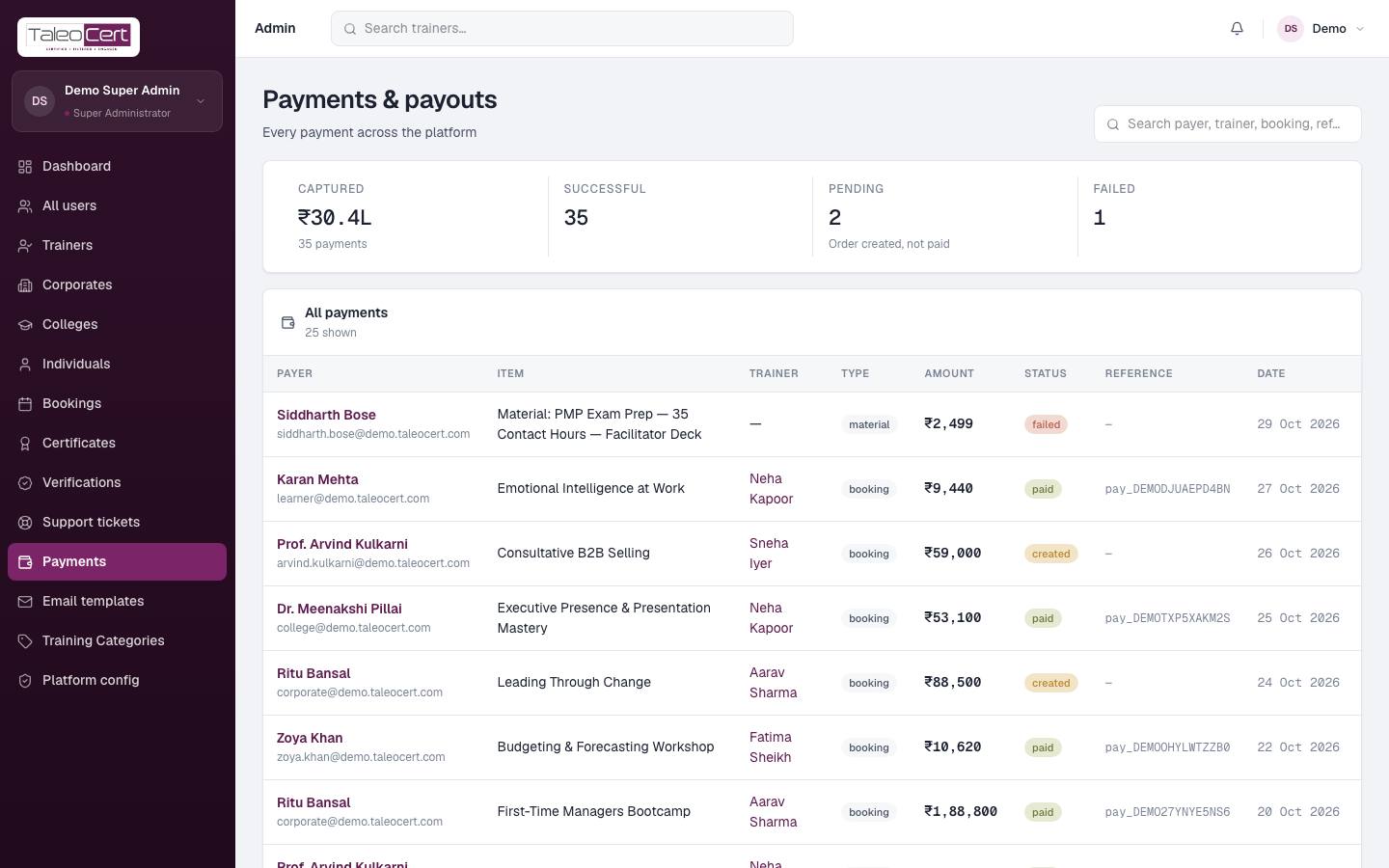
Totals captured, successful, pending and failed, then every payment: payer, item (booking or material), trainer, type, amount, status, Razorpay reference and date. Search by payer, trainer, booking or reference.
Certificates
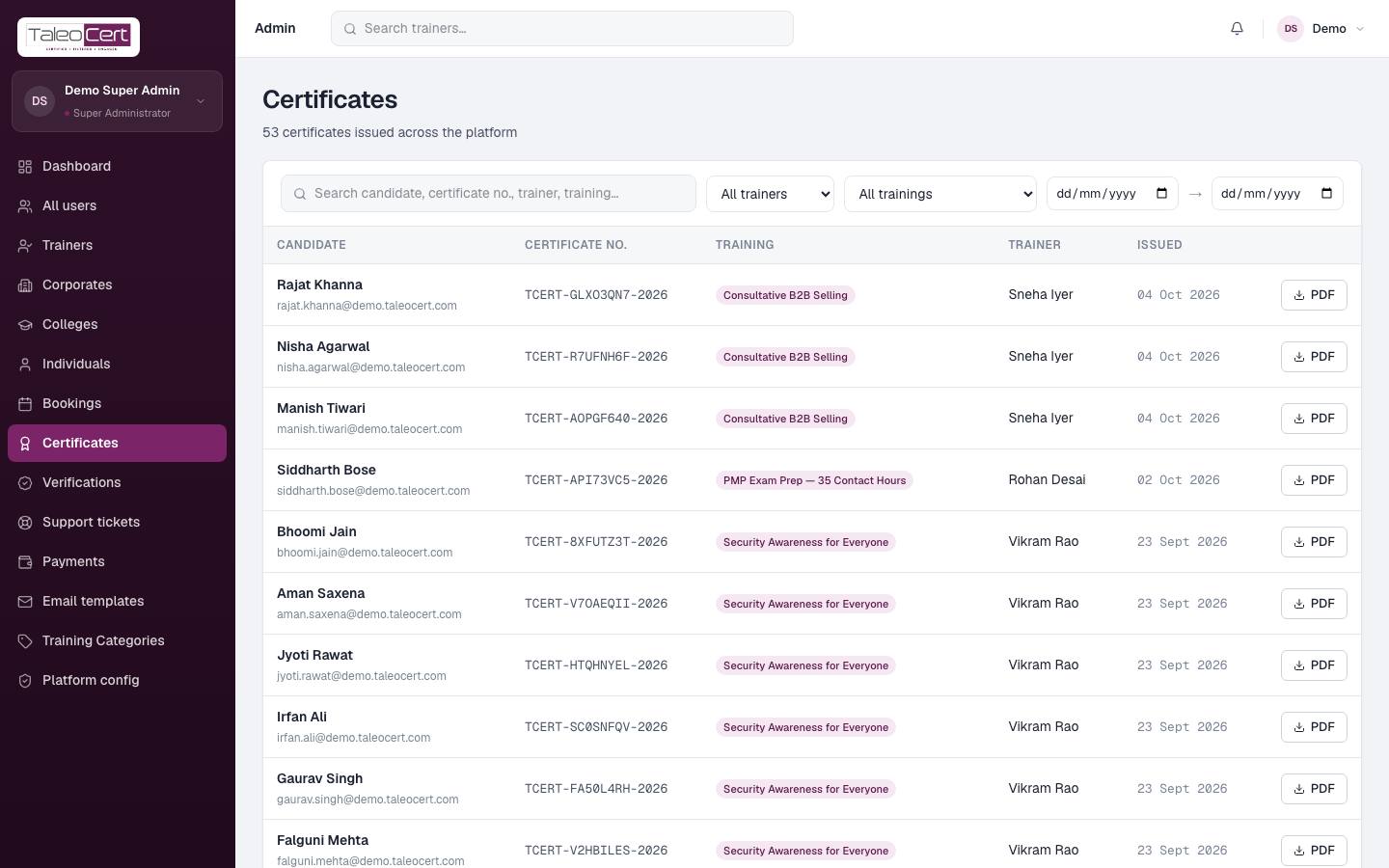
Every certificate on the platform. Search by candidate, certificate number, trainer or course; filter by trainer, training and issue-date range; download any certificate as a PDF.
Something not covered? Talk to us or open a ticket from Help & support in your portal.