
Getting started
The five portals
Everyone signs in at TaleoCert, and each role lands in its own workspace. They are all views of the same records: a request a company sends is the request the trainer accepts, the agreement both sign and the training certificates are issued against.
| Portal | For | Address | Navigation |
|---|---|---|---|
| Trainer portal | Independent and corporate trainers | dashboard.taleocert.com | Left sidebar |
| Corporate portal | Company L&D / HR admins and their employees | corporate.taleocert.com | Top bar |
| Learner portal | Individual professionals and students | client.taleocert.com | Left sidebar |
| College portal | College and institute admins | taleocert.com/college | Left sidebar |
| Admin panel | The TaleoCert team | taleocert.com/admin | Left sidebar |
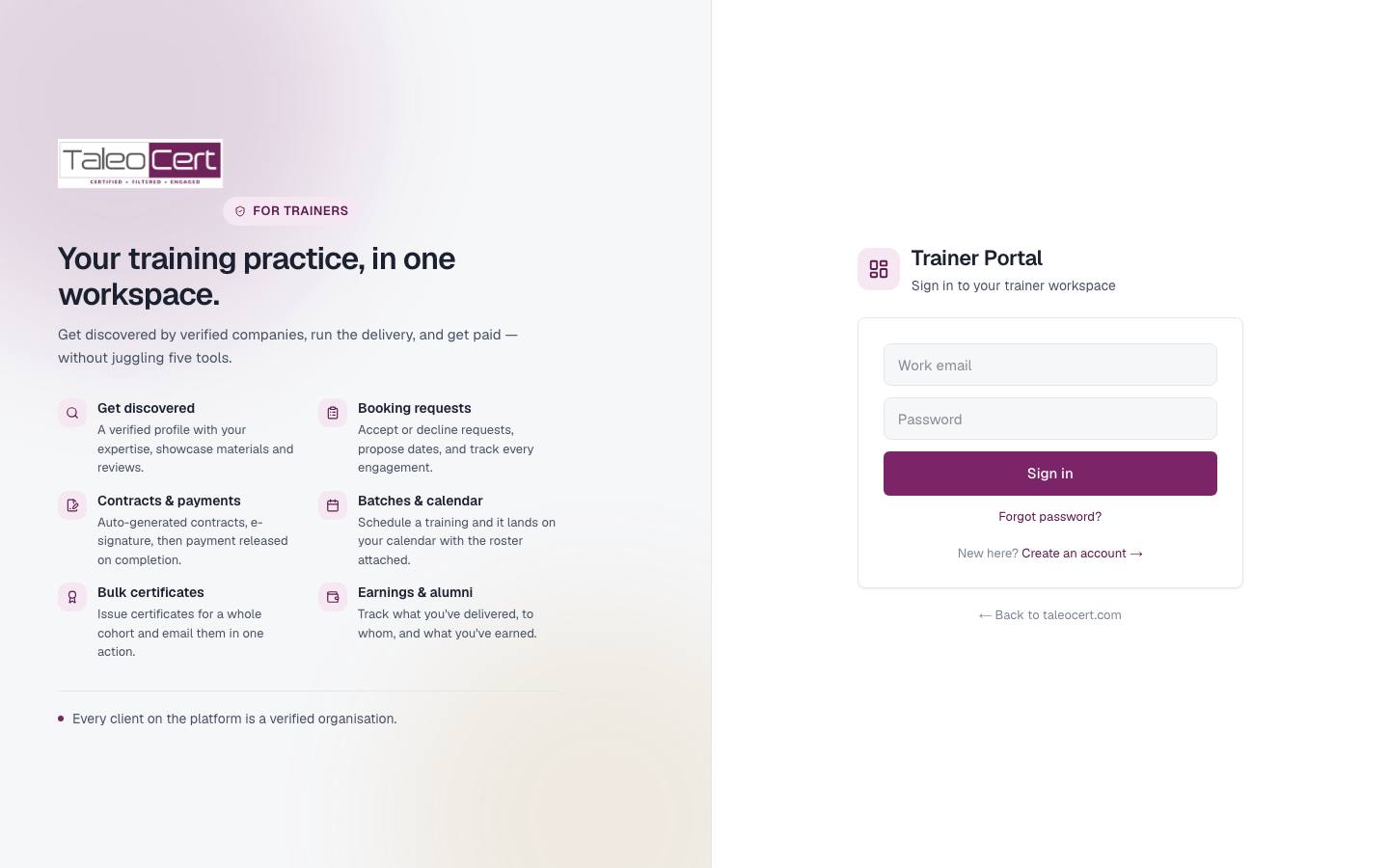
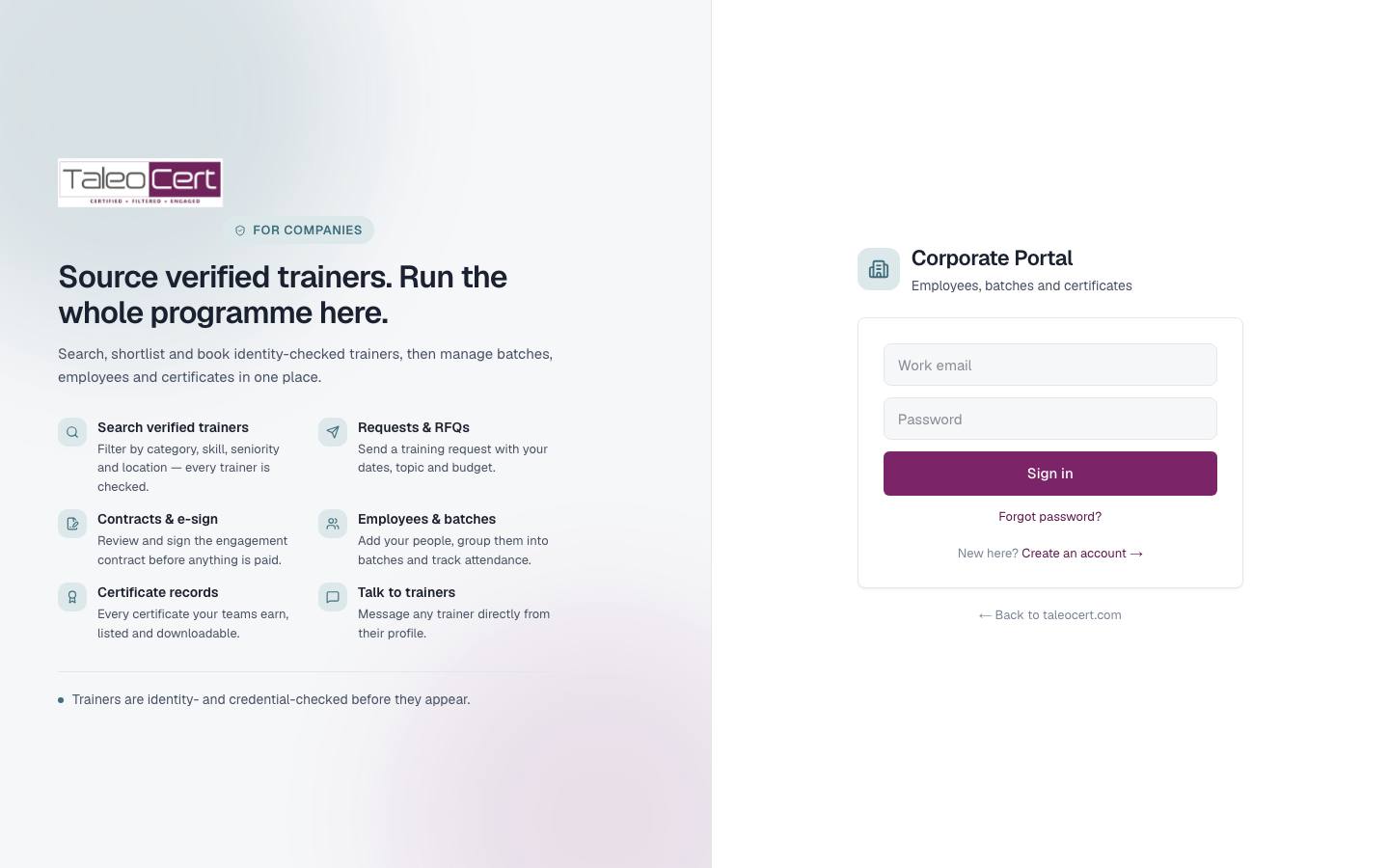
Create an account
As a trainer
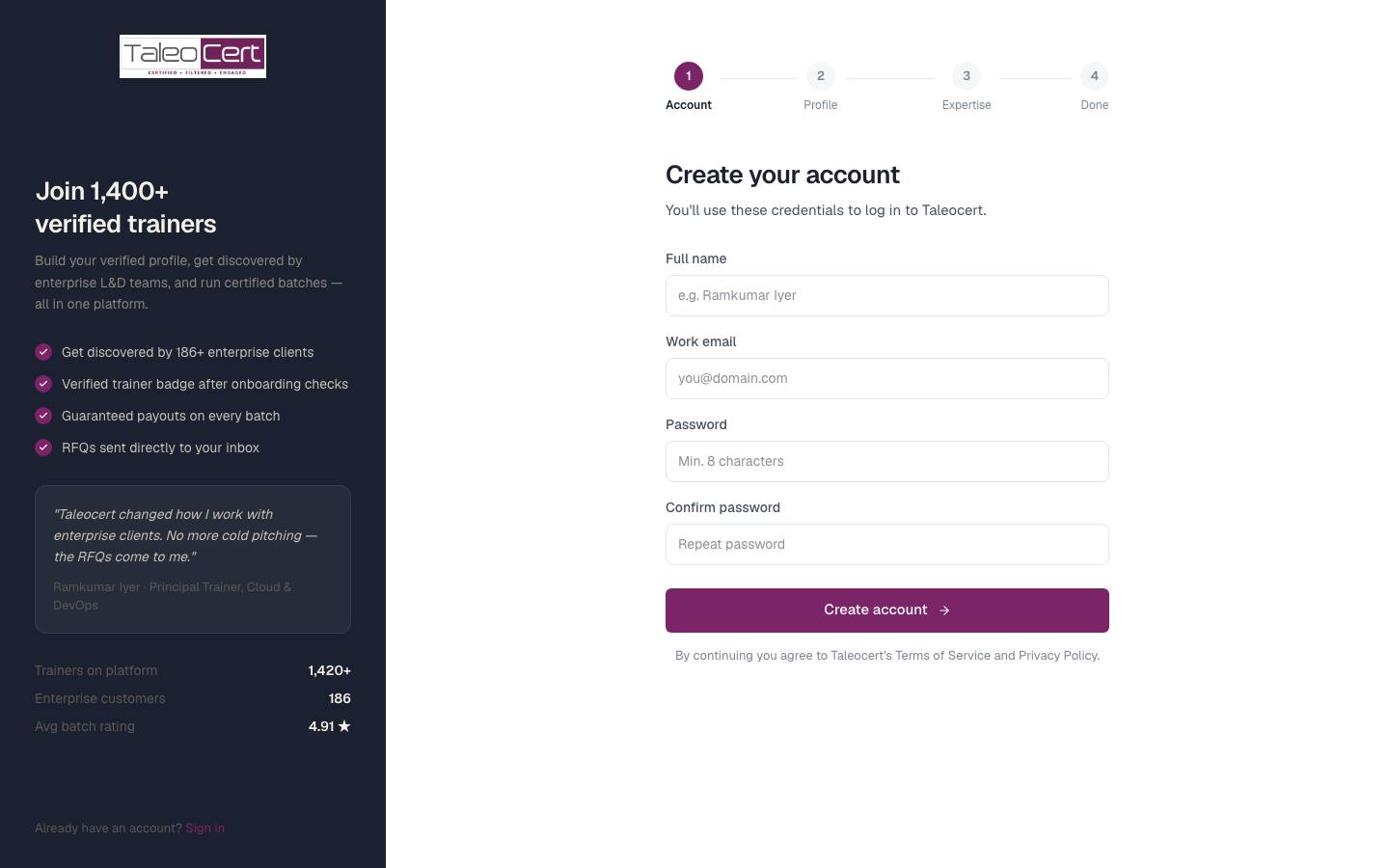
- 1Open Join as a trainerFrom the homepage choose Trainers › Join, or go to taleocert.com/signup.
Trainer sign-up runs in four steps: Account, Profile, Expertise, Done. - 2Create your accountEnter your full name, work email and a password of at least 8 characters with letters, numbers and mixed case.
- 3Fill in your profile and expertiseAdd your title, location and experience, then pick the training categories you teach. You can change all of this later from Profile.
- 4Get verifiedYour workspace opens straight away but stays soft-locked until an admin approves you. See Profile & verification.
As a company
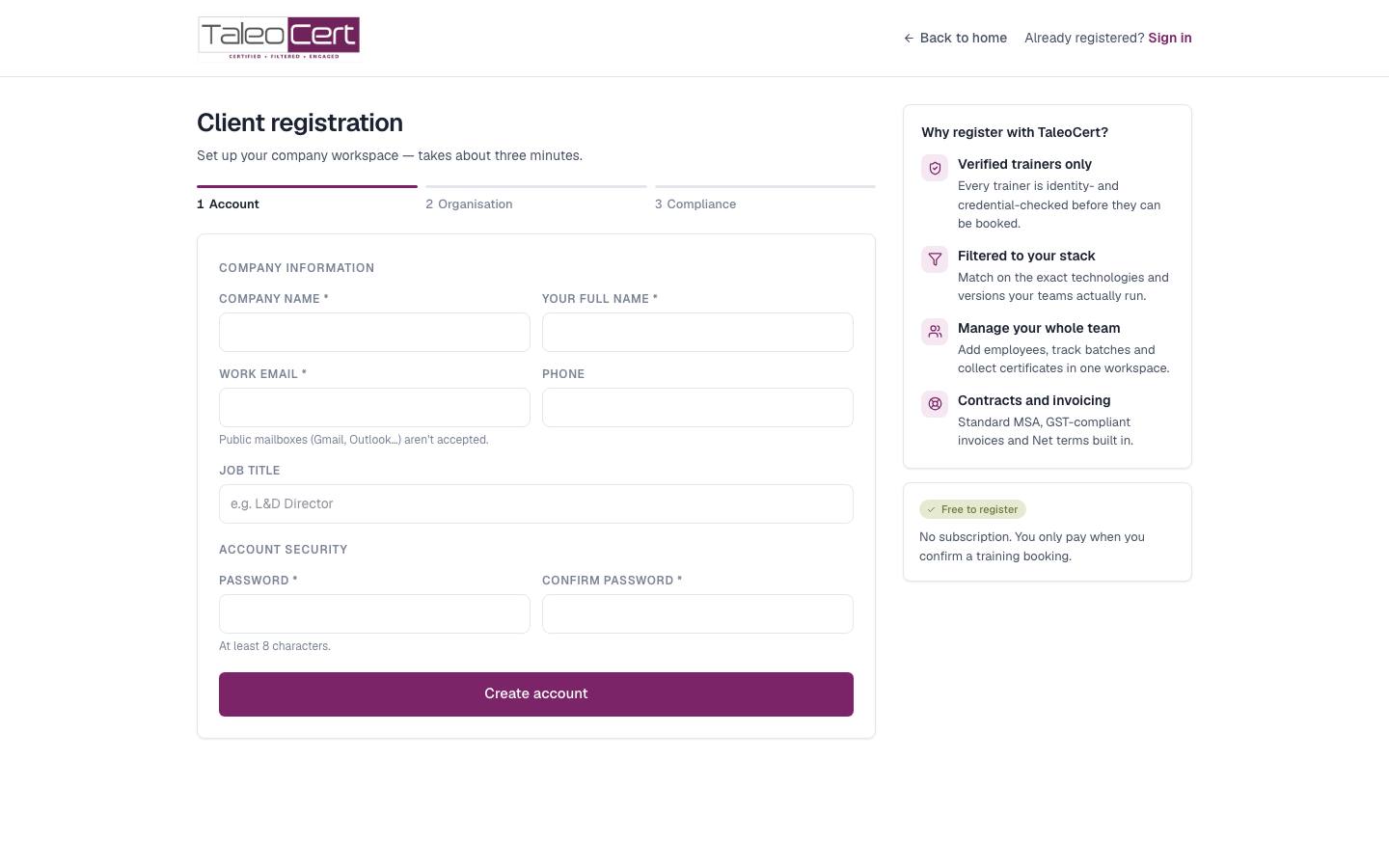
- 1Register your companyChoose Corporates › Register on the homepage or open taleocert.com/join/company. Use your work email: free consumer domains such as Gmail or Outlook are refused.
Step 1 of client registration: company name, your name, work email, phone, job title and password. - 2Verify your emailClick the link we email you. Registration continues from where you left off.
- 3Add your organisation profileLegal name, industry, size, website, address and the technologies your teams use.
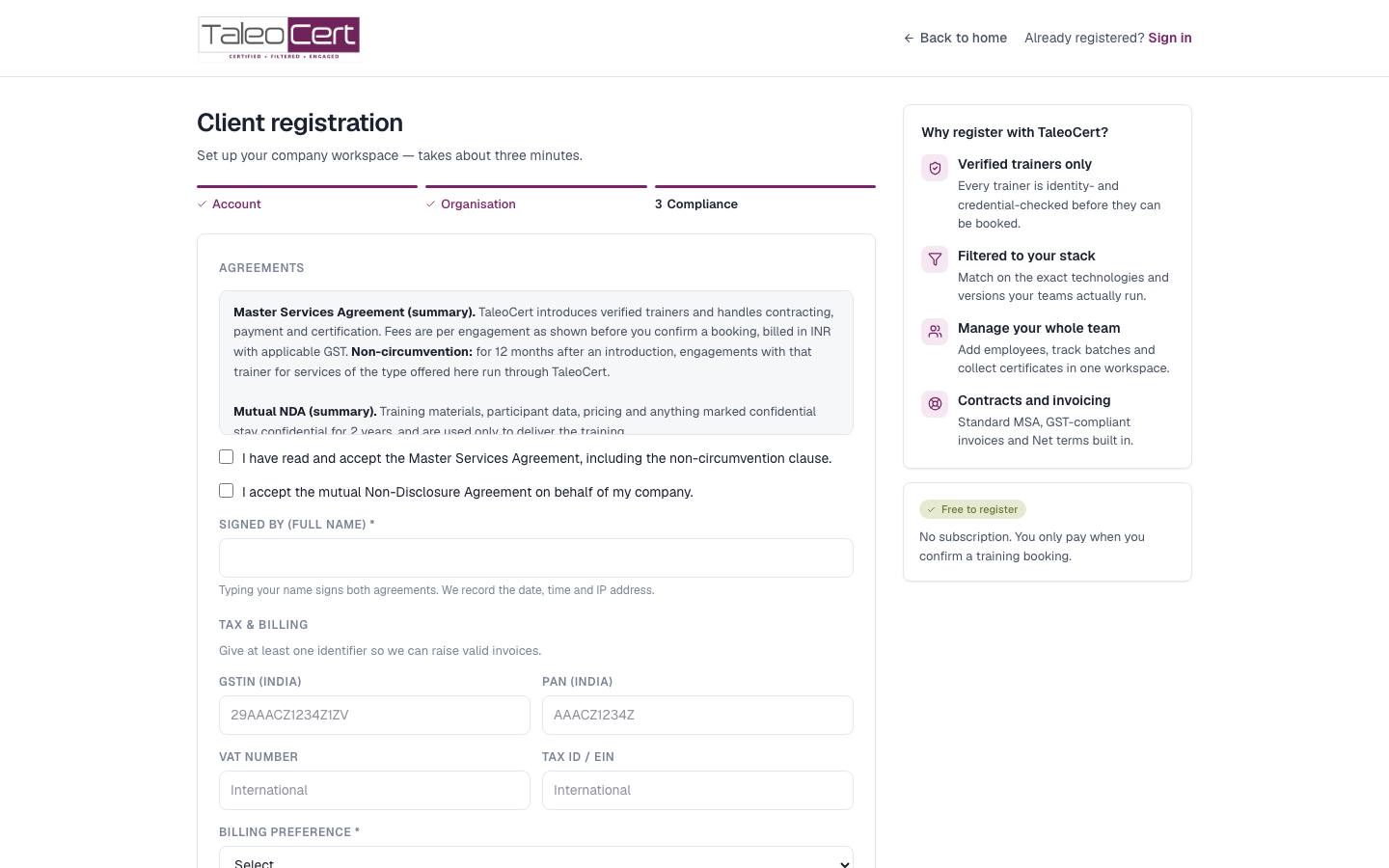
- 4Sign the MSA and NDA and add tax detailsRead the Master Services Agreement and mutual NDA summaries, tick both and type your name to sign. Add your GSTIN/PAN (India) or VAT/Tax ID, and your billing preference. Your portal unlocks when this step is done.
Step 3, Compliance: agreements, e-signature, and tax & billing details.
As an individual learner
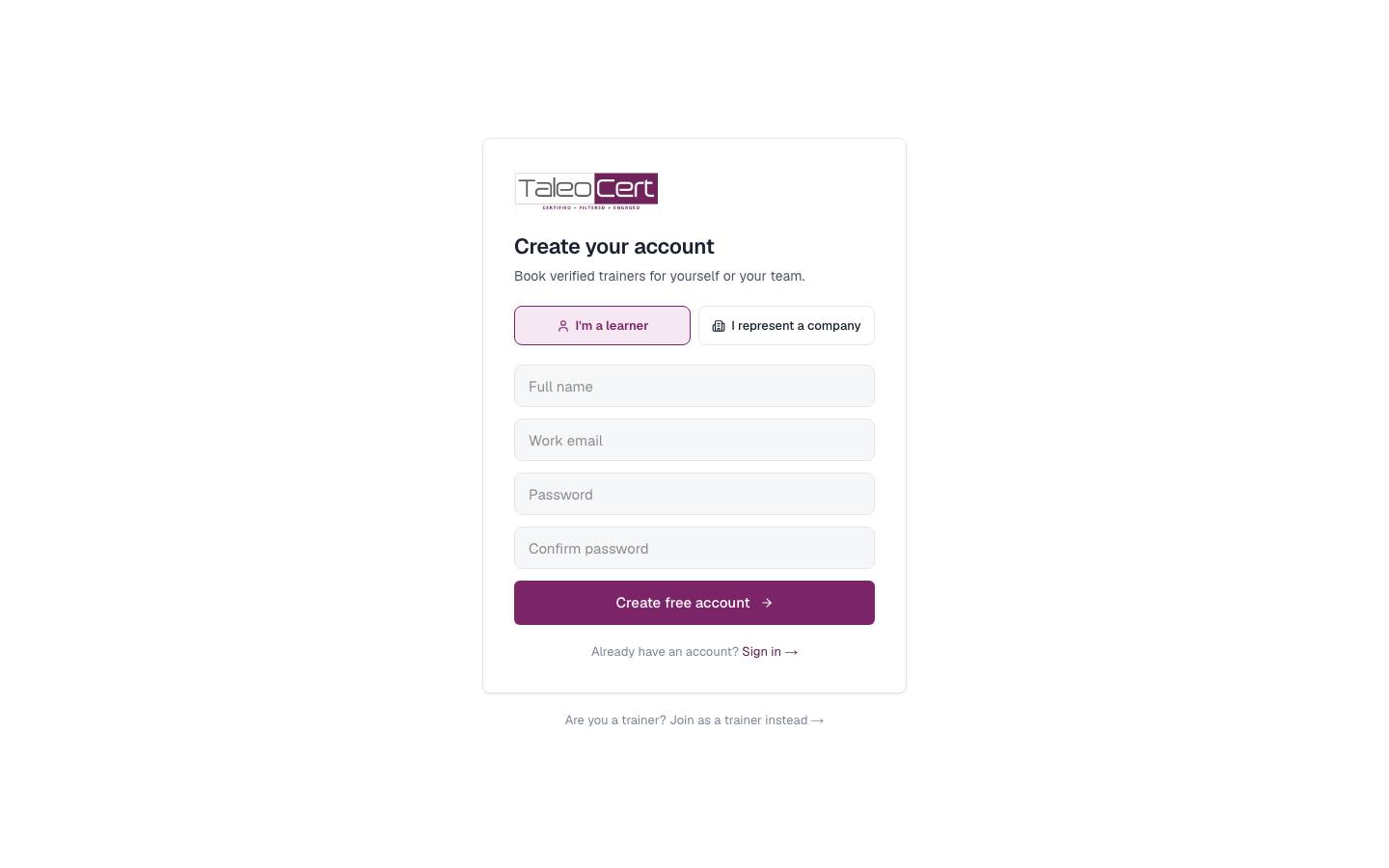
Open taleocert.com/join, choose I'm a learner, and create a free account. If you are buying for a team, choose I represent a company instead, which takes you to company registration.
As a college
College portals are set up by the TaleoCert team. Use Talk to us on the homepage and an admin will create your institute and your admin login.
Sign in, sign out and reset your password
- Sign in from your portal's address or from Log in on the homepage, which asks which portal you need.
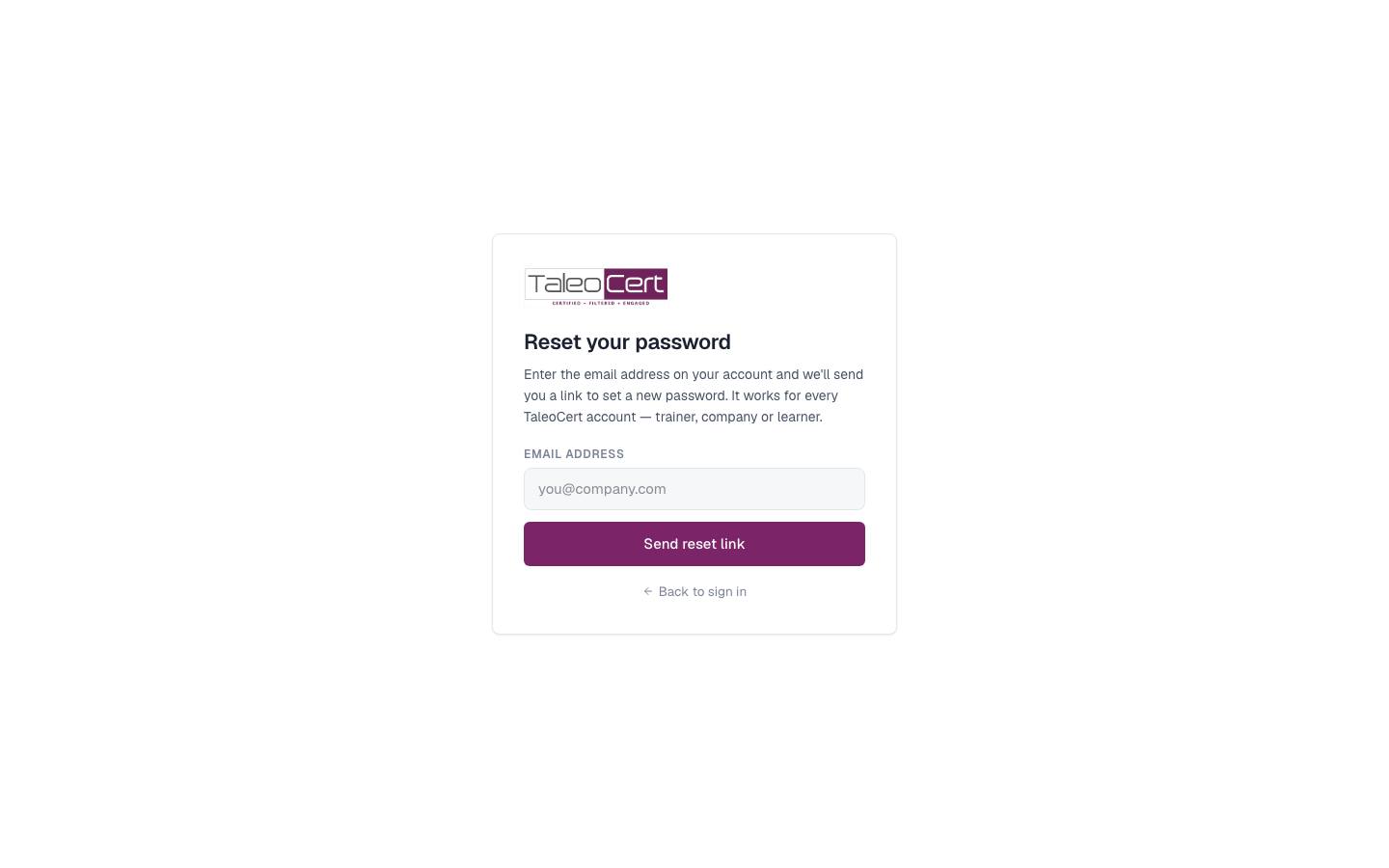
- Forgot your password? Choose Forgot password? on any sign-in page, enter your email and follow the link. It is valid for 60 minutes.
- Change your password any time from Settings › Account (trainer) or My account (other portals).
- Sessions last 30 days. When one expires you are returned to sign-in, not shown an error.
- Sign out from the bottom of the sidebar, or from the account menu in the corporate portal.
About the screenshots (demo data)
Every screenshot in this documentation was taken from a demo environment filled with fictional, fully linked data. No real customer appears. You will see the same people throughout:
| Persona | Role | Used in |
|---|---|---|
| Aarav Sharma | Verified trainer: leadership & agile coach | Trainer portal |
| Kabir Malhotra | Trainer awaiting verification | The locked, unverified workspace |
| Ritu Bansal, Zenith Technologies | Corporate L&D head with 10 employees | Corporate portal |
| Sameer Joshi, Orbit Financial Services | Second corporate client | Agreements and requests |
| Pooja Arora, Nova Retail Ventures | Company part-way through registration | Registration step 3 |
| Karan Mehta | Individual learner | Learner portal |
| Dr. Meenakshi Pillai, Demo Institute of Technology | College admin with 10 students | College portal |
| Demo Super Admin | Platform administrator | Admin panel |
Something not covered? Talk to us or open a ticket from Help & support in your portal.